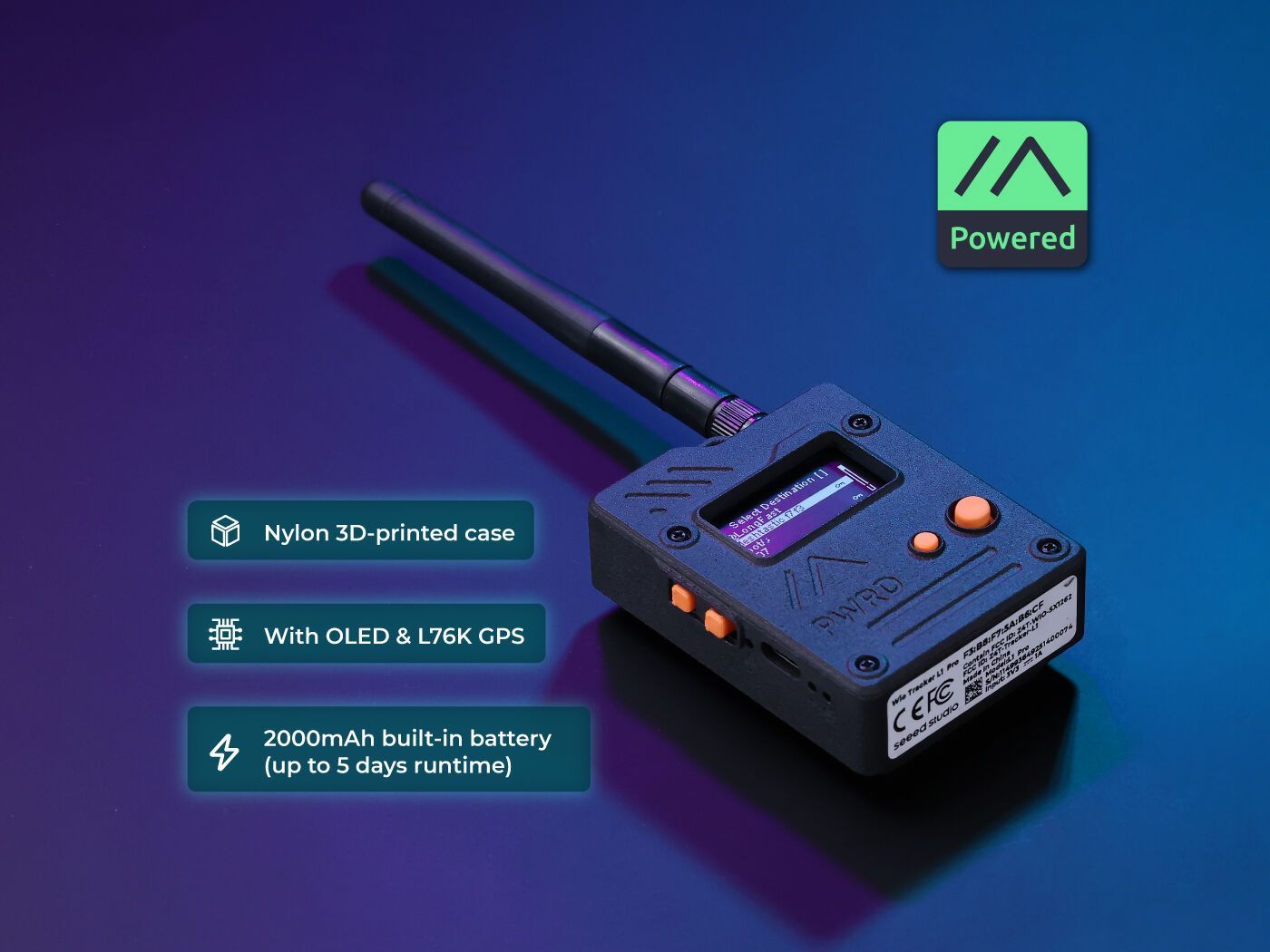
The Wio Tracker 1110 is one of the better all-in-one outdoor nodes for the price. You get the nRF52840 (low-idle-current MCU that's friendly to solar deployments), the SX1262 (the same LoRa transceiver in most modern Meshtastic and MeshCore hardware), a built-in GPS antenna, an OLED status display, and an enclosed case. For ND repeater work, the nRF52840 sleep current matters more than people think. It's the difference between a marginal solar build that browns out in December and a node that runs through the winter. The trade-off versus a Heltec V3 is the price (roughly double) and the lack of WiFi. If you don't need WiFi for config or telemetry, the Wio Tracker is the cleaner outdoor pick.
IMPORTANT: Attach Antenna Before Powering On!
Always connect an antenna to your device BEFORE plugging in USB or turning it on. Transmitting without an antenna can permanently damage the LoRa radio chip. Even a few seconds of transmission without an antenna can cause irreversible damage. This applies to flashing AND normal use.
Step 1: Enter DFU/Bootloader Mode
Method: Double-Tap Reset (UF2 Bootloader)
- 1 Connect the device via USB-C
- 2 Quickly double-tap the RESET button
- 3 Device will appear as a USB drive
- 4 Web flasher should detect the device
- 5 Or drag .uf2 file to flash manually
Note: Button may be recessed - use a small tool if needed
Step 2: Install Drivers (if needed)
nRF52840 appears as USB mass storage
Windows
No driver required
macOS
No driver required
Linux
No driver required
Step 3: Flash Firmware
Open the web flasher for your chosen firmware in Chrome or Edge browser:
Step 4: Post-Flash Configuration
MeshCore Setup
- Device will reboot after flashing
- Built-in GPS will begin acquiring satellites
- Connect via Bluetooth for configuration
- Rugged design ready for outdoor use
Meshtastic Setup
- Device reboots with Meshtastic
- GPS auto-configures for position
- Connect via Bluetooth app
- Set region to US
US Users: Set frequency/region to 915 MHz (US). This ensures compatibility with the NodakMesh network and other US mesh networks!
Tips & Notes
- Rugged enclosed design - good for outdoor use
- Built-in GPS antenna
- OLED display shows status
- Built-in battery for portable use