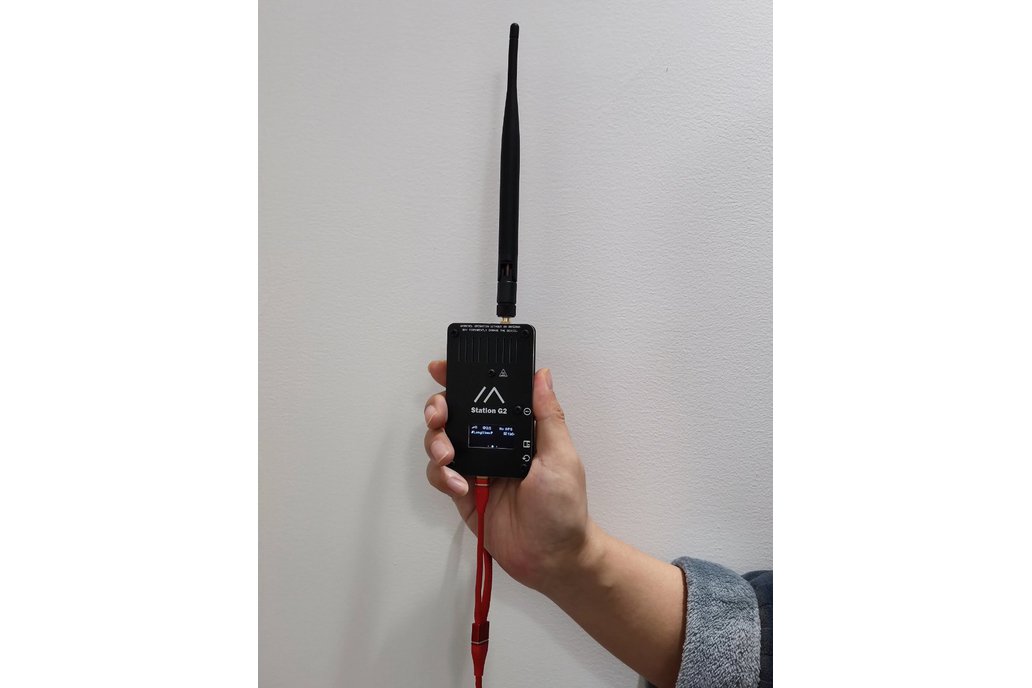
Station G2
Buy links may be affiliate or referral links to Rokland, Seeed Studio and other vendors. If you buy through one, NodakMesh may earn a small commission at no extra cost to you.
IMPORTANT: Attach Antenna Before Powering On!
Always connect an antenna to your device BEFORE plugging in USB or turning it on. Transmitting without an antenna can permanently damage the LoRa radio chip. Even a few seconds of transmission without an antenna can cause irreversible damage. This applies to flashing AND normal use.
Step 1: Enter DFU/Bootloader Mode
Method: Boot Button
- 1 Unplug the device from power
- 2 Press and hold the BOOT button
- 3 While holding BOOT, plug in the USB cable
- 4 Release the BOOT button after 2 seconds
- 5 Device is now in DFU mode
Note: If already powered: Hold BOOT, press RST, release RST, then release BOOT
Step 2: Install Drivers (if needed)
May be needed on some Windows systems
Step 3: Flash Firmware
Open the web flasher for your chosen firmware in Chrome or Edge browser:
Step 4: Post-Flash Configuration
MeshCore Setup
- Device will reboot after flashing
- High power output available (up to 4.5W/36.5dBm)
- Configure via Bluetooth or serial
- Set appropriate TX power for your setup
- Ideal for fixed base station role
Meshtastic Setup
- Device reboots with Meshtastic
- Configure high power settings in app
- Set as Router for best network coverage
- Connect quality antenna for max range
US Users: Set frequency/region to 915 MHz (US). This ensures compatibility with the NodakMesh network and other US mesh networks!
Tips & Notes
- REQUIRES proper power supply: 15V USB-C PD or 9-19V external
- Do NOT use standard 5V USB - device needs more power
- Ultra-high power output - use with proper antenna
- Best for fixed installations with good elevation
- Low noise amplifier (LNA) for excellent receive sensitivity