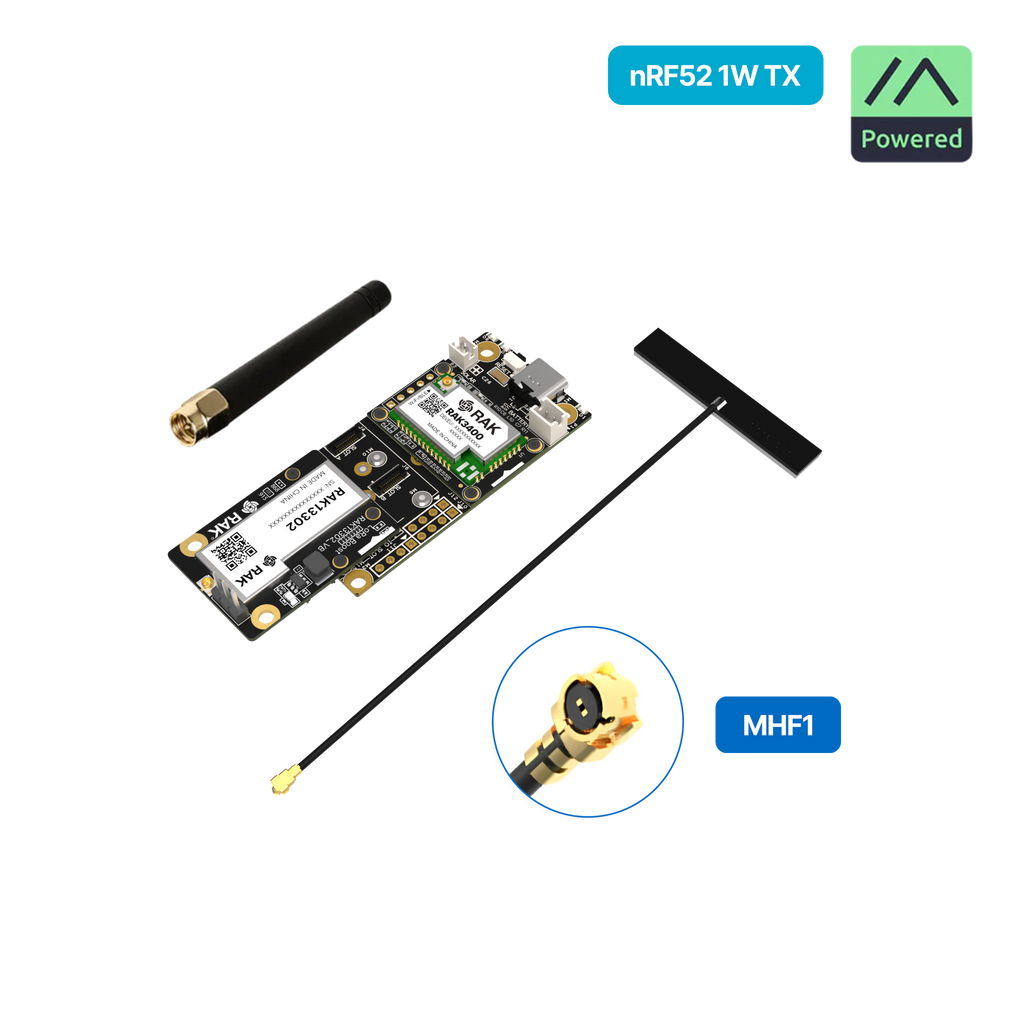
RAK WisMesh 1W Booster
Buy links may be affiliate or referral links to Rokland, Seeed Studio and other vendors. If you buy through one, NodakMesh may earn a small commission at no extra cost to you.
IMPORTANT: Attach Antenna Before Powering On!
Always connect an antenna to your device BEFORE plugging in USB or turning it on. Transmitting without an antenna can permanently damage the LoRa radio chip. Even a few seconds of transmission without an antenna can cause irreversible damage. This applies to flashing AND normal use.
Step 1: Enter DFU/Bootloader Mode
Method: Double-Tap Reset (UF2 Bootloader)
- 1 Connect the WisBlock base board via USB-C
- 2 Quickly double-tap the RESET button on the RAK19007 base board
- 3 Device will appear as a USB drive
- 4 Web flasher should now detect the device
- 5 Select RAK3401 firmware variant for Meshtastic
Note: Ensure RAK3401 core and RAK13302 1W module are properly seated
Step 2: Install Drivers (if needed)
nRF52840 appears as USB mass storage in bootloader mode
Windows
No driver required
macOS
No driver required
Linux
No driver required
Step 3: Flash Firmware
Open the web flasher for your chosen firmware in Chrome or Edge browser:
Step 4: Post-Flash Configuration
MeshCore Setup
- Flash the rak3401 target from the MeshCore flasher
- Pick your role: repeater, room server or companion radio
- Set region to US (915 MHz) and verify TX power
Meshtastic Setup
- Device reboots with Meshtastic firmware
- Connect via Bluetooth using Meshtastic app
- Set region to US (915 MHz)
- TX power configurable up to 30 dBm (1W)
- Requires 5V power source for full 1W output
US Users: Set frequency/region to 915 MHz (US). This ensures compatibility with the NodakMesh network and other US mesh networks!
Tips & Notes
- 1W (30 dBm) output for maximum range
- Integrated SAW filter and LNA for clean RF
- Requires 5V power (USB or battery) for full power
- WisBlock modular design allows expansion
- Ships with Meshtastic pre-installed
- MeshCore supported via the rak3401 target