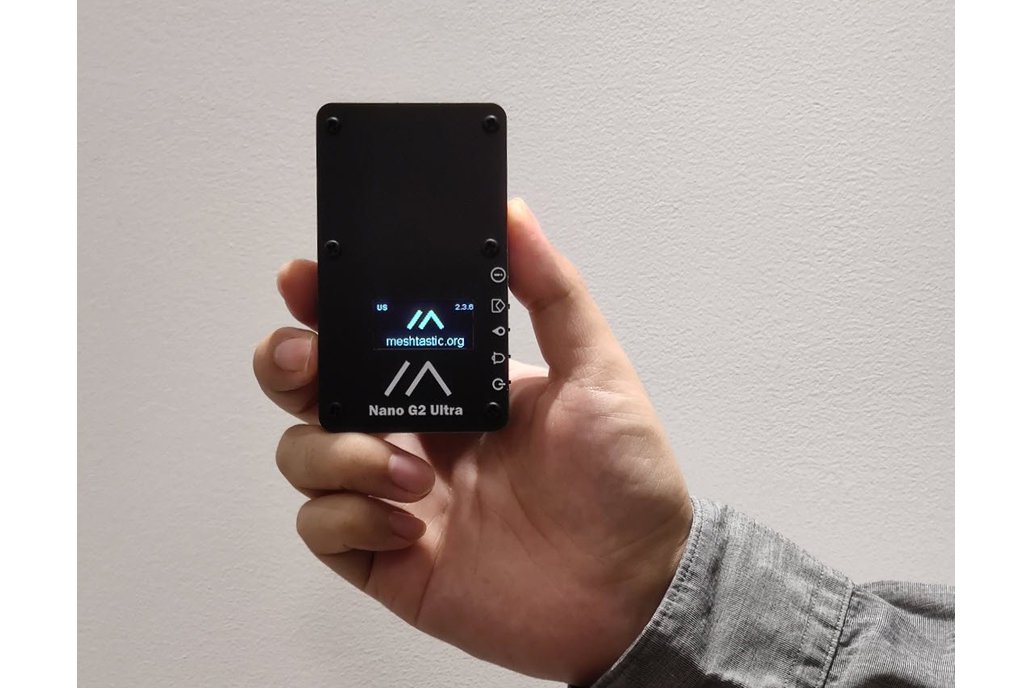
Nano G2 Ultra
Buy links may be affiliate or referral links to Rokland, Seeed Studio and other vendors. If you buy through one, NodakMesh may earn a small commission at no extra cost to you.
IMPORTANT: Attach Antenna Before Powering On!
Always connect an antenna to your device BEFORE plugging in USB or turning it on. Transmitting without an antenna can permanently damage the LoRa radio chip. Even a few seconds of transmission without an antenna can cause irreversible damage. This applies to flashing AND normal use.
Step 1: Enter DFU/Bootloader Mode
Method: Double-Tap Reset (UF2 Bootloader)
- 1 Connect the device via USB-C
- 2 Quickly double-tap the RESET button
- 3 Device will appear as a USB drive
- 4 Web flasher should detect the device
- 5 Or drag .uf2 file to flash manually
Note: If double-tap doesn't work, try adjusting the timing
Step 2: Install Drivers (if needed)
nRF52840 appears as USB mass storage
Windows
No driver required
macOS
No driver required
Linux
No driver required
Step 3: Flash Firmware
Open the web flasher for your chosen firmware in Chrome or Edge browser:
Step 4: Post-Flash Configuration
MeshCore Setup
- Device will reboot after flashing
- 1.3" OLED shows interface
- Connect via Bluetooth for setup
- Wideband radio supports 815-940MHz
- 3.5 day battery life typical
Meshtastic Setup
- Device reboots with Meshtastic
- Configure via Bluetooth app
- Set region to US
- Premium build with excellent battery life
US Users: Set frequency/region to 915 MHz (US). This ensures compatibility with the NodakMesh network and other US mesh networks!
Tips & Notes
- Premium build quality and design
- Wideband radio - works across frequency ranges
- Excellent battery life (3.5 days typical)
- Great screen visibility
- Good balance of features and portability