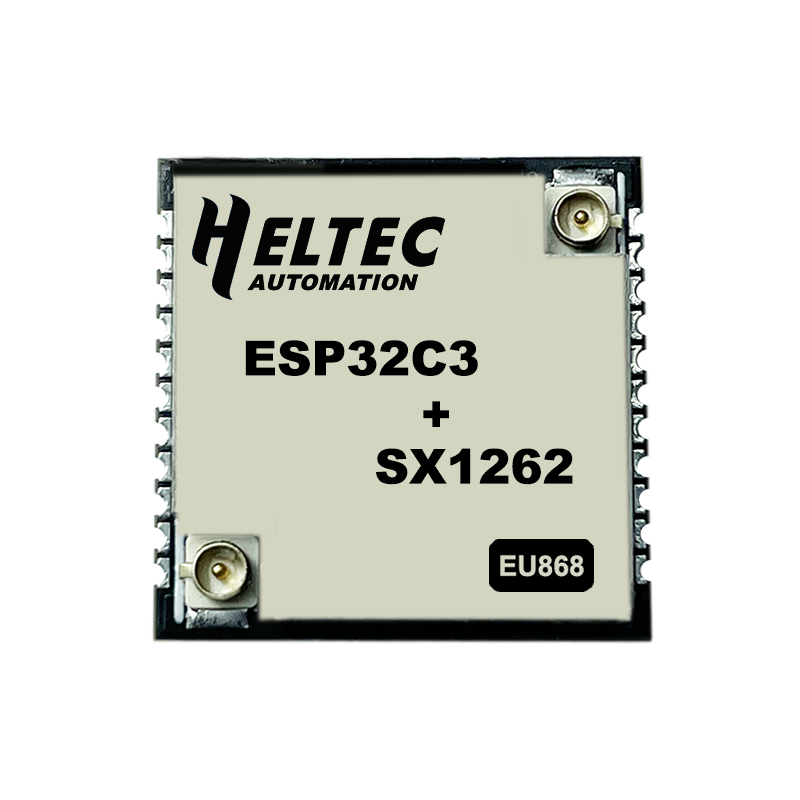
Heltec Capsule Sensor V3
Buy links may be affiliate or referral links to Rokland, Seeed Studio and other vendors. If you buy through one, NodakMesh may earn a small commission at no extra cost to you.
IMPORTANT: Attach Antenna Before Powering On!
Always connect an antenna to your device BEFORE plugging in USB or turning it on. Transmitting without an antenna can permanently damage the LoRa radio chip. Even a few seconds of transmission without an antenna can cause irreversible damage. This applies to flashing AND normal use.
Step 1: Enter DFU/Bootloader Mode
Method: Boot Button
- 1 Connect via USB
- 2 Hold BOOT button while connecting
- 3 Or hold BOOT and press RST if already connected
- 4 Device enters bootloader mode
Note: This is a DIY module - requires soldering skills
Step 2: Install Drivers (if needed)
Depends on USB-serial adapter used
Windows
Check which chip your adapter uses
macOS
Usually built-in
Linux
Usually built-in
Step 3: Flash Firmware
Open the web flasher for your chosen firmware in Chrome or Edge browser:
Step 4: Post-Flash Configuration
MeshCore Setup
- Connect external antenna (required)
- Configure via serial or Bluetooth
- Ultra-compact for embedded projects
- 10uA deep sleep
Meshtastic Setup
- Requires external antenna
- Configure via Bluetooth
- Ideal for custom enclosures
- Set region to US
US Users: Set frequency/region to 915 MHz (US). This ensures compatibility with the NodakMesh network and other US mesh networks!
Tips & Notes
- REQUIRES external antenna - no built-in antenna
- REQUIRES soldering for most use cases
- Best for advanced users/DIY projects
- Ultra-compact stamp module format
- 10uA deep sleep current
- Add your own GPS, sensors, etc.