Sosprz's L1 Pro Firmware Beats Ripple. Add It to the Flasher
Sosprz's free MeshCore build for the Wio Tracker L1 Pro matches Ripple's paid features at no cost. Full comparison and our case for flasher inclusion.
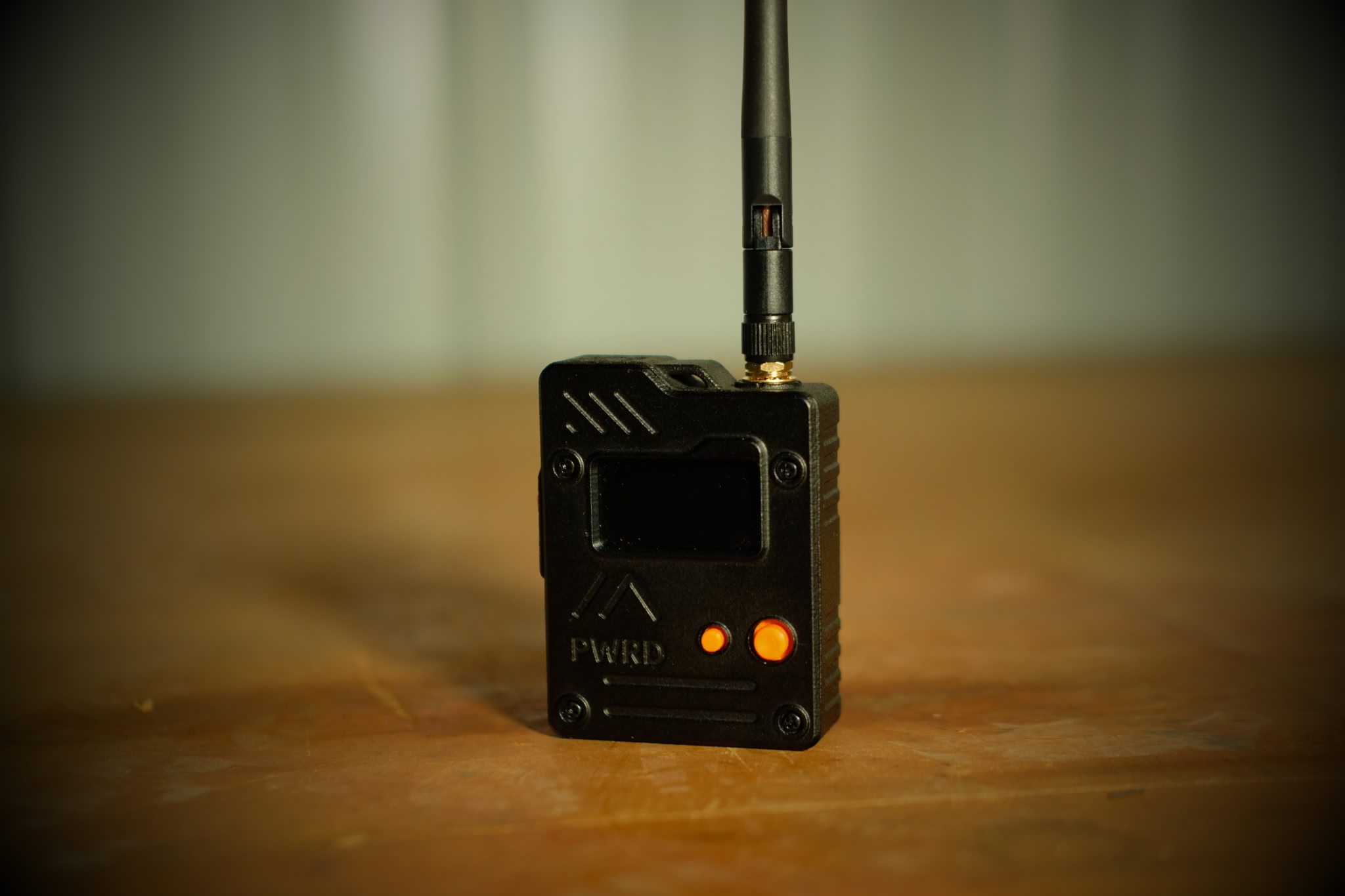
A solo developer is giving away, for free, features that the founder of MeshCore charges $10 a device to unlock. The sosprz MeshCore build for the Wio Tracker L1 Pro (github.com/sosprz/Meshcore-Wio-Tracker-L1-Pro) is a community companion-radio firmware built on top of the official MeshCore core, and it’s the one we’ve flashed onto our own L1 Pro. We’ve been running it since, and we think it’s the best firmware this device has ever had.
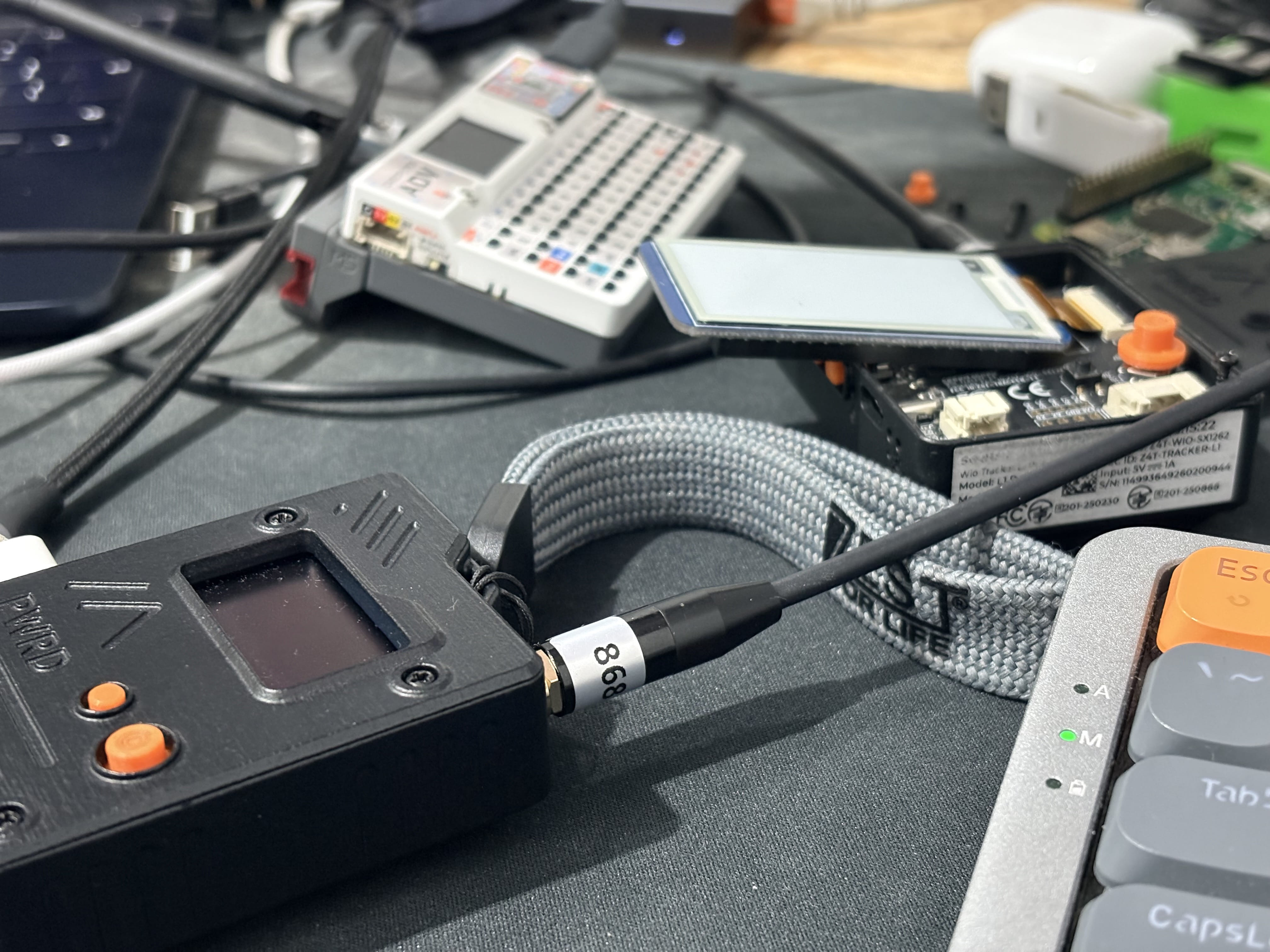
If you’ve been in the MeshCore world for more than a few months, the name Ripple probably rings a bell. It’s not some rival third-party firmware. Ripple (also branded “Ripple Ultra”) is built by Scott Powell, MeshCore’s own founding firmware developer, and it’s sold as a paid unlock tier: $10 per device, or $8 through Buy Me a Coffee. We covered the governance split that reshaped this ecosystem earlier this year, and Ripple sits right in the middle of it: the founder’s own premium firmware line, historically tied to the commercial side of the project.
We’re not relitigating the split here. We’re comparing two pieces of firmware on their own merits, on the device we actually own.
What Sosprz’s Build Actually Does
This isn’t a stripped-down alternative. It’s a full companion-radio UI layered on top of core MeshCore: a home carousel across Messages, Contacts, Channels, Adverts, Radio, Bluetooth, Sound, GPS, Time, System, and Tools. Direct messages and channel messaging both get a proper compose screen with T9, on-screen keyboard, or hardware keyboard input depending on your build, plus quick-text snippets so you’re not typing “on my way” one letter at a time.
Contacts are sorted into tabs (favorites, contacts, repeaters, rooms, sensors) with distance-aware sorting. Radio configuration goes deep: frequency, spreading factor, bandwidth, coding rate, TX power, local stats, and an RX log, with the regional blacklist ranges auto-disabling repeat mode so you don’t accidentally transmit illegally on 433 or 918. Battery settings let you calibrate the ADC multiplier and set a shutdown voltage threshold instead of trusting a generic curve.
Then there’s the Tools menu: Discover Repeaters with live scrolling results, a ping bot, a stopwatch, a countdown timer, sensor readouts, and yes, a Snake game. None of this is filler. It’s the kind of on-device polish that turns a bare radio into something you’d actually want to carry.
The maintainer, GitHub user sosprz, has been shipping updates at a genuinely fast clip: 65 releases since the repo went up in January, v1.16.91 as of this week, 163 stars, and an actively triaged issue queue. This isn’t a project that shipped once and went quiet.
Where It Beats Ripple, Feature for Feature
Here’s the part that matters for your wallet. Ripple’s own user guide labels a specific, narrow set of features as paid: Repeater Admin (remote CLI login to administer a repeater over RF), Sensor Admin, deeper map zoom past level 9, and GPS track length past 64 points. Everything else, including core messaging, is free.
Sosprz’s build ships repeater admin and guest login flows standard, no unlock code, no $10 charge. If you want to log into a repeater over RF and check its stats or push a config change, it’s already in the Tools and Contacts menus.
| Sosprz L1 Pro Build | Ripple / Ultra | |
|---|---|---|
| Price | Free | Free base firmware, $10 per-device unlock ($8 via Buy Me a Coffee) for premium features |
| Wio Tracker L1 Pro support | Dedicated, purpose-built | Unclear; not listed in the official Ultra device guide |
| Primary devices | Wio Tracker L1 Pro | T-Deck, T-Deck Pro, T-Pager, T-Watch, T-Display Pro, Heltec V4 |
| Repeater admin (remote CLI) | Included, no unlock | Paid-tier feature |
| Map zoom / GPS track depth | Not applicable (no map screen on this device’s UI) | Paid-tier feature on devices that have one |
| Source availability | Binaries only; build source not published | Not published as a public repo either |
| Maintainer | Solo developer (sosprz), multiple releases per week | Scott Powell, MeshCore’s founding firmware developer |
Two of Ripple’s four paid gates (map zoom and GPS track length) are built for bigger-screen devices like the T-Deck. They don’t really translate to the L1 Pro’s small on-device UI in the first place, which makes the comparison simpler than it looks: on the features that do apply to this hardware, sosprz’s build gives them away.
We also couldn’t confirm Ripple has a dedicated Wio Tracker L1 Pro build at all. There are scattered references to one (a tweet, a listing), but the official Ultra device guide doesn’t include the L1 Pro, and we couldn’t verify what’s actually in that build or whether it’s maintained with any regularity. Sosprz’s firmware is purpose-built for this device and updated multiple times a week.
The One Thing Holding It Back
We’d be doing this post a disservice if we didn’t mention it: sosprz’s README says the firmware is open source, and it does build on the MIT-licensed core MeshCore repo. But the repo itself ships only compiled release binaries. There’s no build source, no license file, and multiple open GitHub issues (#2, #25, #58) ask directly for the actual source to be published. The community-maintained “awesome-meshcore” list currently files this project under closed source firmware.
That’s a real gap, and it’s the one thing we’d ask sosprz to fix. Publishing the build sources costs him nothing technically, and it would remove the only legitimate objection to treating this as a first-class open MeshCore build instead of a binary-only fork.
Why This Belongs on the Official Flasher
Right now, flashing this firmware means going to meshcore.io/flasher and manually selecting “Custom firmware,” which is one extra step most casual users never take. That’s a real barrier to a build this good reaching the people who’d benefit from it.
We think it belongs listed alongside the official device options. It’s actively maintained, it’s free, it’s purpose-built for hardware the flasher already supports, and on the features that matter for this device, it beats the founder’s own paid tier. Publishing the build sources would clear the last real objection. We’d like to see meshcore-dev take a look, and we’d like to see sosprz make the ask easy to say yes to.
The Verdict
For the Wio Tracker L1 Pro specifically, sosprz’s build is the better firmware, full stop. It’s free, it’s dedicated to this hardware, it ships the exact features Ripple paywalls elsewhere, and it’s updated more often than we can keep up with. Ripple has its place on the devices it was actually built for, but on this device, there’s no contest.
If you’re running an L1 Pro on MeshCore and you haven’t flashed this yet, go do it. If you’re on the fence about custom firmware in general, this is the build that’ll convince you it’s worth the extra step.
You can grab the latest release at github.com/sosprz/Meshcore-Wio-Tracker-L1-Pro, and if you want to support the work directly, sosprz has a Buy Me a Coffee link in the README.
Comments
Related Posts
MeshCore Now Runs on the SenseCAP MeshTracker X1
We built and upstreamed the MeshCore board port for the Seeed MeshTracker X1. Grab prebuilt firmware and flash instructions here.
MeshCore's Next Release Ships With the SenseCAP X1 Built In
Our MeshCore X1 port merged upstream and will ship in the next release. Grab the full-feature v2.0.0 build with RGB status and haptics now.
Wio Tracker L1 Pro Long-Term Review: Still Our Favorite Node
The Wio Tracker L1 Pro has survived a 12-foot concrete drop, a security convention in Minneapolis, and months of outdoor use. Still our top pick.