RAK WisMesh 1W vs RAK4631: Which WisBlock to Buy
Hardware comparison of the RAK WisMesh 1W Booster (RAK10724) and the RAK4631 WisBlock. TX power, receiver, power draw, firmware support, price.
On this page
- Quick Comparison
- Hardware Architecture
- WisMesh 1W Booster Kit
- RAK4631 WisBlock Core
- RF Performance
- Transmit power
- Receiver sensitivity
- Power Requirements
- WisMesh 1W kit
- RAK4631
- Thermal Considerations
- Regulatory Compliance
- US (FCC Part 15.247)
- Europe (CE) and other regions
- Firmware Support
- Meshtastic
- MeshCore
- Expandability
- WisMesh 1W Kit (on RAK19007 base)
- RAK4631 on RAK19007
- RAK4631 on RAK19003 Mini Base
- Pricing
- Who Each One Is For
- Buy the WisMesh 1W Booster Kit if:
- Buy the RAK4631 WisBlock if:
If you’re picking a RAKwireless WisBlock for a Meshtastic or MeshCore node, the choice usually comes down to two products. The WisMesh 1W Booster Starter Kit (RAK10724) with a real PA and SAW-filtered receiver, or the standard RAK4631 WisBlock Core that most people already run. Both use the same nRF52840 and SX1262. The differences are everything around the radio.
Both work with Meshtastic, the RAK4631 also works with MeshCore, and both plug into the same WisBlock expansion ecosystem. This is a hardware comparison, firmware-agnostic.
We’ve run the RAK4631 across our network and written up the WisMesh 1W Booster Kit from the specs. We don’t have a 1W kit on the bench yet, so everything about TX current, thermal behavior, and real-world range on the 1W side is from RAK’s published documentation. We’ll update this once we do.
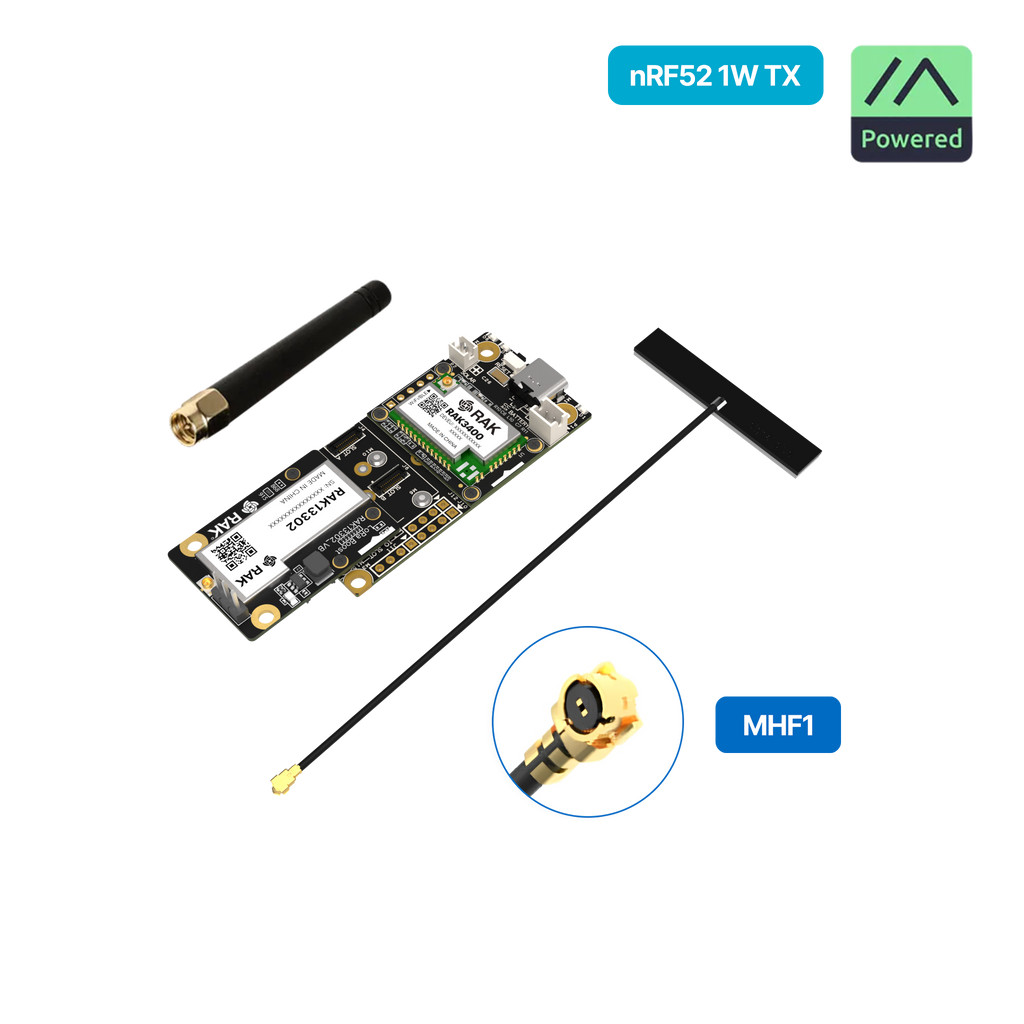
Quick Comparison
| Spec | WisMesh 1W Booster Kit | RAK4631 WisBlock |
|---|---|---|
| TX Power | 30 dBm (1W) | 22 dBm (~160 mW) |
| MCU | nRF52840 (RAK3401) | nRF52840 (integrated) |
| LoRa Transceiver | SX1262 | SX1262 |
| Power Amplifier | SKY66122 | None (SX1262 internal PA) |
| RF Filter | Integrated SAW filter | Basic matching network |
| TX Current | ~1000 mA at 30 dBm | ~125 mA at 22 dBm |
| Power Supply | Requires 5V | 3.3V (from battery or USB) |
| Price | ~$39 | ~$25 to $30 (core + base) |
| Best For | Long-range, rural deployments | General use, portable nodes |
Hardware Architecture
WisMesh 1W Booster Kit
The WisMesh 1W kit uses a two-module approach.
- RAK3401 WisBlock Core. Nordic nRF52840 MCU, no integrated LoRa.
- RAK13302 1W LoRa Module. SX1262 plus SKY66122 PA plus SAW filter.
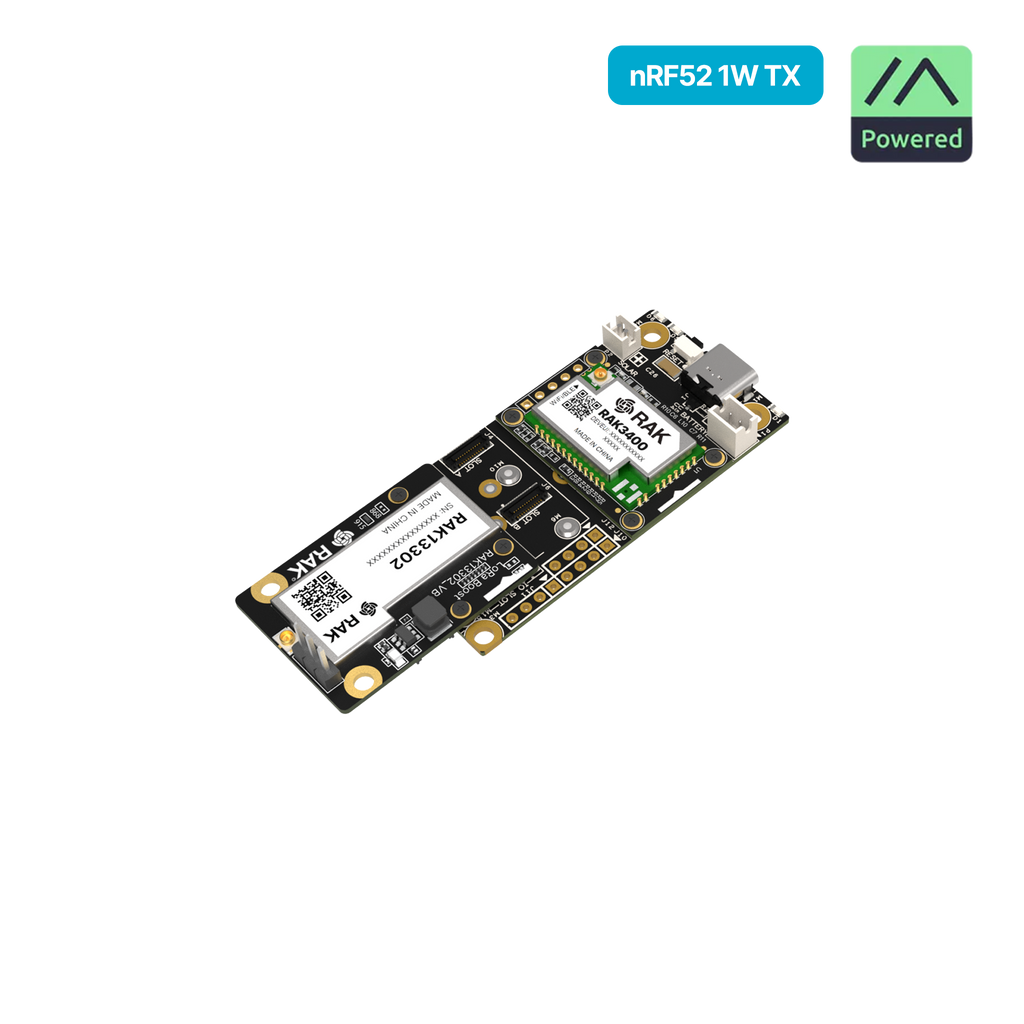
Signal path: nRF52840 MCU to SX1262 transceiver to SAW filter to SKY66122 PA to antenna. This allows 1W output while maintaining receiver sensitivity through the integrated LNA and filtering.
RAK4631 WisBlock Core
The RAK4631 is a single-module solution with the nRF52840 MCU and SX1262 LoRa transceiver on one board.
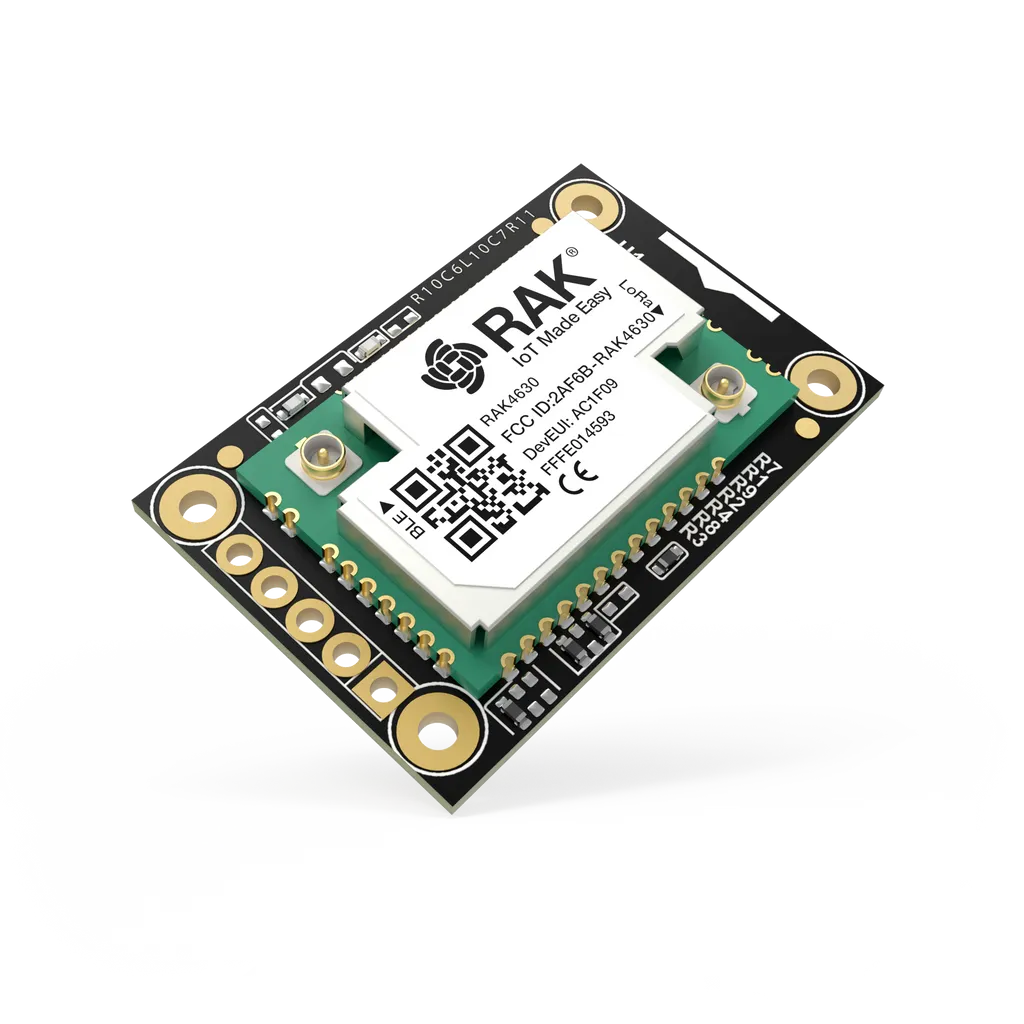
Simpler RF chain: nRF52840 to SX1262 to basic matching network to antenna. Maximum output is 22 dBm using the SX1262’s internal PA boost mode.
RF Performance
Transmit power
The 8 dB gap between 22 dBm and 30 dBm matters.
- 22 dBm = ~160 mW
- 30 dBm = 1000 mW (1W)
Every 6 dB increase roughly doubles theoretical range in ideal conditions. The WisMesh 1W kit can cover several times the distance of a standard RAK4631 on the same antenna.
Receiver sensitivity
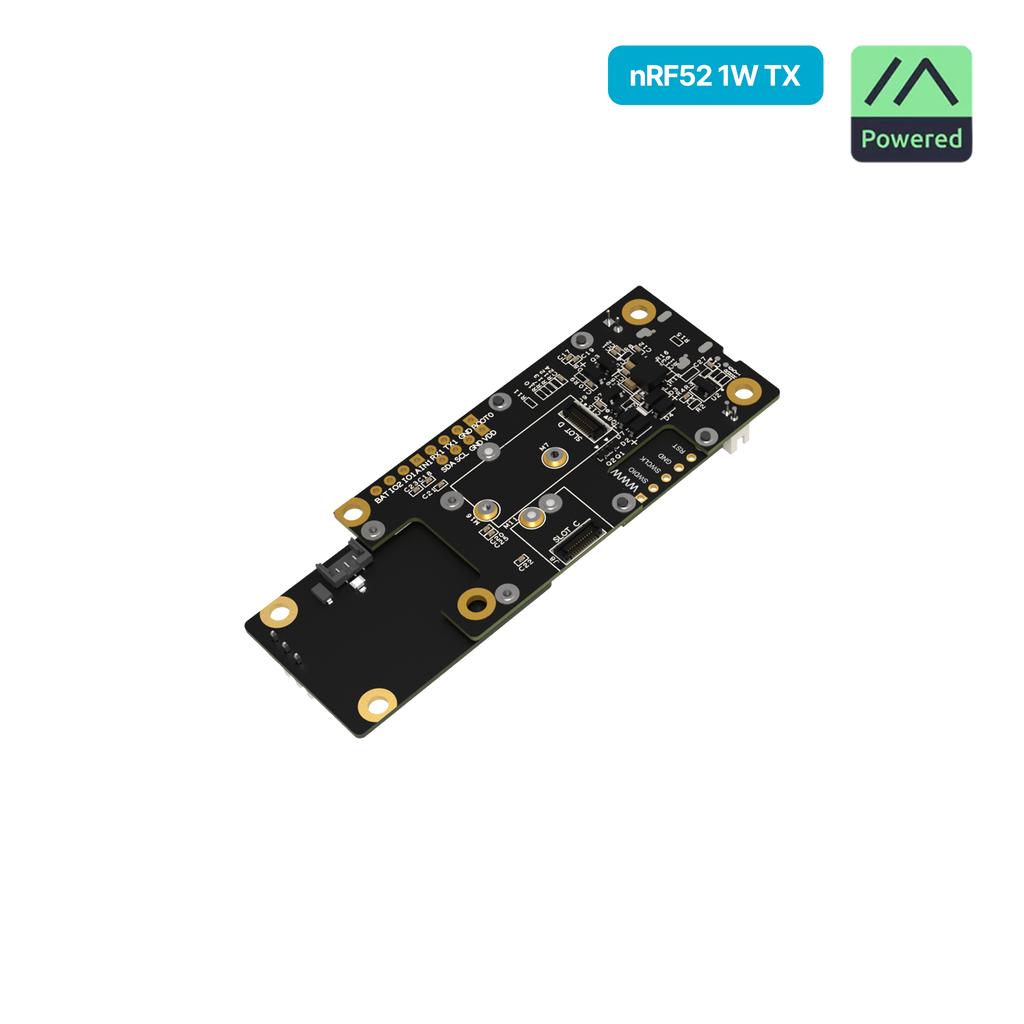
The WisMesh 1W kit includes an LNA and a SAW band-pass filter in the RAK13302 module. That cleans out-of-band noise and amplifies incoming signals, improving receive performance compared to simple amplifier add-ons that degrade RX sensitivity.
The RAK4631 relies on the SX1262’s internal receiver, which lands around -137 to -140 dBm sensitivity at SF12. Good enough for most applications.
Power Requirements
This is one of the biggest practical differences.
WisMesh 1W kit
- Requires 5V supply for full 1W output
- Peak current draw: ~1000 mA at 30 dBm
- Options: USB, external 5V, or LiPo (4.2V max may slightly reduce output)
- Higher TX current means faster battery drain
- Voltage sag from weak batteries can cause resets
RAK4631
- Operates from 3.3V (regulated from battery or USB)
- TX current: ~125 mA at 22 dBm
- Standard LiPo batteries work without issue
- Much longer battery life for the same capacity
The 1W kit needs beefier power. Plan for larger batteries, more frequent charging, or solar for remote deployments.
Thermal Considerations
Pushing 1W from a small module generates heat. The SKY66122 PA in the WisMesh kit warms up during transmission.
For typical mesh usage (bursty, low-duty-cycle messaging), that’s not a problem. A few things to keep in mind:
- Avoid continuous high-power transmissions
- Don’t enclose the 1W kit in a tight, unventilated box at max power
- Consider duty cycle if sending frequent messages
The RAK4631 at 22 dBm generates negligible heat. Around 0.3 to 0.4W during TX, easily dissipated by the board itself.
Regulatory Compliance
US (FCC Part 15.247)
Both devices operate in the 902 to 928 MHz ISM band. The US allows up to 1W (30 dBm) for spread spectrum devices meeting certain conditions (frequency hopping or sufficient bandwidth). The WisMesh 1W kit’s 30 dBm output is legal when properly configured.
Europe (CE) and other regions
The RAK13302 module is tuned for 900 MHz only. It isn’t designed for EU 868 MHz use. Attempting to use it at 868 MHz results in poor performance.
EU868 limits EIRP to 14 to 27 dBm depending on sub-band and duty cycle. The RAK4631’s 22 dBm max is within or near these limits and is available in regional variants (RAK4631-H for 779 to 923 MHz, RAK4631-L for 433 to 470 MHz).
For non-US users, the WisMesh 1W kit is primarily a US, Canada, and Australia product. If used elsewhere, output must be reduced in firmware to meet local regulations.
Firmware Support
Meshtastic
- WisMesh 1W Kit. Uses
firmware-rak3401-...builds (these control the external PA). - RAK4631. Uses the standard
firmware-rak4631-...builds. - Both ship with Meshtastic pre-flashed from RAKwireless.
MeshCore
- RAK4631. Fully supported. Firmware available in the MeshCore flasher.
- WisMesh 1W Kit (RAK3401). Not yet supported as of January 2026.
If you want MeshCore today, the RAK4631 is the pick. MeshCore support for the RAK3401 is likely coming given the hardware compatibility. We’ll update when it lands.
Both Meshtastic builds offer the same core features. BLE configuration, mesh routing, encryption, and position sharing (with a GPS module). The nRF52840 MCU provides Bluetooth 5.0 for mobile app connectivity.
A mixed mesh with 1W and standard nodes works fine. They just have different coverage footprints.
Expandability
Both use the WisBlock modular ecosystem.
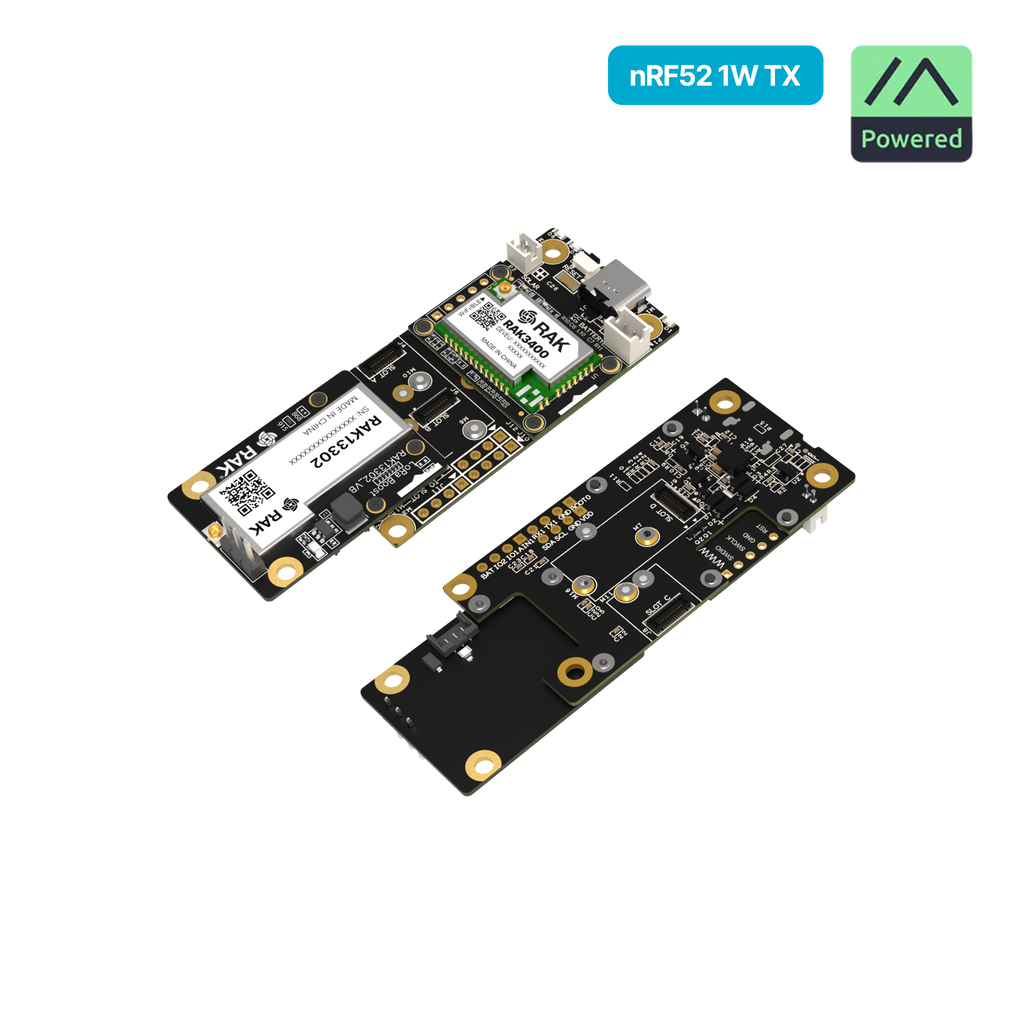
WisMesh 1W Kit (on RAK19007 base)
- 1 core slot (RAK3401)
- 1 IO slot (occupied by RAK13302)
- 4 sensor slots free
- USB-C, battery connector, solar input
RAK4631 on RAK19007
- 1 core slot (RAK4631 with integrated LoRa)
- 1 IO slot free
- 4 sensor slots free
- Same power options
RAK4631 on RAK19003 Mini Base
- Smaller footprint (30 × 35 mm)
- 1 core slot plus 2 general slots
- Good for size-constrained builds
Both can add GPS (RAK12500), environmental sensors, displays (RAK1921 OLED), accelerometers, and more. The RAK4631 has a slight edge in available slots because its LoRa is integrated rather than using an IO slot.
Pricing
| Option | Approximate Price |
|---|---|
| WisMesh 1W Booster Starter Kit | $39 |
| RAK4631 WisBlock Core | $25 to $30 |
| RAK19007 Base Board | $15 |
| RAK19003 Mini Base | $10 |
A basic RAK4631 + RAK19003 setup runs $35 to $40, similar to the WisMesh 1W kit but with lower power output and consumption.
Who Each One Is For
Buy the WisMesh 1W Booster Kit if:
- You run Meshtastic (MeshCore support expected later)
- You’re in the US, Canada, or Australia (900 MHz regions)
- Maximum range is the priority
- You’re building infrastructure nodes or remote sensors
- You have adequate power (USB, solar, large batteries)
- You’re covering rural or sparse areas where every dB matters
Buy the RAK4631 WisBlock if:
- You want to run MeshCore today (or flexibility for both firmwares)
- You need a portable, battery-efficient node
- You’re in Europe or another region with lower power limits
- Standard range (hundreds of meters to a few km) is sufficient
- You want a simpler power setup
- You’re building multiple nodes on a budget
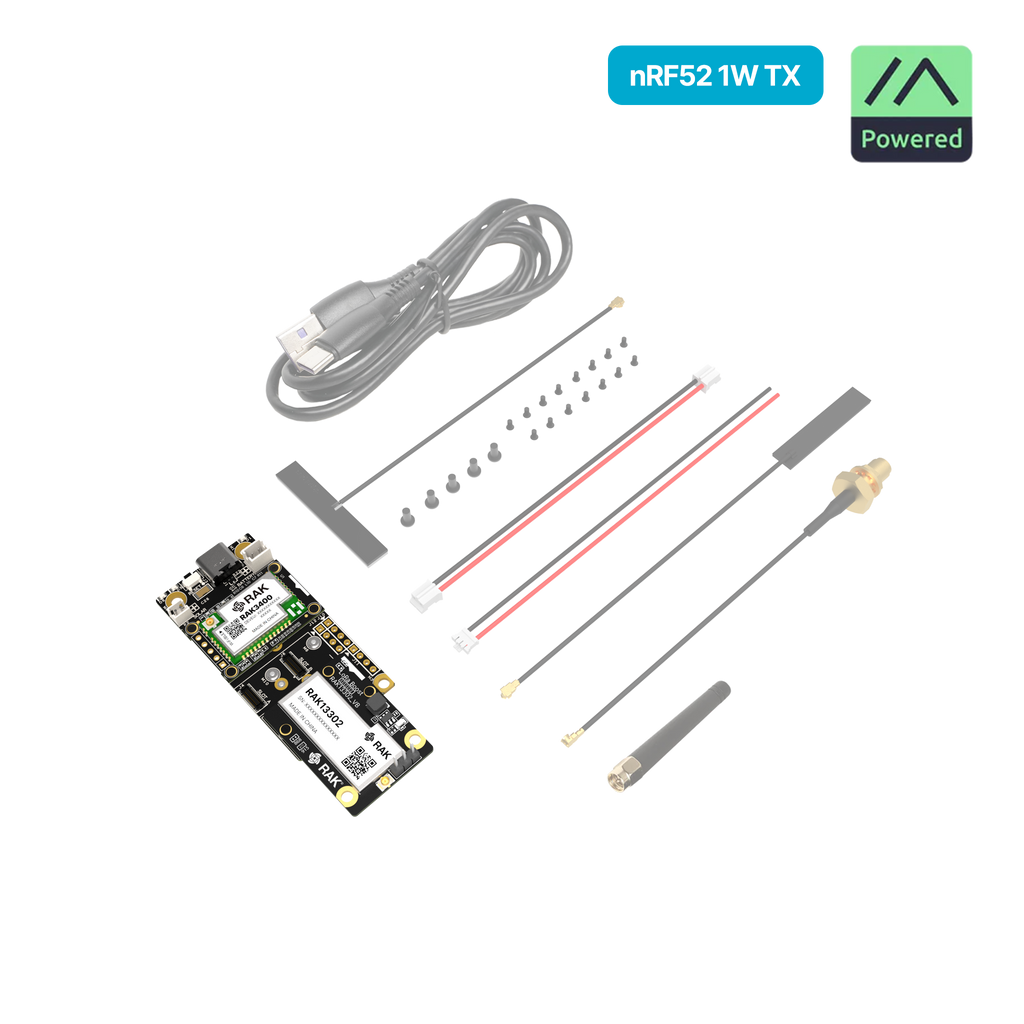
The two products share the same foundation. nRF52840 MCU, SX1262 transceiver, WisBlock ecosystem. The 1W kit trades power efficiency for raw RF output. The RAK4631 stays the practical default for most users with sufficient range, easy power management, and broader regional compatibility.
Either way, you’re staying inside the WisBlock ecosystem, so swapping later is cheap.
Ready to get started? See the Meshtastic getting started guide, the MeshCore getting started guide, or browse compatible devices.
Comments
Related Posts
RAK WisMesh 1W Booster Starter Kit: 1 Watt LoRa for $39
RAK's WisMesh 1W Booster Starter Kit pairs an nRF52840 with a 1W SX1262 PA and SAW-filtered receiver. Full specs and RAK4631 comparison.
RAK WisMesh Pocket V3: IP67 Meshtastic Handheld for $84.97
The WisMesh Pocket V3 adds an IP67 molded case, better GPS and a buzzer for $84.97. Specs, what changed from the V2, MeshCore status and ship dates.
Seeed T1000-E vs Wio L1 Pro: Pocket Carry or Goldilocks
Side-by-side review of Seeed's two LoRa trackers. T1000-E for pocket carry. L1 Pro for daily mesh. Specs, field notes, and a clear pick.