QIDI Q2 Review: The Printer Behind Our Mesh Node Cases
QIDI Q2 review after three months: an enclosed 3D printer with a 65 °C heated chamber that holds steady, PLA and PETG-GF prints, owner tips and price.
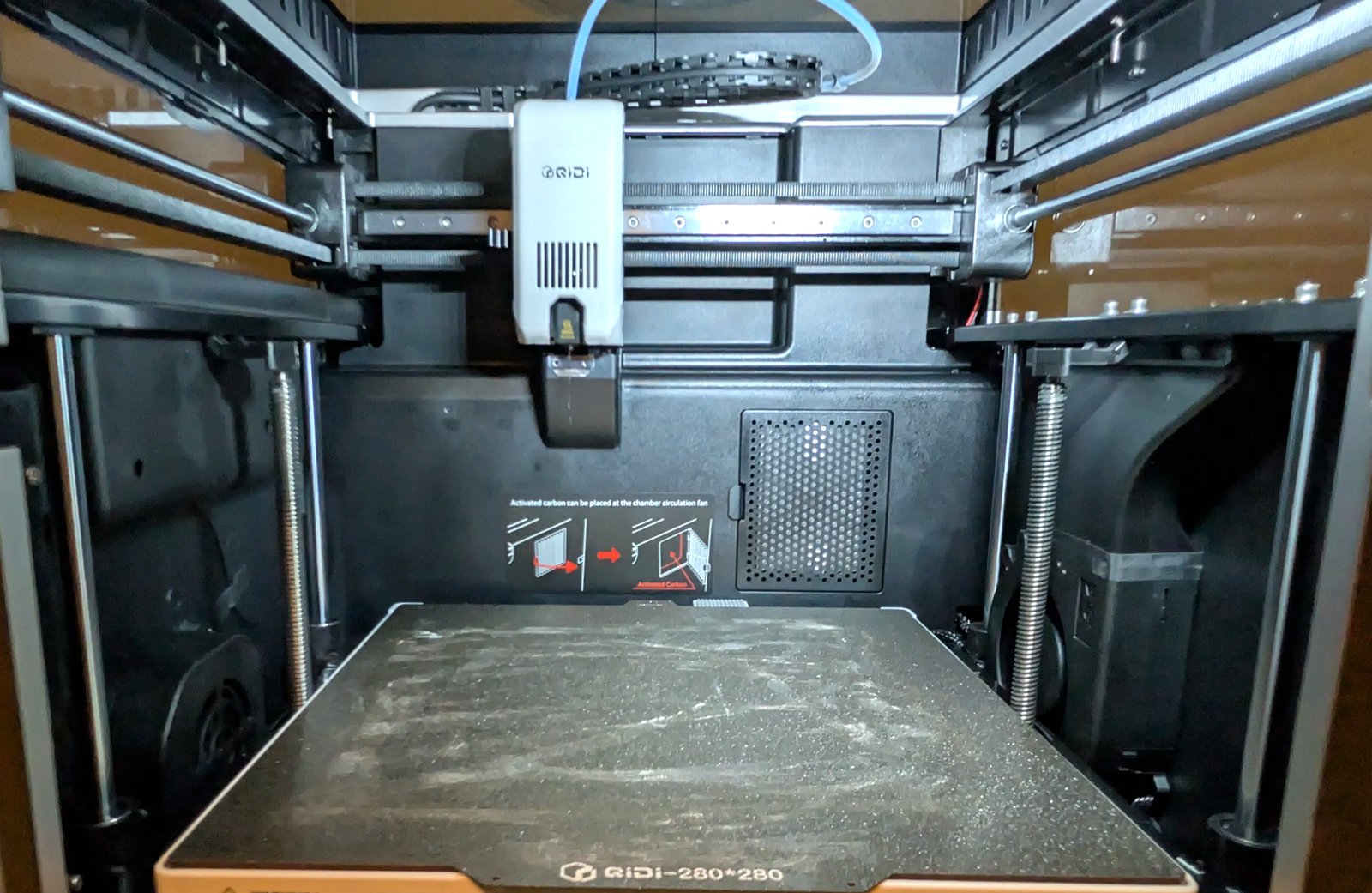
Three months, a pile of node cases, and not one failed print we can pin on the printer. The QIDI Q2 is the machine behind the cases on our Meshtastic and MeshCore nodes, and it’s earned the spot.
It’s an enclosed CoreXY printer with a 270 x 270 x 256 mm build volume, a 65 °C actively heated chamber, a hardened nozzle that runs up to 370 °C, and filtration built in. It’s $449 from QIDI at the time of this post, down from a $499 list price.
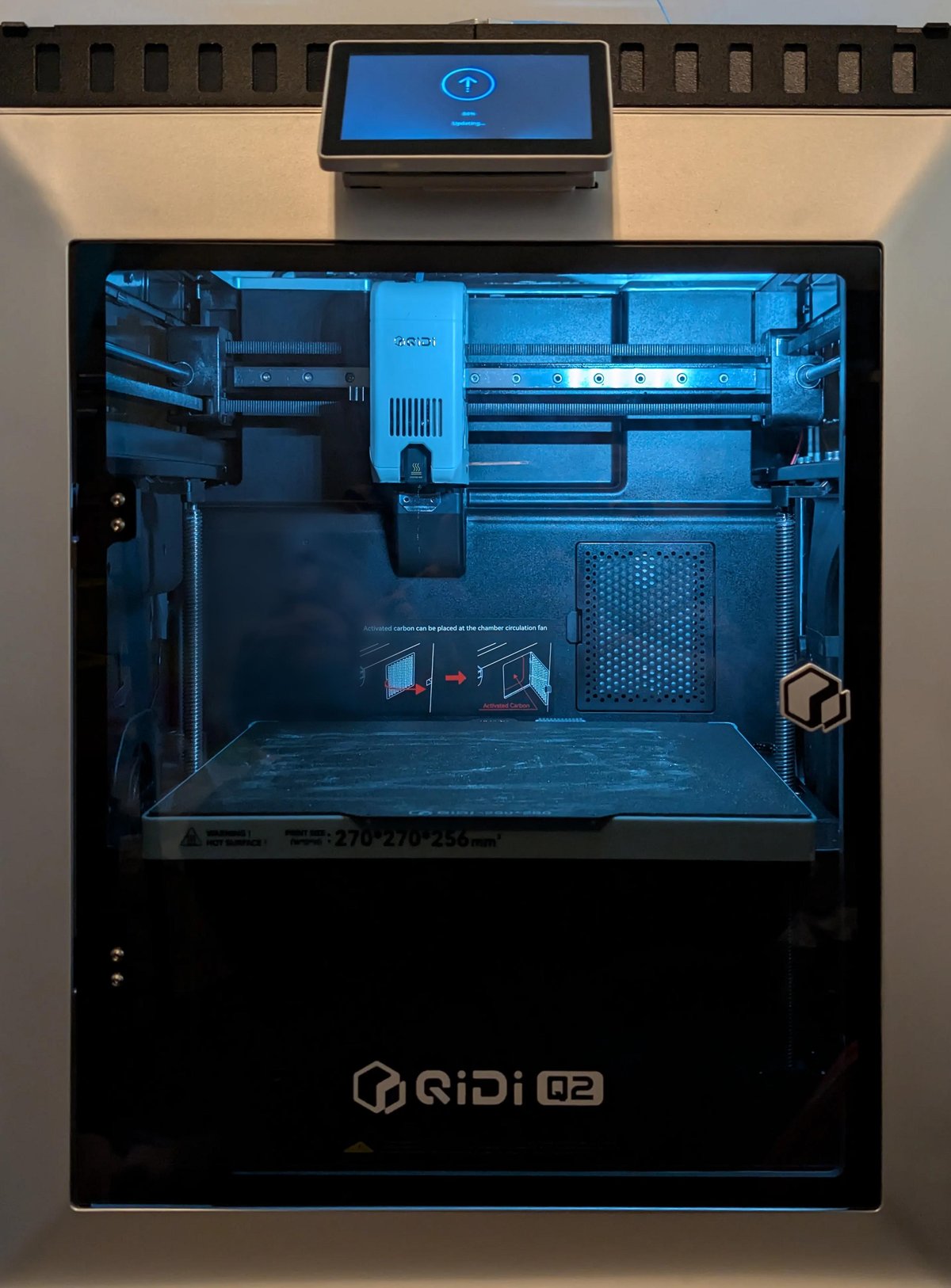
QIDI sent us this Q2 for review. They set no conditions on what we wrote and didn’t see this post before it went up. Links to QIDI’s store are NodakMesh affiliate links, and the price is the same for you either way.
At a Glance
What we like
- Every failed print in three months traced back to us, not the printer.
- The heated chamber reaches its set temperature and holds it there.
- The hardened nozzle and extruder gears handle glass-fiber filament as shipped.
- Filtration, automatic leveling and a camera come standard.
- A 270 x 270 mm plate fits several node case parts at once.
What to know
- It’s a big, heavy machine: 402 x 438 x 494 mm and 18.1 kg. Plan a spot for it.
- Multi-color printing needs the QIDI Box, sold separately. We haven’t tested one.
- Like any printer, it wants dry filament. Wet filament was the usual cause of our failed prints.
- The PTFE tube rubbed on the glass lid on ours. A printed lid riser fixed it.
What We Print on It
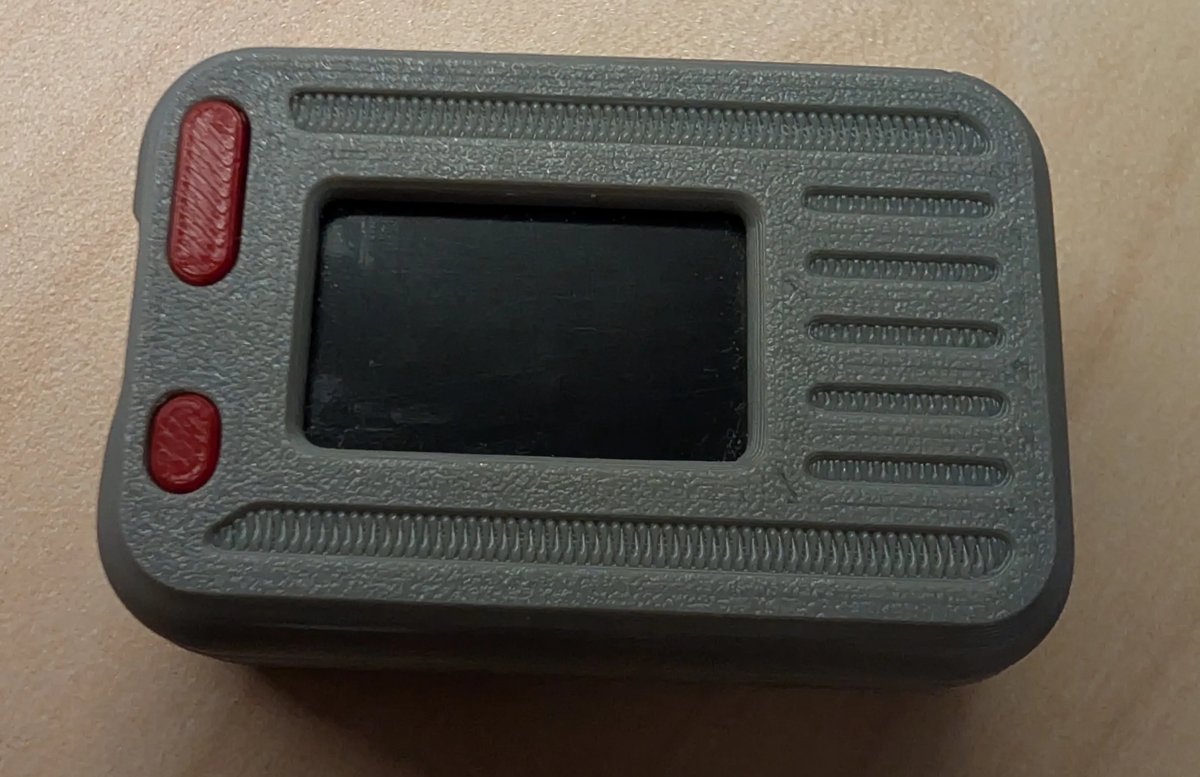
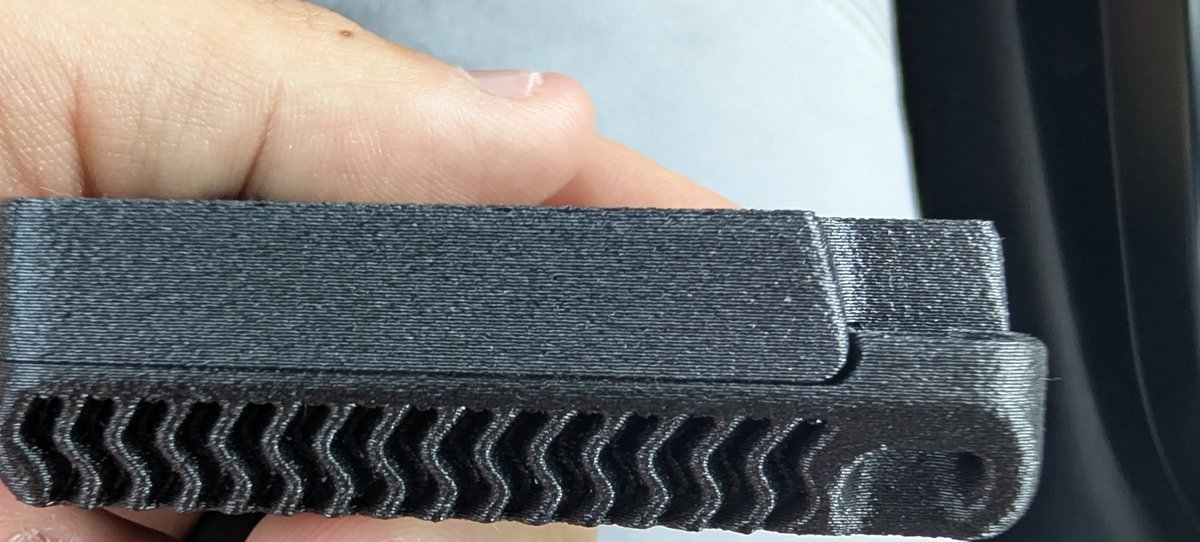
We use the Q2 for cases for our Meshtastic and MeshCore nodes. Most of them are PLA. The black one further down is PETG-GF, a glass-fiber-filled PETG.
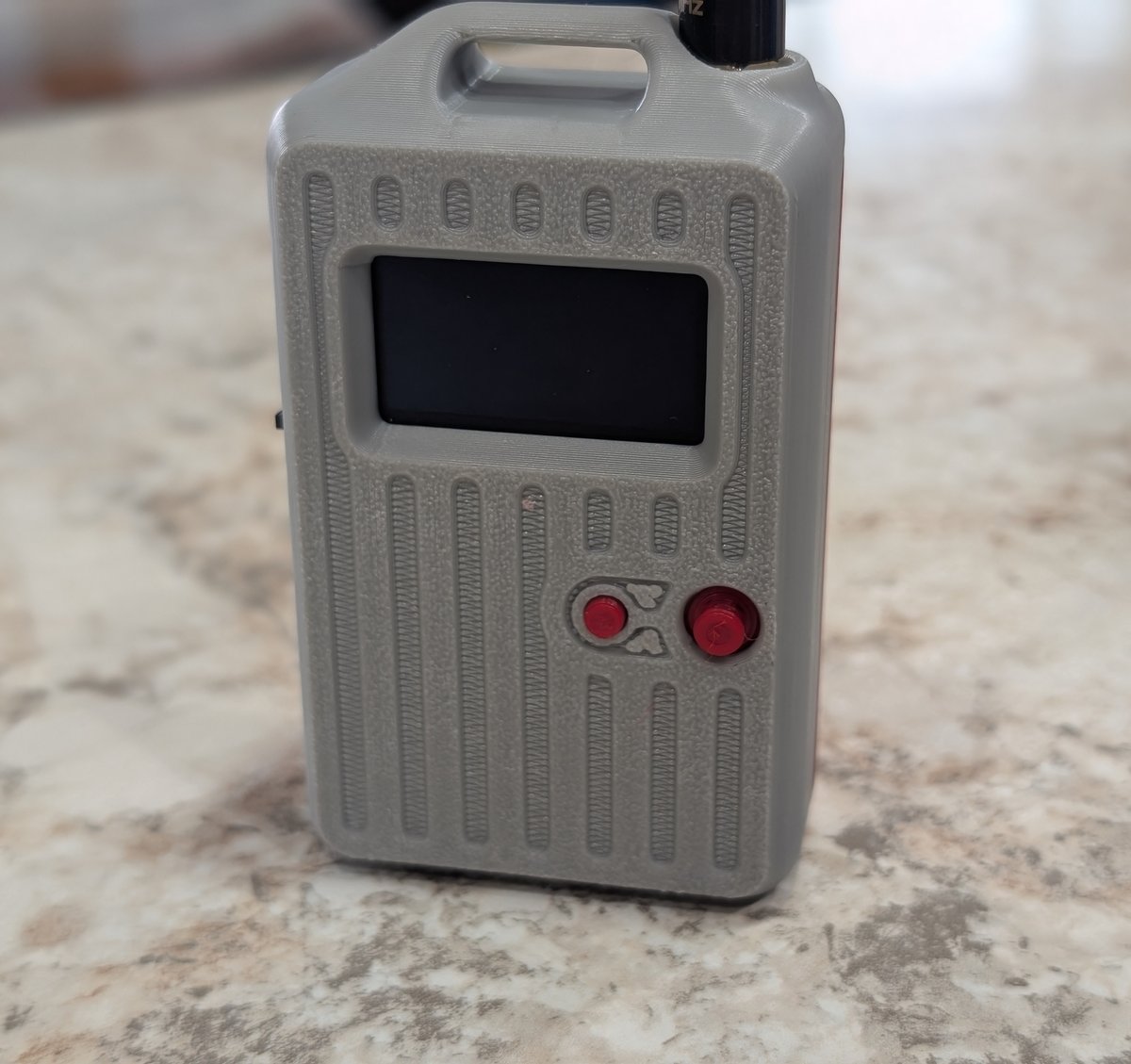
The gray case above is PLA, buttons included.
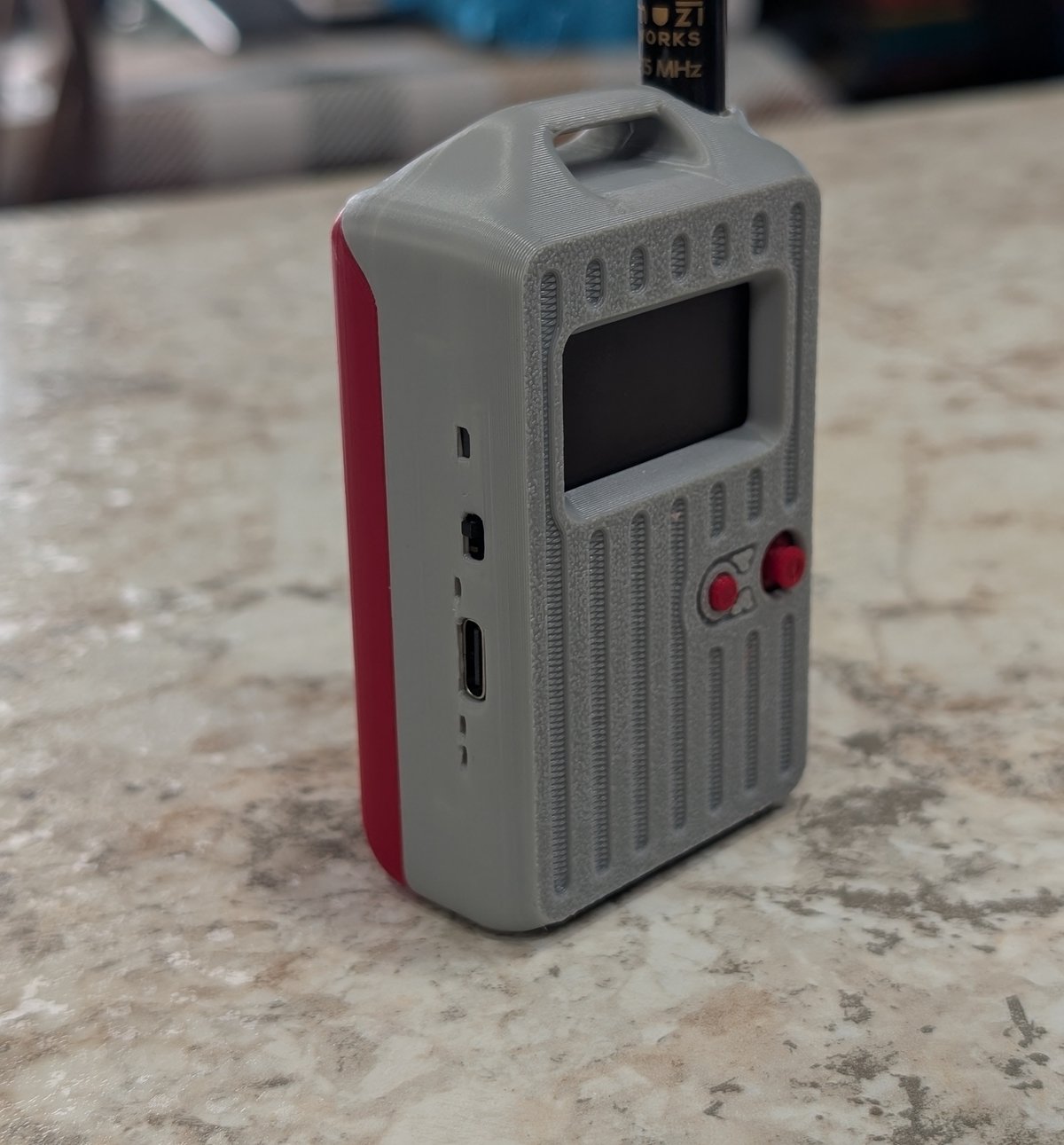
The black case is PETG-GF. Glass fiber stiffens a part and gives it a matte finish that plays down layer lines.
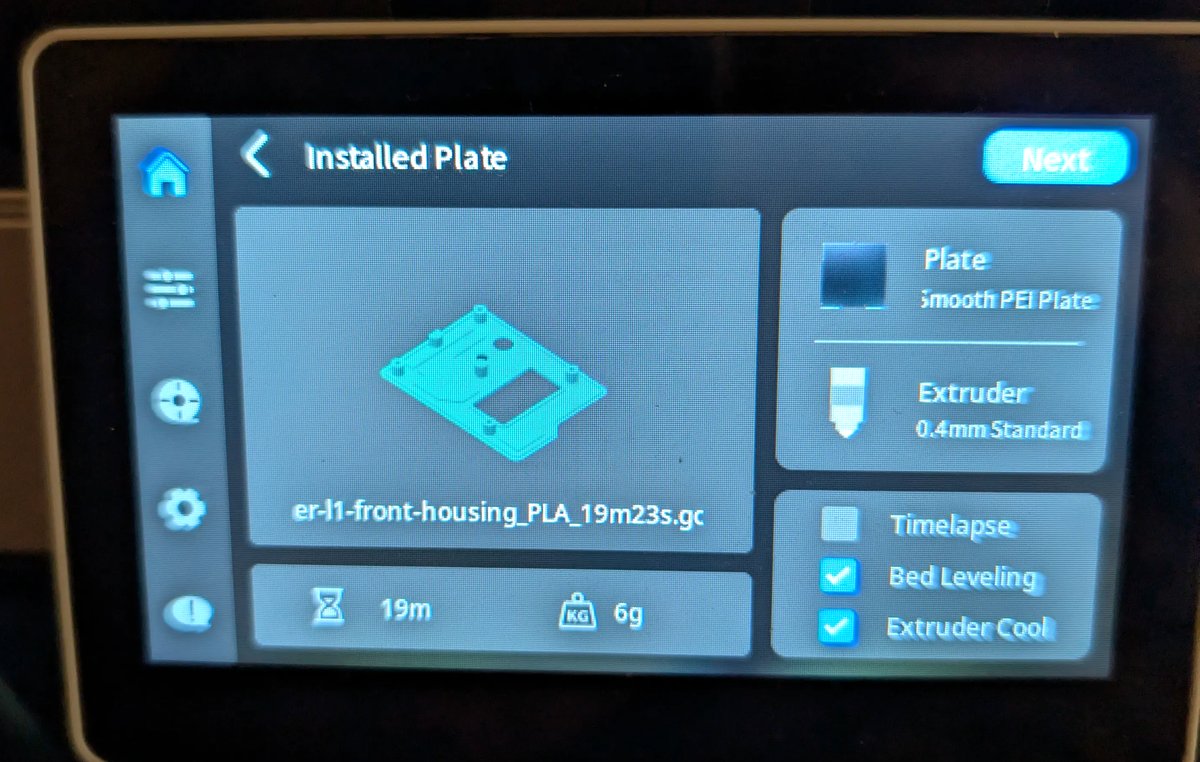
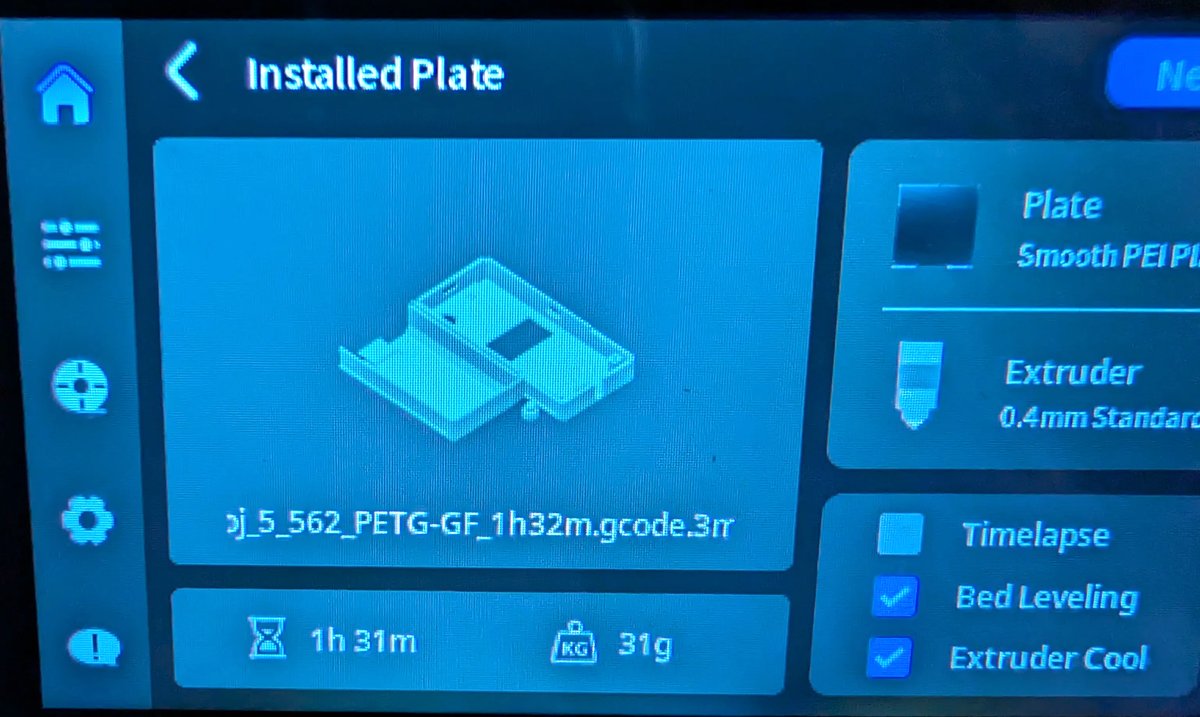
Node cases are quick jobs. Here’s what the Q2’s screen estimated for two of ours before they started: a PLA front housing for a handheld case in 19 minutes and 6 grams, and a full PETG-GF case plate in 1 hour 31 minutes and 31 grams.
Three Months In
It just prints. In more than three months, every print that failed has been our fault, not the printer’s. The usual cause was wet filament. Filament soaks up moisture from the air, and wet filament causes problems on any printer. That’s a storage lesson, not a printer flaw.
The heated chamber holds steady. The Q2 heats the chamber with its own heater instead of relying on warmth coming off the bed. In our use it reaches its set temperature and holds it there. That matters for the materials people print outdoor cases in: QIDI says the heated chamber improves layer bonding for ABS, PC and glass-fiber ABS, and an enclosed, heated printer is what ASA and ABS want.
Glass fiber, no nozzle swap. Glass and carbon fiber filaments are abrasive and wear out brass nozzles. The Q2 ships with a bimetal hardened steel nozzle and hardened steel extruder gears, which are made for abrasive filament like the PETG-GF we print.
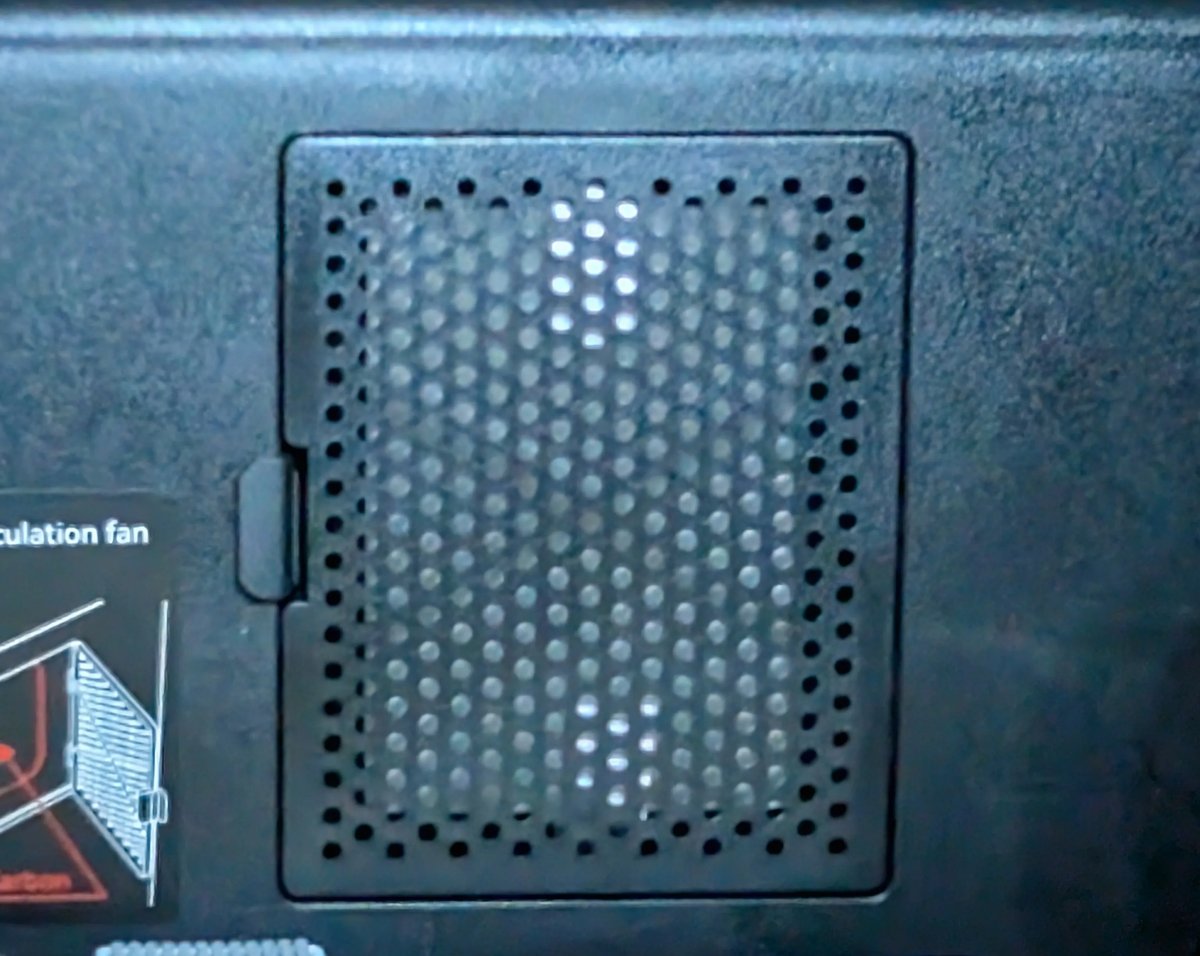
Filtration is built in. QIDI lists a 3-in-1 filter: a G3 pre-filter, an H12 HEPA filter and coconut-shell activated carbon. The carbon sits behind the grille on the chamber’s back wall, and a sticker inside shows where. The Q2 is also MET certified, a US and Canadian electrical safety listing, and the chamber is built from flame-retardant materials.
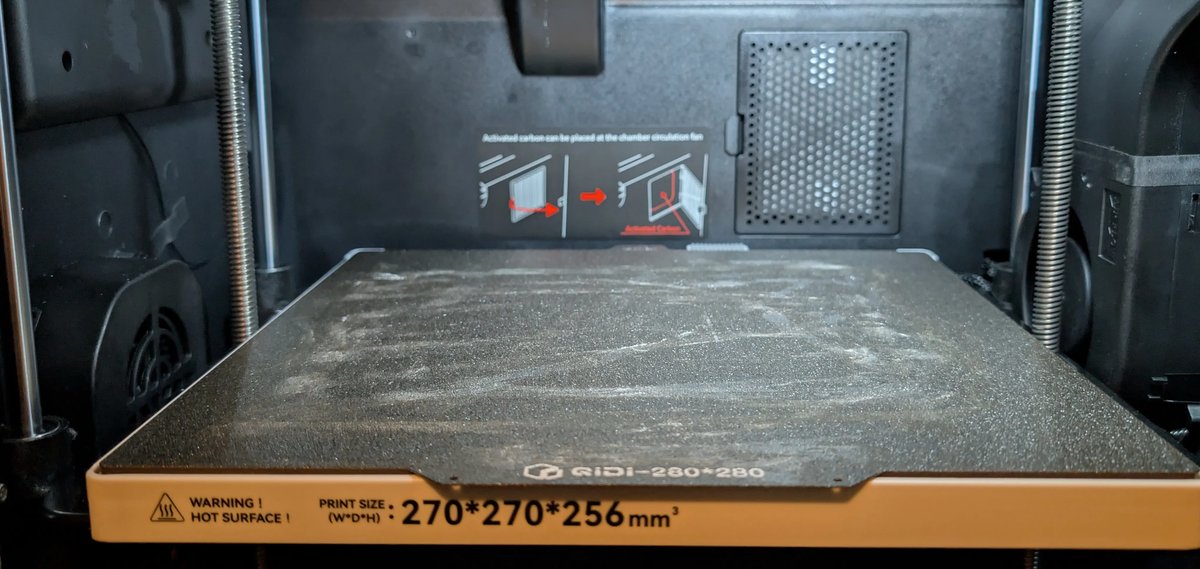
Room to batch. Node cases are small, so a 270 by 270 mm plate leaves plenty of room to print several parts at once. The plate is double-sided textured PEI, and the print size is printed right on the bed’s front edge.
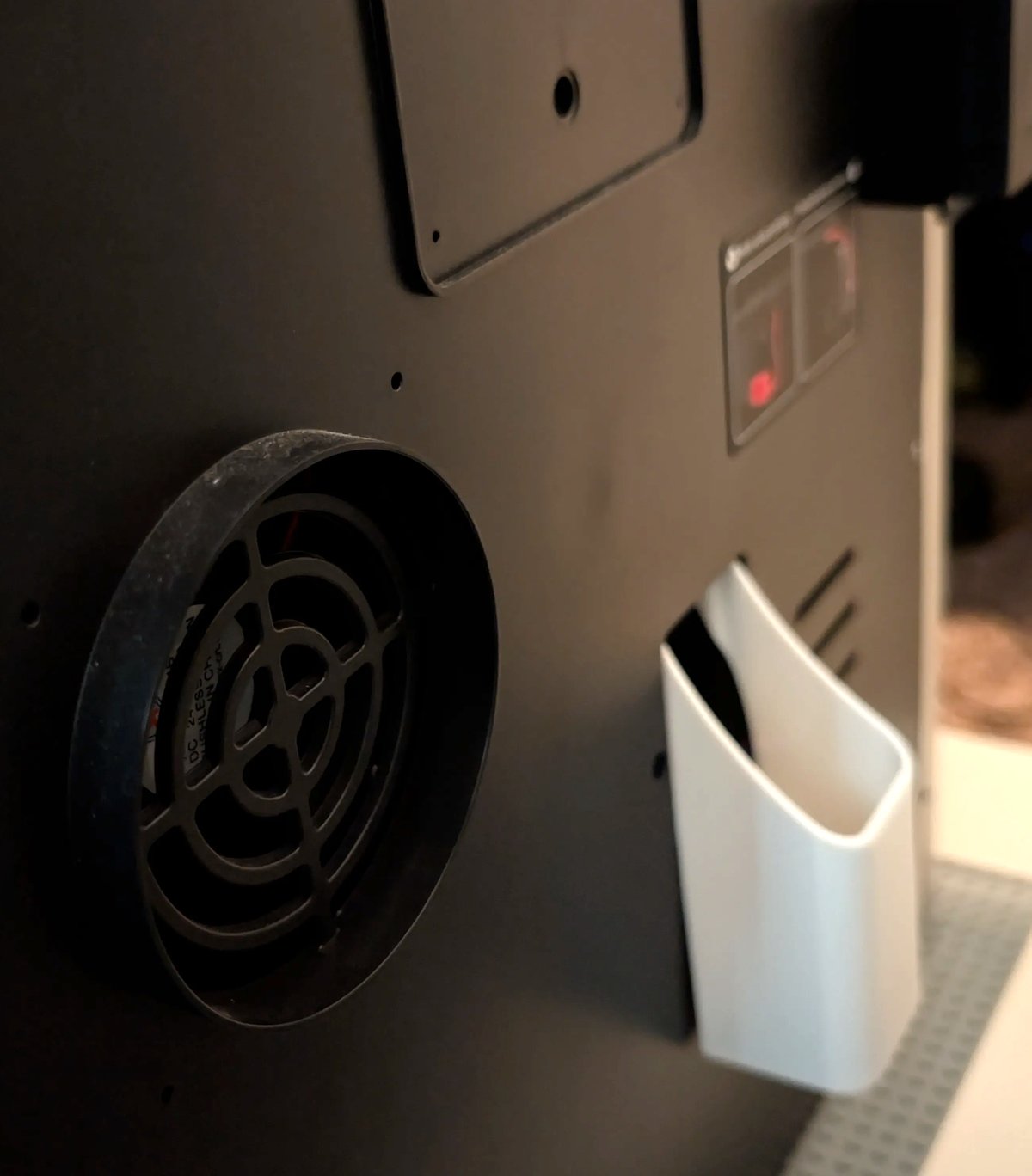
Purge waste goes out the back. Purged filament leaves through a chute in the back panel and collects in a bin on the outside of the printer, where you can empty it without opening the door.
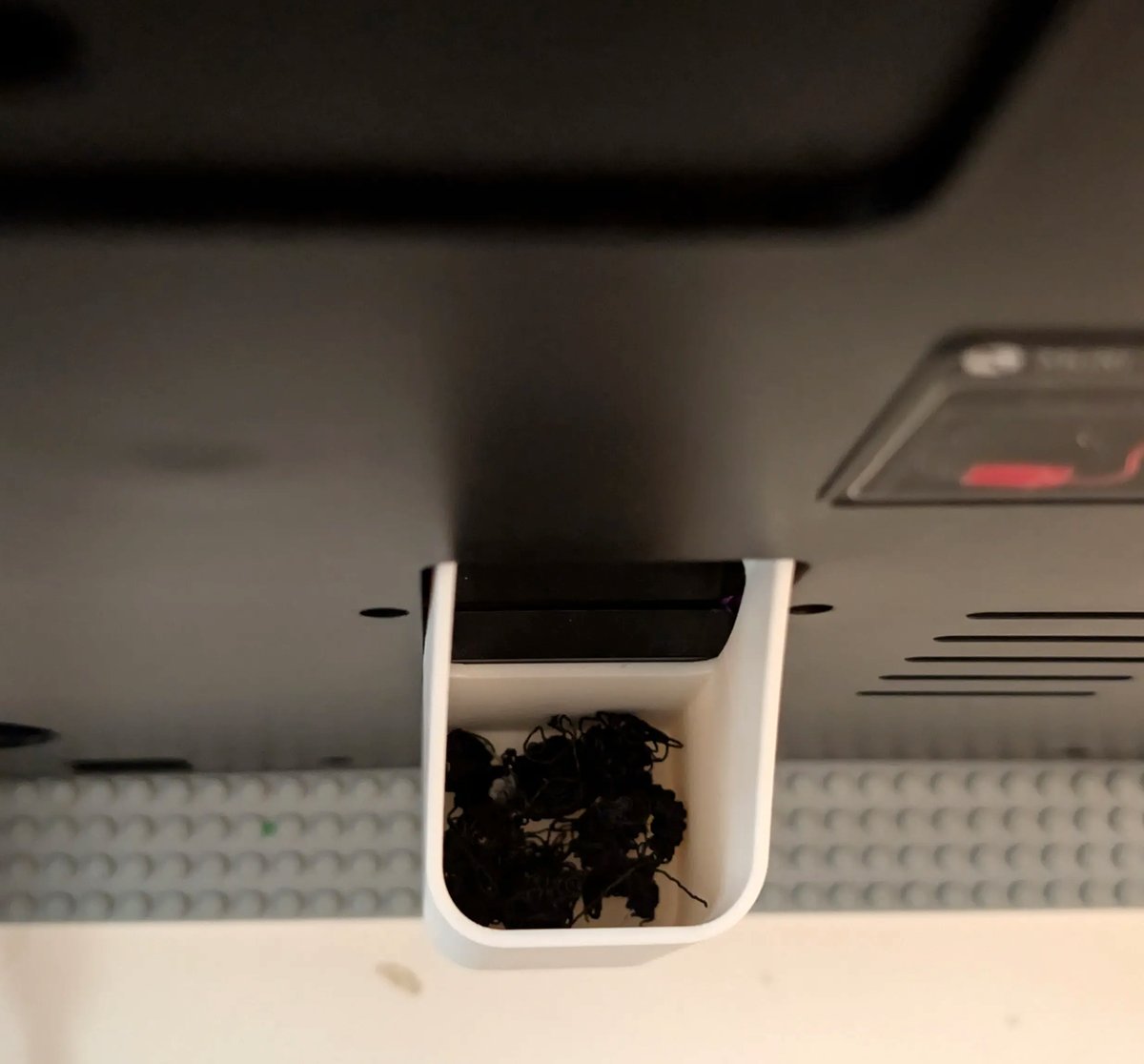
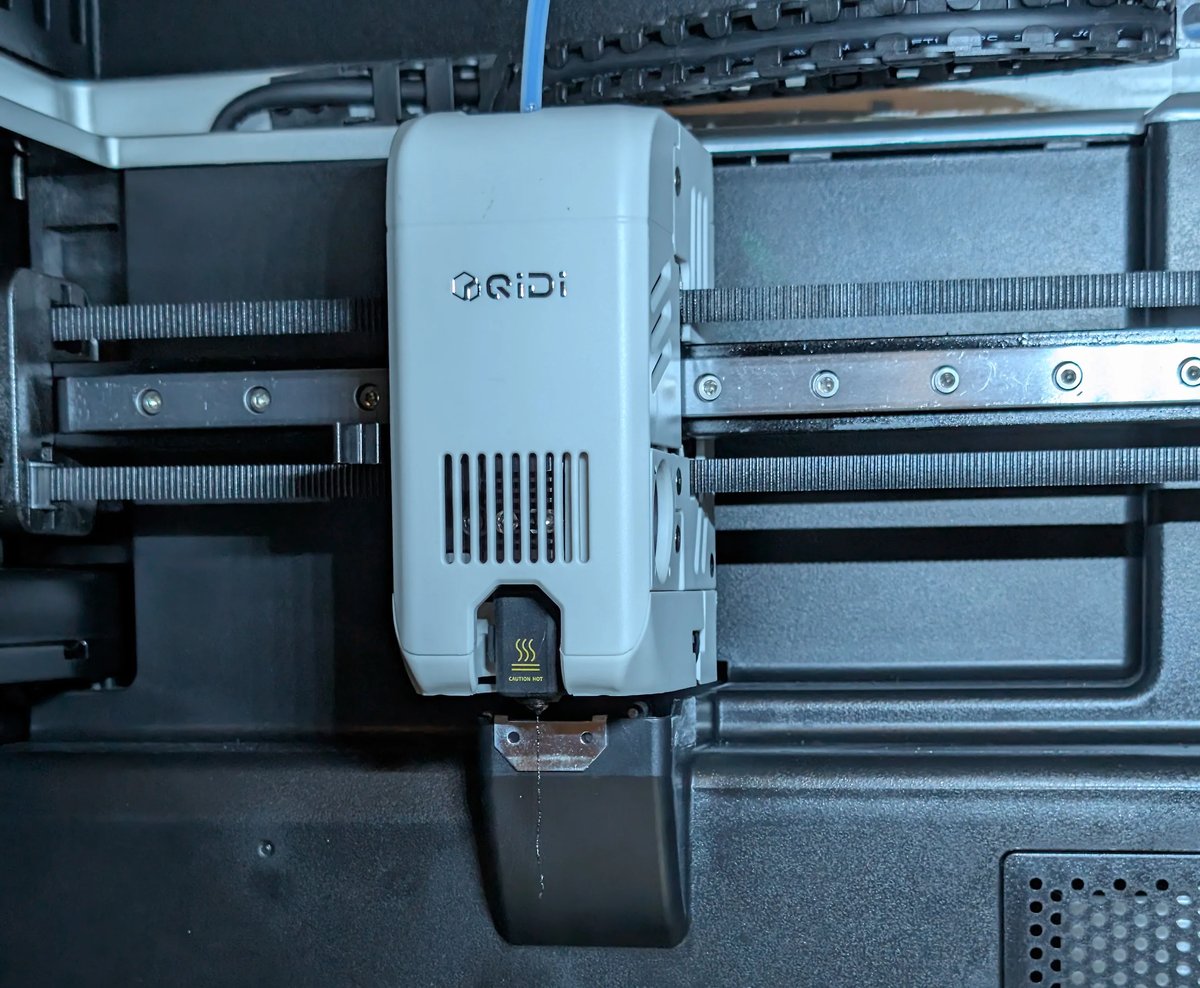
One thing we fixed ourselves. The PTFE tube that feeds filament to the toolhead dragged on the underside of the glass lid. We printed a QIDI Q2 riser from Printables, which lifts the lid, and haven’t had the issue since. QIDI knows about it and points owners to community fixes, covered in First Prints for a New Q2 below.
What’s next for us. We don’t have a QIDI Box, QIDI’s multi-color unit ($228 at the time of this post), so we can’t speak to multi-color printing on the Q2 yet. We hope to test one in the future.
Full Specs
| Spec | QIDI Q2 |
|---|---|
| Build volume | 270 x 270 x 256 mm |
| Motion | CoreXY, 1.5GT belts, linear rail on X |
| Max speed | 600 mm/s, up to 20,000 mm/s² acceleration |
| Hotend | Up to 370 °C, bimetal hardened steel nozzle, 0.4 mm (0.2, 0.6 and 0.8 mm optional) |
| Extruder | Direct drive, hardened steel gears |
| Bed | Up to 120 °C, double-sided textured PEI plate |
| Chamber | Active heating up to 65 °C |
| Leveling | Automatic, with a load cell built into the hotend |
| Filtration | G3 pre-filter, H12 HEPA, activated carbon |
| Camera | Up to 1080p, AI spaghetti detection, timelapse |
| Filaments | PLA, PETG, ABS, ASA, TPU, PA, PC, and carbon or glass fiber blends |
| Multi-color | With the QIDI Box (sold separately) |
| Connectivity | Wi-Fi, Ethernet, USB drive |
| Screen | 4.3-inch touchscreen |
| Slicers | QIDI Studio, OrcaSlicer, PrusaSlicer |
| Power | 350 W, plus 280 W for chamber heating |
| Printer size | 402 x 438 x 494 mm, 18.1 kg |
| Safety | MET certified, flame-retardant chamber, dual temperature sensors |
| Price | $449 at the time of this post |
Specs are QIDI’s. The Q2 runs Klipper firmware, which is why third-party slicers like OrcaSlicer work with it.
Who It’s For
If you print cases for your own nodes, or for a whole mesh group, get this printer. It handles PLA and glass-fiber PETG on the hardware it ships with, and the heated chamber and 370 °C hotend are ready for ABS and ASA when your cases move outside.
It’s a good first enclosed printer, too. Leveling is automatic, the filter is built in, and in three months the only thing it’s asked of us is dry filament.
It’s more printer than you need if you only ever print PLA and don’t want an enclosure. An open-frame printer costs less, and our printer guide covers that route.
First Prints for a New Q2
These apply to any Q2, whatever you plan to print on it.
- Print a lid riser first. If the PTFE tube rubs on the glass lid, a riser lifts the lid clear of it. We use the QIDI Q2 riser from Printables. QIDI’s wiki lists four more on its Q2 printable components page.
- Browse the rest of that page. QIDI collects community designs there: a screw cover for the top glass that prevents PTFE tube wear, waste bins for the purge chute, a top spool holder for TPU, and storage for the glass lid.
- Dry your filament. PETG and glass-fiber PETG pick up moisture from the air, and wet filament was the usual cause of our failed prints. If prints start coming out rough or stringy, dry the spool before you blame the printer. QIDI sells a filament dryer box for $39 at the time of this post.
- Pick your slicer. QIDI recommends its own QIDI Studio, which has optimized Q2 profiles. The Q2 runs Klipper firmware, so OrcaSlicer and PrusaSlicer work with it too.
Tips for Printing Node Cases
- Match the filament to where the node lives. PLA is fine indoors. For repeater and solar boxes outside, our filament guide recommends PCTG in white or light gray, and glass-fiber PCTG for mounts.
- Find a case. Our 3D printing page has more than 70 free printable cases, mounts and solar enclosures for Meshtastic and MeshCore boards.
The Verdict
The Q2 is the printer we point people to on our printer guide, and three months of node cases have only made that easier to say. It’s reliable, it’s built for the tougher filaments outdoor cases call for, and QIDI pitches it as an entry-level printer. At $449, it’s priced like one.
You can find the QIDI Q2 on QIDI’s store.
Prices mentioned here are from the time this post was written or last updated, and they change often. Check the store for today's price.
Comments
Related Posts
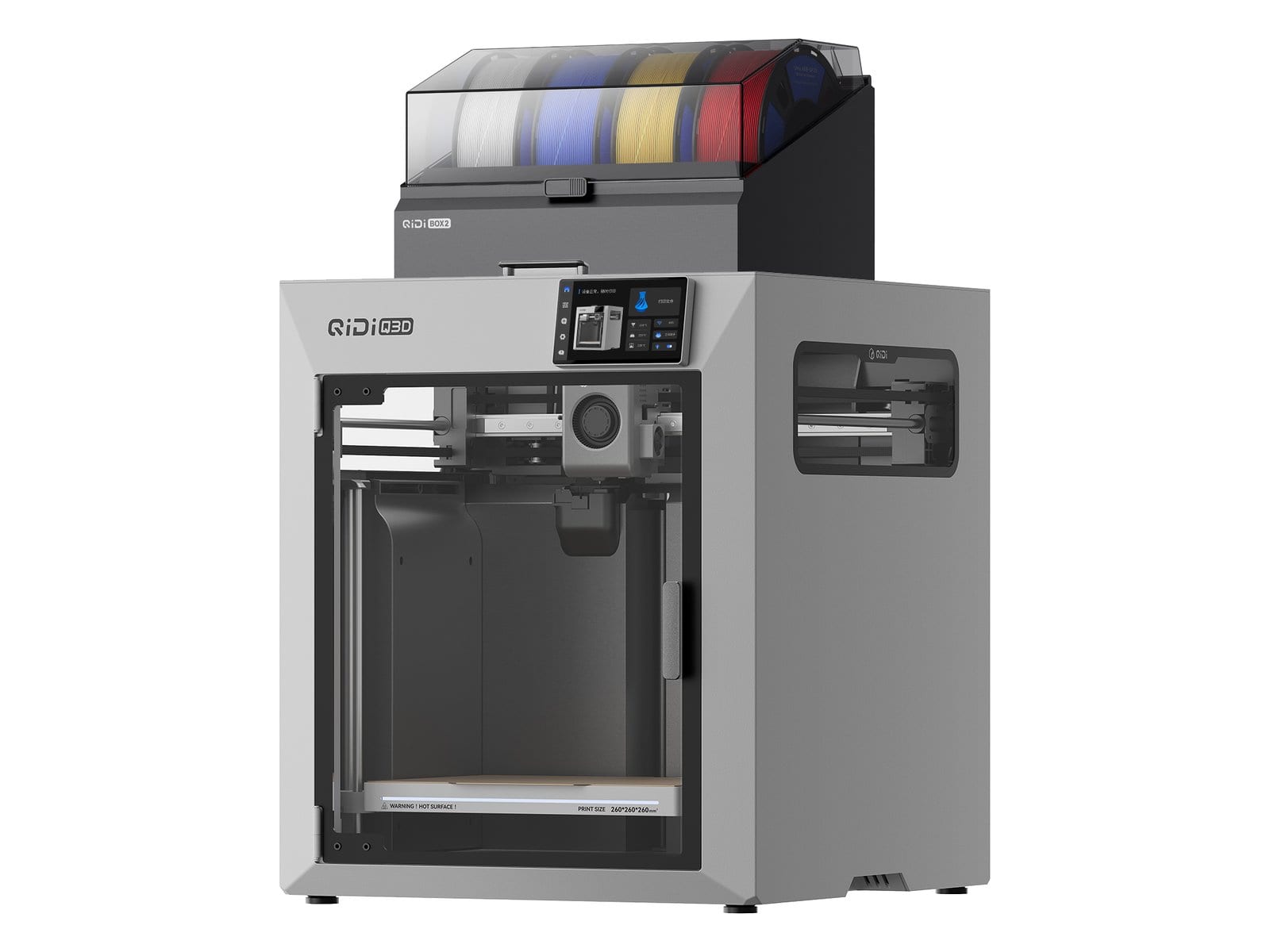
QIDI Q3D First Look: Dual Nozzles and a 70 °C Chamber
QIDI's Q3D adds a second nozzle and a 70 °C chamber. Specs, presale price and what it means for makers, from drone frames to Meshtastic and MeshCore cases.
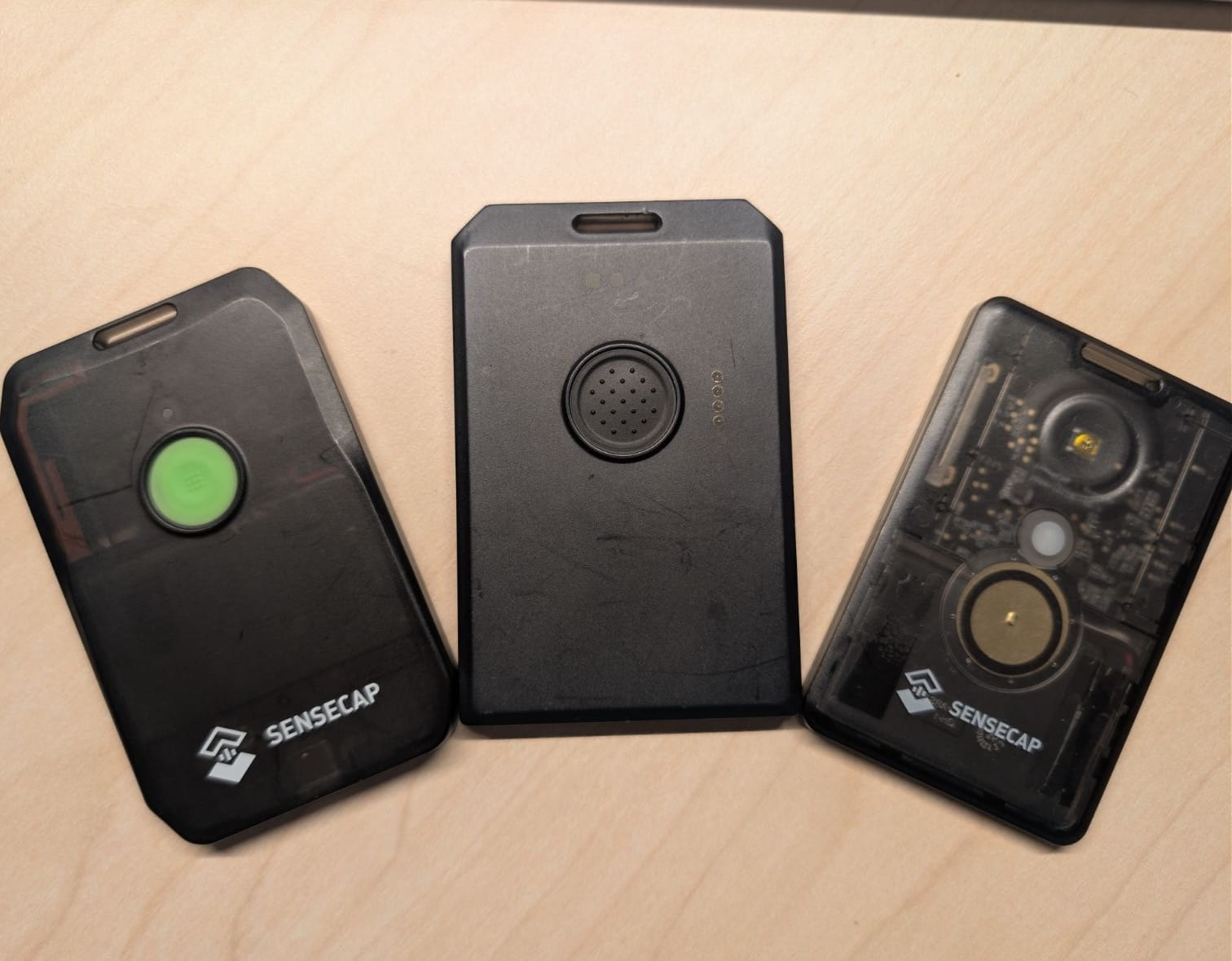
SenseCAP MeshTracker X1 Review: Our New Daily Carry
A month of daily carry with the SenseCAP MeshTracker X1: 4.5 to 5 days per charge, the best reception of the three trackers we carry, and USB-C at last.
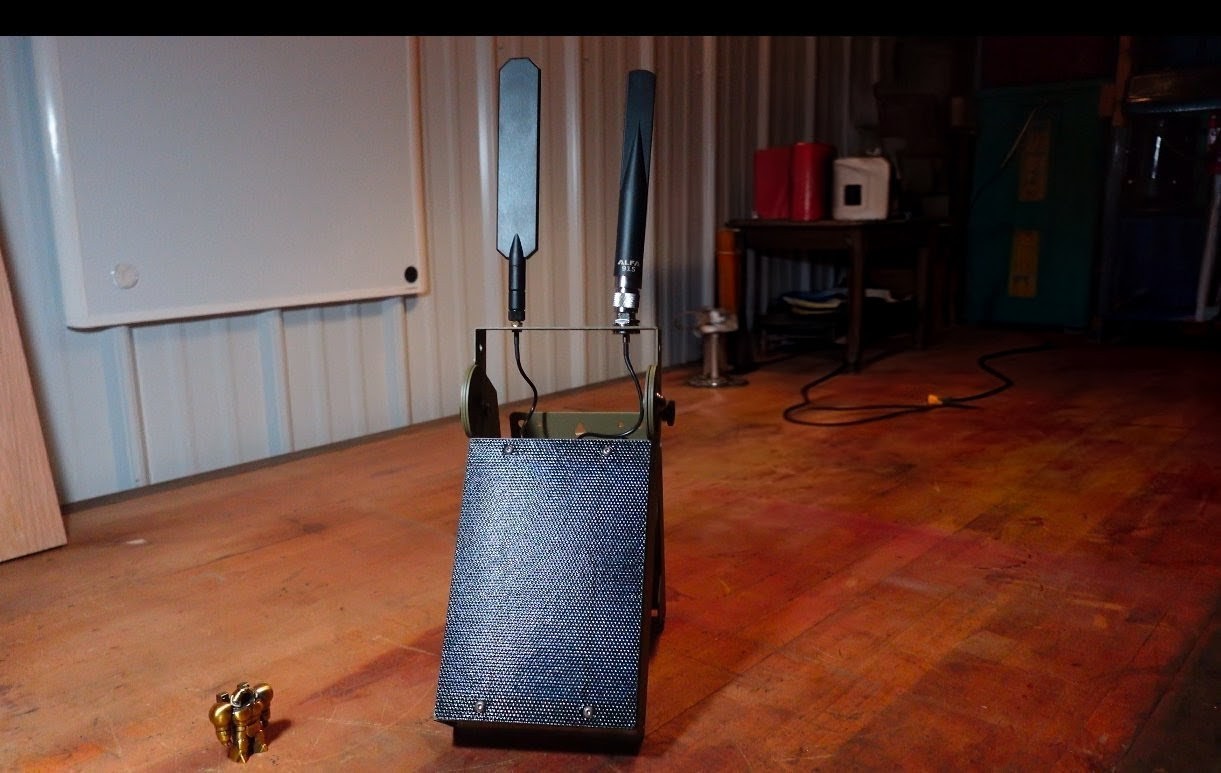
Atlavox Beacon Review: Tower-Ready Solar Mesh Repeater
Field review of the Atlavox Beacon solar repeater going up a licensed tower. Build quality, install notes, and what we'll watch through ND winter.