Meshtastic 2.8 Traffic Management and Automatic Hop Limits
Meshtastic 2.8 trims busy meshes with position dedup and automatic hop limits. What runs by default, what's opt-in, and what it means for your node.
A Meshtastic mesh gets slower as it grows, and it’s not the text messages doing it. It’s the background chatter: every node broadcasting its position, telemetry and node info, and every router repeating all of it. On a big mesh that traffic fills the channel until real messages wait in line or get lost. Meshtastic 2.8 goes after it directly, with a traffic management module and hop limits that adjust themselves to how busy the mesh is.
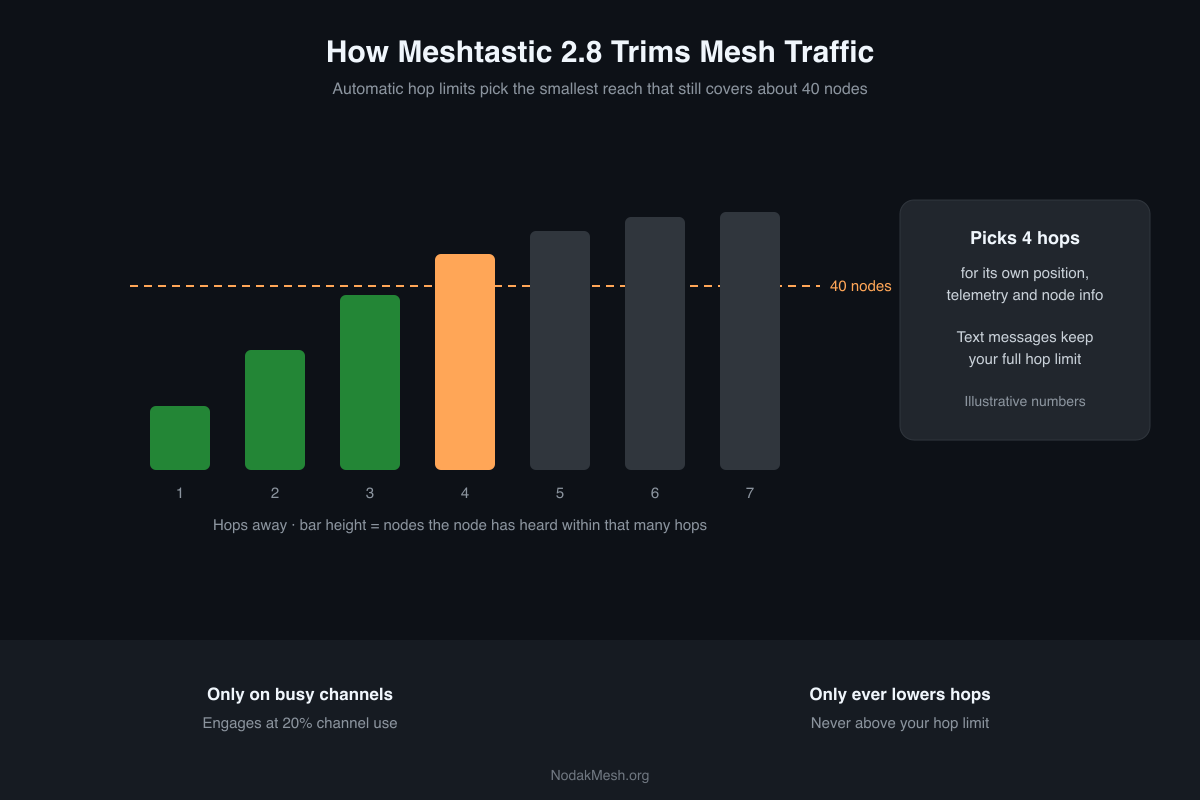
Most of this runs quietly with no settings to touch. It helps to know what it’s doing, though, because it changes how far some of your packets travel.
2.8.1 is still an alpha. This is from the 2.8.1 release notes, the pull requests behind each feature, and the firmware source at the 2.8.1 tag.
Why Background Traffic Is the Problem
LoRa is slow, and every packet a router repeats takes airtime from everyone in range. A position report from a node five hops away is repeated by every router along the way, and the mesh carries that cost for every node, over and over. The device roles guide covers the other big cause, too many nodes set to Router.
2.8’s fixes target the background traffic, not your messages.
Automatic Hop Limits
This is the bigger change. Your hop limit is the most times a packet can be repeated. In 2.8 it becomes a ceiling rather than a fixed value for some packet types. The pull request’s own summary: “The hop setting is only the upper limit.”
Here’s how it works:
- Your node keeps track of the nodes it hears and how many hops away each one is.
- Once an hour, it finds the smallest hop count that reaches about 40 nodes. If the mesh is getting busier, it may allow one extra hop.
- It uses that hop count for its own position, telemetry, node info and neighbor info broadcasts.
A few guardrails keep it from doing anything surprising:
- Text messages aren’t affected. Text, direct messages, admin and routing packets always use your configured hop limit.
- It only lowers, never raises. The firmware never goes above the hop limit you set.
- It only kicks in on a busy channel. Scaling turns on when smoothed channel utilization reaches 20 percent and turns off at 12 percent, and it takes three five-minute readings in a row to switch either way. On a quiet rural mesh, it may never engage.
- Roles have a floor. Routers, Router Late and Client Base nodes never drop below 3 hops, trackers below 2, and sensors below 1.
It’s on by default on everything except STM32WL boards, and we found no setting to turn it off.
The Traffic Management Module
The second piece filters what routers repeat. In 2.8.1 it’s switched on by default, but only one feature is active out of the box:
Position deduplication. If a router has already repeated a node’s position recently and the node hasn’t really moved, it doesn’t repeat the same position again. “Recently” is about five hours in the 2.8.1 code (the setting’s description says six), and “moved” means more than roughly 90 meters. It applies on well-known channels. Trackers get a shorter window of one hour, and Lost and Found nodes 15 minutes, because their position is the point.
Everything else in the module is opt-in, and the source says why: the features that “exhaust or reshape relayed traffic” stay off until mesh operators choose them.
- Rate limiting: cap how many packets a single node can push through a router in a time window. Routing and admin packets are exempt.
- Dropping unknown traffic: stop relaying packets the router can’t decrypt.
- Answering node info from cache: a router replies to a node info request itself instead of relaying it. Routers and Client Base nodes can answer from up to 3 hops away; regular clients only answer directly.
If you run infrastructure on a busy mesh, rate limiting is the one worth reading up on. On most meshes, the default is the right call.
Smaller Changes in the Same Area
- Faster duplicate checks: a hash table now tracks packets the node has already seen, so busy routers spend less time working out whether to repeat something.
- Noise floor tracking: nodes keep a rolling estimate of the background noise level.
- Mesh beacons: a node can hop to another preset at most once an hour, broadcast a message and an optional “radio offer” (a channel, region and preset), then hop back. Listeners keep the offer for the phone app to show, but never switch on their own. It’s built for announcing a move to a new channel.
- Very old firmware gets cut off: packets without a hop start value, which very old firmware leaves out, are dropped by default. The bug report behind the change points at versions before about 2.3. If someone on your mesh hasn’t updated in years, their node will drop off 2.8 nodes’ lists.
What It Means for Your Node
For most people, nothing to do. Your messages travel as far as they did before, your node sends less background traffic when the mesh is busy, and routers stop repeating positions that haven’t changed.
If you run routers, two things are worth checking after you update. First, whether your mesh is busy enough to trigger hop scaling: channel utilization is visible in the apps. Second, whether a busy hub would benefit from rate limiting. And if your mesh is quiet, it’s fine that none of this ever turns on.
For everything else in 2.8, including the changes that do need your attention before updating, see our Meshtastic 2.8 overview.
Comments
Related Posts
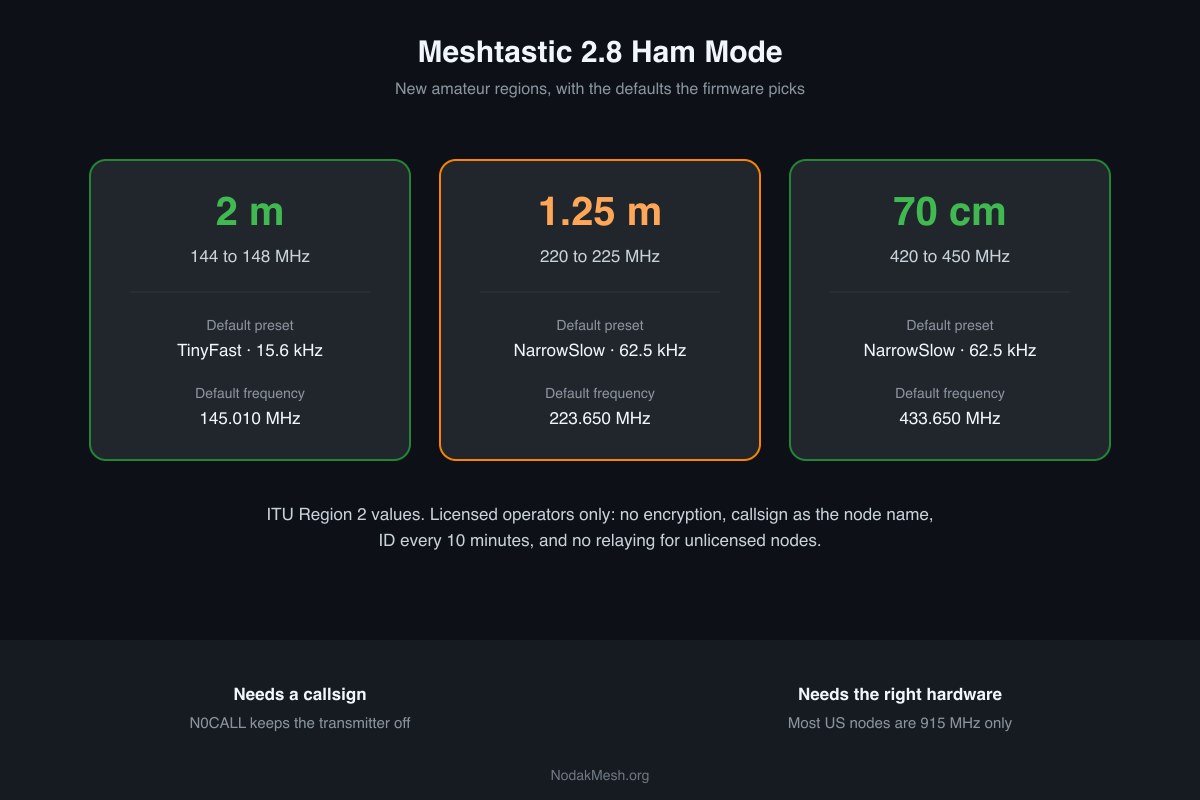
Meshtastic Ham Mode: New 2 m, 1.25 m and 70 cm Regions
Meshtastic 2.8 adds licensed Ham Mode and amateur regions on 2 m, 1.25 m and 70 cm. What it changes, the default frequencies, and the hardware you need.
Meshtastic Not Seeing Other Nodes? How to Fix It
An empty Meshtastic node list or messages that never deliver, fixed in order of likelihood: region, preset, channel, transmit, timing, filters and hops.
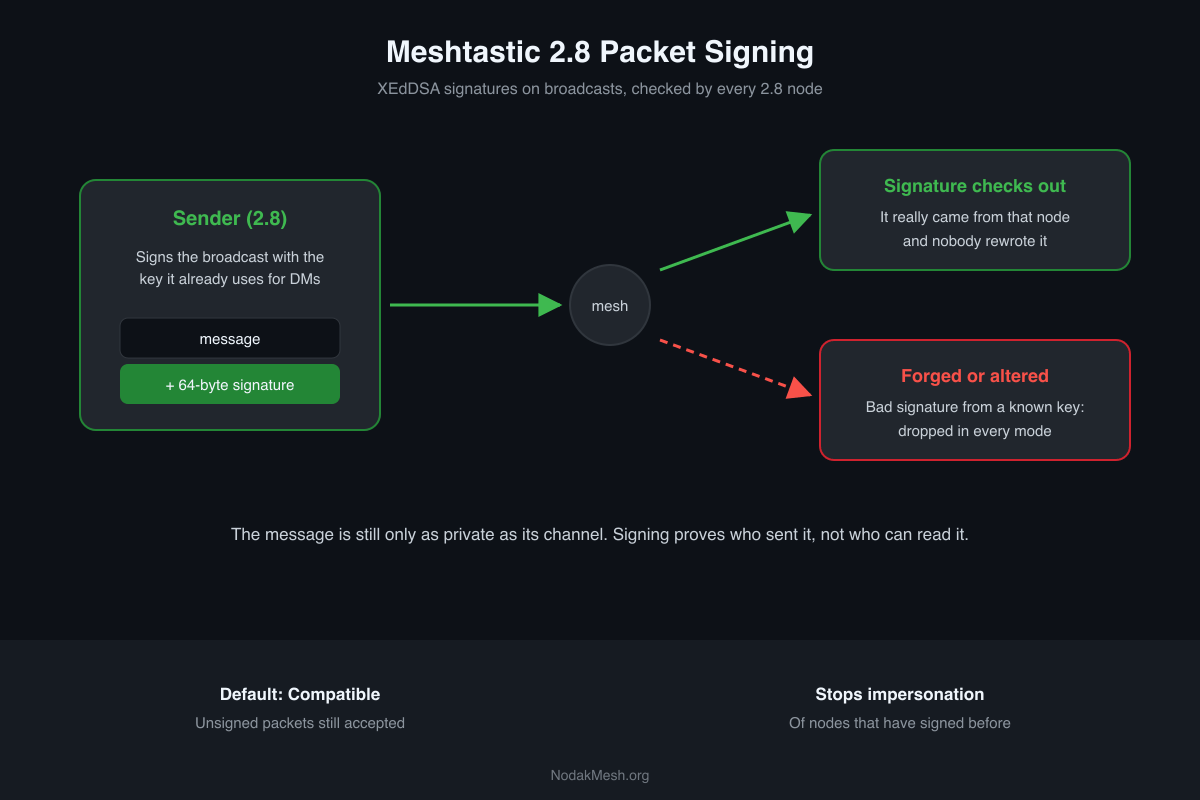
Meshtastic Packet Signing Explained: What 2.8 Protects
Meshtastic 2.8 signs broadcasts with XEdDSA. What a signature proves, what it doesn't, the three receive policies, and why 2.8.0 was pulled.