Meshtastic Packet Signing Explained: What 2.8 Protects
Meshtastic 2.8 signs broadcasts with XEdDSA. What a signature proves, what it doesn't, the three receive policies, and why 2.8.0 was pulled.
Here’s a problem most Meshtastic users never think about: on the default LongFast channel, anyone can send a message that looks like it came from your node. The channel key is public, the channel encryption has no tamper check, and your node ID is right there in every packet you send. Meshtastic 2.8 is the first release that does something about it. Broadcasts are now signed, so a 2.8 node can tell a real message from you apart from a forgery.
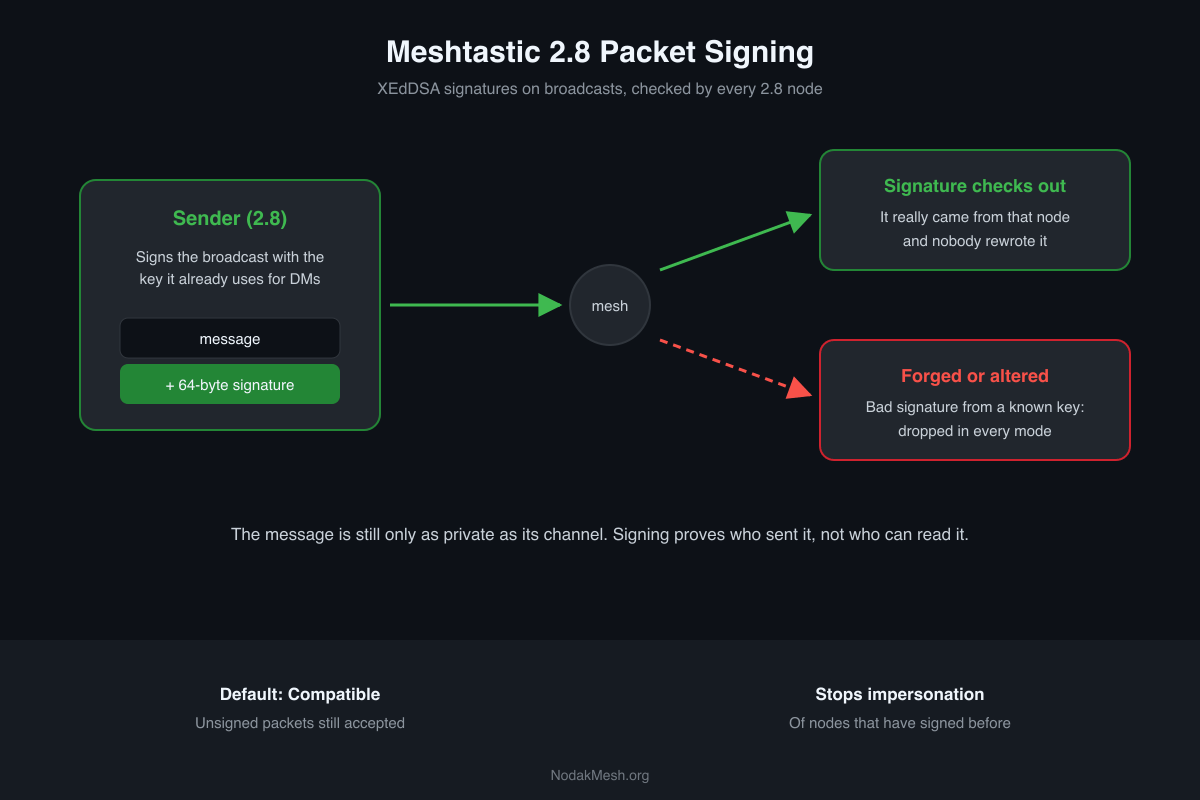
It’s a real improvement, but it’s easy to misread. Signing isn’t encryption, it doesn’t stop anyone reading the public channel, and in its default mode it doesn’t reject unsigned messages either. Here’s what it actually does.
2.8.1 is still an alpha. This comes from the 2.8.1 release notes, Meshtastic’s encryption docs and security settings docs, the signing pull requests, and the firmware source at the 2.8.1 tag.
The Problem Signing Solves
Meshtastic channels are encrypted with AES using the channel’s key (AES-CTR, to be exact). That keeps people without the key out, but on the default channel everyone has the key. It’s printed in the docs.
AES-CTR also has no message authentication. One of the signing pull requests spells out the consequence: with no MAC on the channel crypto, “any PSK holder (public on LongFast) can rewrite those fields.” In practice, anyone on a public channel could send a broadcast claiming to be your node, or alter parts of one in transit, and nothing in 2.7 could prove otherwise.
Direct messages were already protected. Since 2.5, DMs use public-key encryption, which authenticates the sender. Channel broadcasts had no equivalent until now.
How 2.8 Signs a Packet
When a 2.8 node sends a broadcast, it adds a 64-byte signature made with XEdDSA, a signature scheme that works with the same Curve25519 keys used for DMs. There’s no new key to manage. Your node signs with the key pair it already has.
The signature adds 66 bytes on air. A broadcast too large to fit a signature in one LoRa frame goes out unsigned. DMs aren’t signed, because public-key encryption already authenticates them. In licensed (ham) mode, where there’s no encryption, direct messages are signed too.
A node that receives the packet checks the signature against the sender’s public key. If you see a small asterisk before a node’s name on a BaseUI screen, that message was signed. Nodes that can sign are marked on the node screen, and the phone apps now show signed and verified badges where the old lock icons used to be. Our lock icons guide covers what each badge and lock means.
What Happens to Unsigned Packets
This is the setting that matters most, and the default is lenient on purpose. 2.8 adds a packet signature policy with three levels:
| Policy | What it accepts |
|---|---|
| Compatible (default) | Unsigned packets are fine. Malformed or invalid signatures are rejected. |
| Balanced | Drops an unsigned broadcast from a node that has signed before. |
| Strict | Accepts only packets with a valid signature or that decrypt with a public key. |
Compatible is the default because older nodes still need to work. A 2.7 node can’t sign, and firmware before 2.8 strips signatures when it relays a packet. On a mixed mesh, a strict policy would throw away real traffic that simply passed through an older relay.
Some things are dropped in every mode, including Compatible:
- a bad signature from a key the node already knows
- a signature of the wrong length (anything but 0 or 64 bytes)
- a first-contact node info whose embedded key doesn’t match the node’s ID
The docs give the right mental model for the default mode: “Treat the sender of an unsigned channel message as a claim, not a proof.”
What Signing Doesn’t Do
- It doesn’t hide anything. A signed broadcast on the public channel is exactly as readable as before. Use a private channel with its own key for privacy.
- It doesn’t verify anyone’s real identity. Trust goes to the first key a node hears for a given node ID. There’s no central authority vouching for who owns a node.
- It doesn’t block unsigned traffic unless you choose Balanced or Strict.
- Not every board takes part. STM32WL-based nodes don’t sign or verify.
Why 2.8.0 Was Pulled
2.8 had a rough start, and signing was the reason. The release notes for 2.8.1 say “a problem was found in the 2.8.0 packet signing code,” and that 2.8.1 signatures are not compatible with 2.8.0.
The fix that matches that description changed exactly what gets signed. 2.8.0’s signature covered only the sender, the packet ID, the message type and the payload. That left the destination, the reply-to field, the reaction emoji and a flags field (including the “OK to upload to MQTT” bit) open to rewriting. The pull request lists four attacks this allowed:
- pointing a reply at a different message
- flipping a reaction
- granting MQTT upload consent the sender never gave
- turning a broadcast into what looks like a direct message
2.8.1 signs every one of those fields in one fixed layout. Because the layout changed, signed broadcasts don’t verify across 2.8.0 and 2.8.1 in either direction. If a node is still on 2.8.0, move it to 2.8.1.
Signing and Node IDs
2.8 also changes where node IDs come from. A node’s number is now derived from its public key instead of its hardware MAC address, which ties the ID to the key that signs for it. The catch: upgrading to 2.8 gives your node a new ID. Other nodes will see it as a new node and keep the old entry until it ages out, so update any favorites, MQTT topics or dashboards that use the old number. The 2.8 overview covers the rest of the upgrade.
Should You Change the Policy?
On most meshes, no, not yet. Leave it on Compatible while 2.7 nodes are still around, and most meshes will have them for a long time. Balanced makes sense once every relay on your mesh runs 2.8. Strict is for meshes where you control every node.
There’s one change coming that’s worth watching. A pull request merged after 2.8.1 stops Compatible nodes from signing at all and leaves signing to Balanced and Strict. That isn’t in any release yet, so the next build may behave differently from what’s described here.
Signing tells you who sent a message. If you also want to control who can read it, that’s still a private channel with its own key, and our Meshtastic channels guide walks through setting one up.
Comments
Related Posts
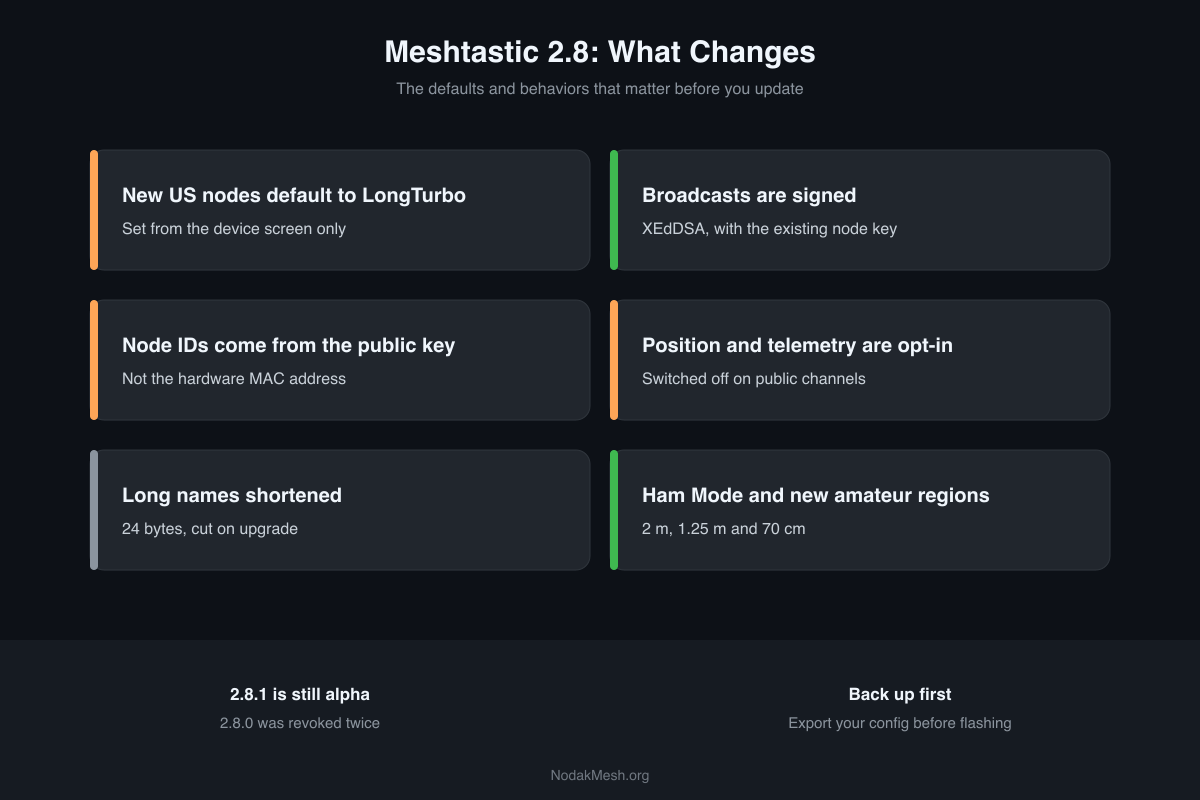
Meshtastic 2.8: What's New and Should You Update?
Meshtastic 2.8 changes US presets, signs broadcasts, gives nodes new IDs and makes position sharing opt-in. What changes, what breaks, and when to update.
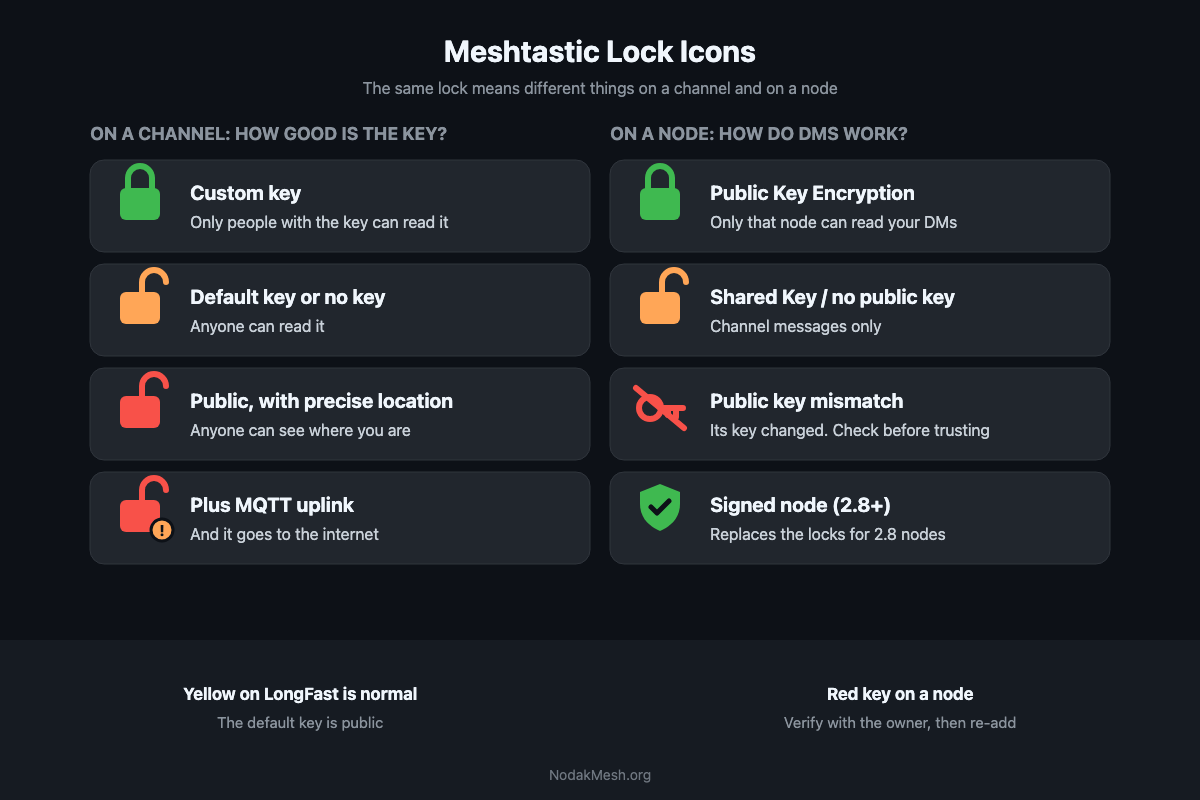
Meshtastic Lock Icons and Public Key Mismatch Explained
What the green, yellow and red locks mean in the Meshtastic app, why a node shows Public key mismatch and how to fix it, and the new 2.8 signed badges.
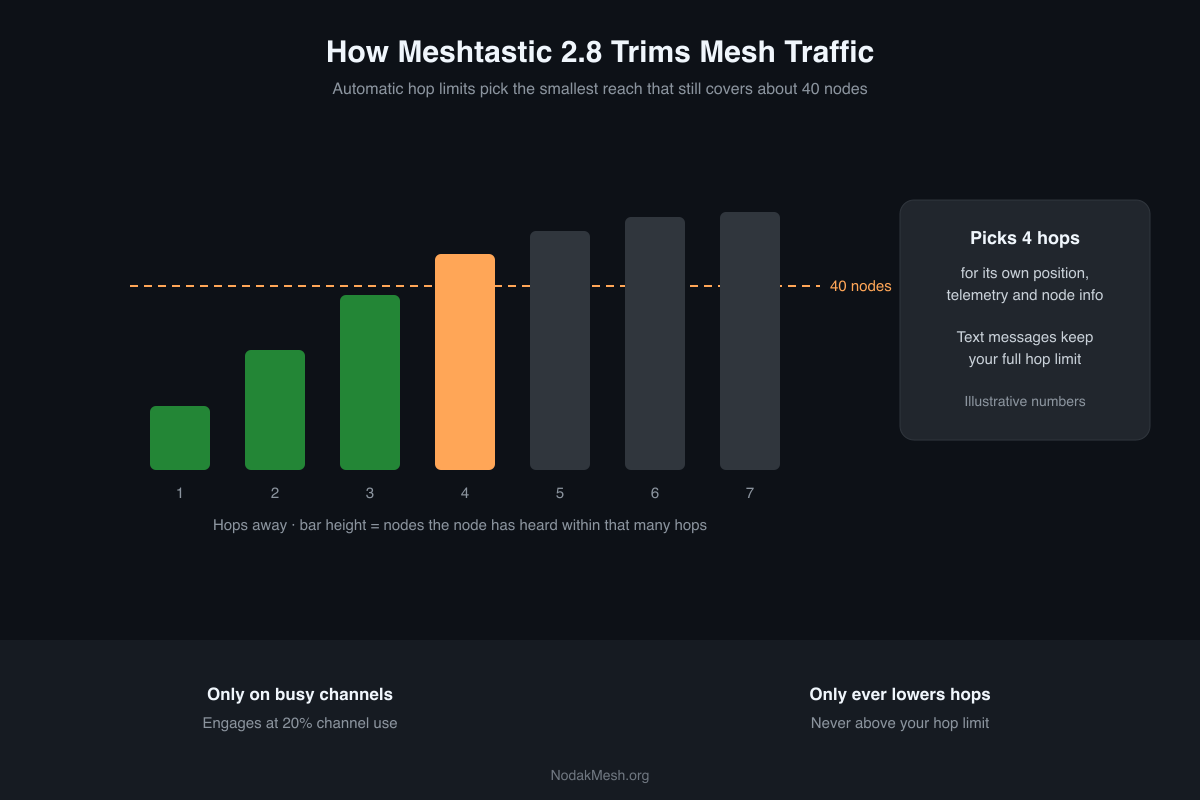
Meshtastic 2.8 Traffic Management and Automatic Hop Limits
Meshtastic 2.8 trims busy meshes with position dedup and automatic hop limits. What runs by default, what's opt-in, and what it means for your node.