Meshtastic Device Roles Explained: All 12 Types
Every Meshtastic device role covered. What each does, when to use it, and how wrong role choices quietly kill a mesh. Field-tested guidance.
On this page
- What Are Meshtastic Device Roles
- Why Choosing the Correct Role Matters
- Meshtastic rewards restraint
- Common ways role misuse hurts the mesh
- Client (Default Role)
- Client Mute
- Client Hidden
- Client Base (Personal Base Station)
- Tracker
- Lost and Found
- Sensor
- TAK and TAK_Tracker (ATAK Integration)
- Router (Infrastructure Node)
- Router_Late
- Repeater (Silent Relay Node)
- Store and Forward Server
- RouterClient (Deprecated Role)
- Choosing the Right Role for Your Use Case
- Quick Guidance
- The One Rule to Remember
- Next Steps
What Are Meshtastic Device Roles
Meshtastic is a decentralized LoRa mesh network. There’s no central controller and no master node. Every device independently decides when to transmit, when to rebroadcast, and when to stay silent.
A device role defines how a node behaves on the radio:
- When it transmits
- How aggressively it rebroadcasts
- What it prioritizes (messages, location, sensors)
- How much it helps or avoids helping the mesh
Roles aren’t cosmetic. They directly affect network performance.
We’ve watched meshes improve or fall apart based on role choices alone. What follows is the full list, with the practical advice we give anyone setting up their first Router or wondering which client variant fits their node.
Important point that causes confusion. Even the default Client role can and does rebroadcast messages when needed. Changing roles usually means changing how often and how aggressively a node participates.
Why Choosing the Correct Role Matters
Meshtastic operates in a shared radio environment with very limited airtime. Every transmission increases the chance of collisions and packet loss.
Your role choice affects everyone.
Meshtastic rewards restraint
A healthy mesh isn’t loud. It’s efficient.
When roles are chosen correctly:
- Messages travel farther
- Collisions are reduced
- Battery life improves
- The mesh becomes more reliable
When roles are chosen incorrectly:
- Airtime is wasted
- Messages collide
- Hop limits are consumed early
- The effective mesh shrinks
Common ways role misuse hurts the mesh
Too many Routers or Repeaters. Routers and Repeaters rebroadcast aggressively and early. If multiple infrastructure nodes are within range of each other, they transmit the same packet at nearly the same time. Collisions rise. Useful range drops. More Routers doesn’t mean more coverage. It often means less.
Poorly placed infrastructure nodes. A node in a backpack, a basement, or a vehicle is rarely a good Router. If a poorly placed node rebroadcasts first, the packet may not reach a better relay, a hop gets wasted, and the message can die early. This is one of the most common causes of reduced mesh range.
Using infrastructure roles for convenience. Some users set Router just to help their own devices. That rebroadcasts everyone’s traffic, adds noise to shared meshes, and helps few while hurting many. This is why Client Base exists.
Ignoring Client Mute. Clusters of nearby nodes can easily overwhelm the mesh if all of them rebroadcast. Client Mute exists to reduce redundant transmissions.
Client (Default Role)
What it is. The standard general-purpose role.
What it does.
- Sends and receives messages
- Rebroadcasts when needed
- Uses polite timing to avoid collisions
Battery impact. Moderate and balanced.
Use cases.
- Most handheld devices
- Most mobile nodes
- Most users
If you’re unsure which role to use, use Client.
Client Mute
What it is. A client that doesn’t rebroadcast for others.
What it does.
- Sends and receives its own messages
- Never relays mesh traffic
Battery impact. Lower than Client in busy meshes.
Use cases.
- Multiple nodes in the same location
- Secondary devices
- Dense environments
Client Hidden
What it is. A low-profile client that minimizes transmissions.
What it does.
- Transmits only when necessary
- Avoids routine presence broadcasts
- Doesn’t help route the mesh
Battery impact. Often lower than Client.
Use cases.
- Public channels
- Privacy-focused use
- Minimal mesh participation
Client Base (Personal Base Station)
What it is. A client optimized to support your own favorite nodes.
What it does.
- Rebroadcasts quickly for favorited nodes
- Behaves like a normal client for everyone else
Battery impact. Similar to Client, higher if favorites are chatty.
Use cases.
- Home base stations
- Rooftop or attic nodes
- Supporting personal handhelds
This is the correct alternative to misusing Router for personal benefit.
Tracker
What it is. A node focused on GPS position updates.
What it does.
- Sends location updates at higher priority
- Ensures tracking data gets through congestion
Battery impact. Depends on update frequency and sleep settings.
Use cases.
- People
- Vehicles
- Gear
- Group movement awareness
Lost and Found
What it is. A recovery beacon role.
What it does.
- Periodically broadcasts its location
- Designed to help retrieve lost devices
Battery impact. Higher due to regular transmissions.
Use cases.
- Recovering dropped or forgotten nodes
- Temporary field deployments
Sensor
What it is. A telemetry-focused role.
What it does.
- Sends sensor readings at priority
- Often sleeps between reports
Battery impact. Very low when configured properly.
Use cases.
- Weather stations
- Environmental monitoring
- Remote data collection
TAK and TAK_Tracker (ATAK Integration)
What it is. Roles optimized for ATAK workflows.
What it does.
- Reduces normal Meshtastic chatter
- Prioritizes ATAK data
- TAK_Tracker focuses on position updates
Battery impact. Depends on ATAK usage patterns.
Use cases.
- Tactical coordination
- Search and rescue
- ATAK-integrated teams
Router (Infrastructure Node)
What it is. A dedicated mesh relay.
What it does.
- Rebroadcasts aggressively and early
- Extends mesh range
Battery impact. High. Assume stable power.
Use cases.
- Hilltops
- Towers
- Rooftops
- Excellent line-of-sight locations
Routers should be rare and intentional.
Router_Late
What it is. A backup infrastructure relay.
What it does.
- Waits before rebroadcasting
- Steps in only when others fail
Battery impact. High.
Use cases.
- Coverage gaps
- Edge clusters
- Terrain shadows
Repeater (Silent Relay Node)
What it is. A pure relay with no presence.
What it does.
- Rebroadcasts packets
- Doesn’t announce itself
- Often invisible in node lists
Battery impact. High in busy meshes.
Use cases.
- Public relays
- Range extension without visibility
- Shared infrastructure
Store and Forward Server
What it is. A message history server module.
What it does.
- Stores messages
- Allows returning nodes to retrieve missed traffic
Battery impact. High during history transfers.
Use cases.
- Base stations
- Groups with intermittent connectivity
- Asynchronous messaging
RouterClient (Deprecated Role)
What it is. A retired role.
What it does now. Behaves as a normal Client.
Important. Don’t use this role. It exists only for backward compatibility.
Choosing the Right Role for Your Use Case
Use this mental model:
- Client roles serve the user
- Infrastructure roles serve the mesh
Ask these questions before changing roles:
- Does this node improve coverage for others?
- Is it better placed than most nodes?
- Does it have reliable power?
- Would the mesh suffer if it disappeared?
If the answer is no, it shouldn’t be infrastructure.
Quick Guidance
| Situation | Recommended Role |
|---|---|
| Most devices | Client |
| Extra nearby devices | Client Mute |
| Privacy focused | Client Hidden |
| Home relay for your gear | Client Base |
| Tracking | Tracker |
| Telemetry | Sensor |
| Tactical integration | TAK or TAK_Tracker |
| High quality fixed relay | Router |
| Gap filling | Router_Late |
| Invisible relay | Repeater |
| Message history | Store and Forward server |
The One Rule to Remember
Meshtastic works best when nodes are simple and infrastructure is deliberate.
Most meshes fail not because of a lack of nodes, but because of too many aggressive nodes in the wrong places. Choosing the correct role improves reliability, extends effective range, reduces collisions, and preserves battery life.
If you don’t have a specific reason to change the role, don’t change it. The defaults are there for a reason.
Next Steps
- Setting up a router or repeater? Read our Meshtastic router and repeater setup guide for configuration, placement strategy, and solar power tips.
- Configuring via terminal? The Meshtastic CLI guide covers all commands including
--set device.role. - New to Meshtastic? Start with the getting started guide.
- Comparing protocols? See how MeshCore handles roles differently in our MeshCore vs Meshtastic comparison.
Comments
Related Posts
MeshCore Not Showing Other Nodes? How Discovery Works
Empty MeshCore contact list? Unlike Meshtastic, MeshCore stays quiet until a node sends an advert. Here's how to advertise and find other nodes.
What Is a LoRa Mesh Network? The Beginner's Guide
LoRa mesh networks send text and GPS data miles over long-range radio without cell service or internet. Here's how they work and why they matter.
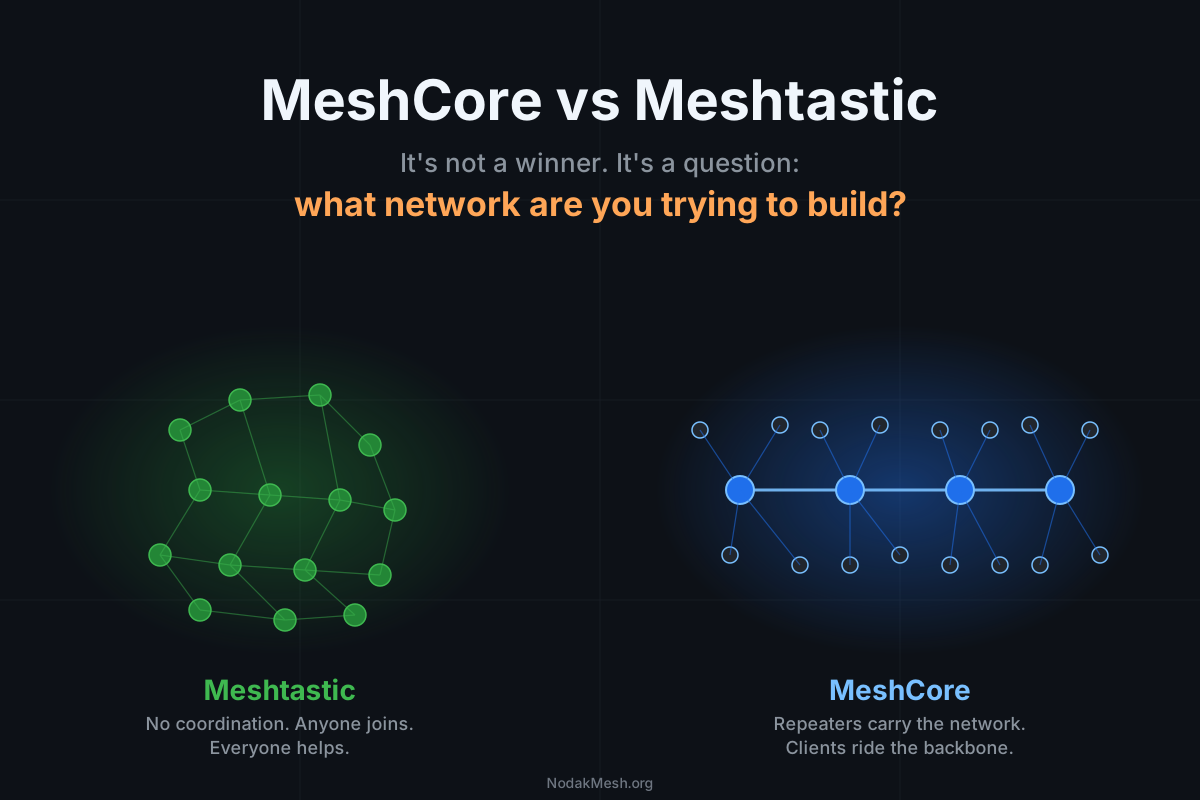
MeshCore vs Meshtastic: What Network Are You Building?
MeshCore floods once and learns a path. Meshtastic floods every hop. Pick by what you're trying to build, not which protocol wins.