MeshCore's Next Release Will Ship With the SenseCAP X1 Built In
Our MeshCore X1 port merged upstream and will ship in the next release. Grab the full-feature v2.0.0 build with RGB status and haptics now.
The MeshCore port we built for the SenseCAP MeshTracker X1 just merged into official meshcore-dev/MeshCore. PR #3112 landed on August 6, which means X1 support is now part of MeshCore’s codebase and will ship in MeshCore’s next tagged release, no separate community firmware required at that point.
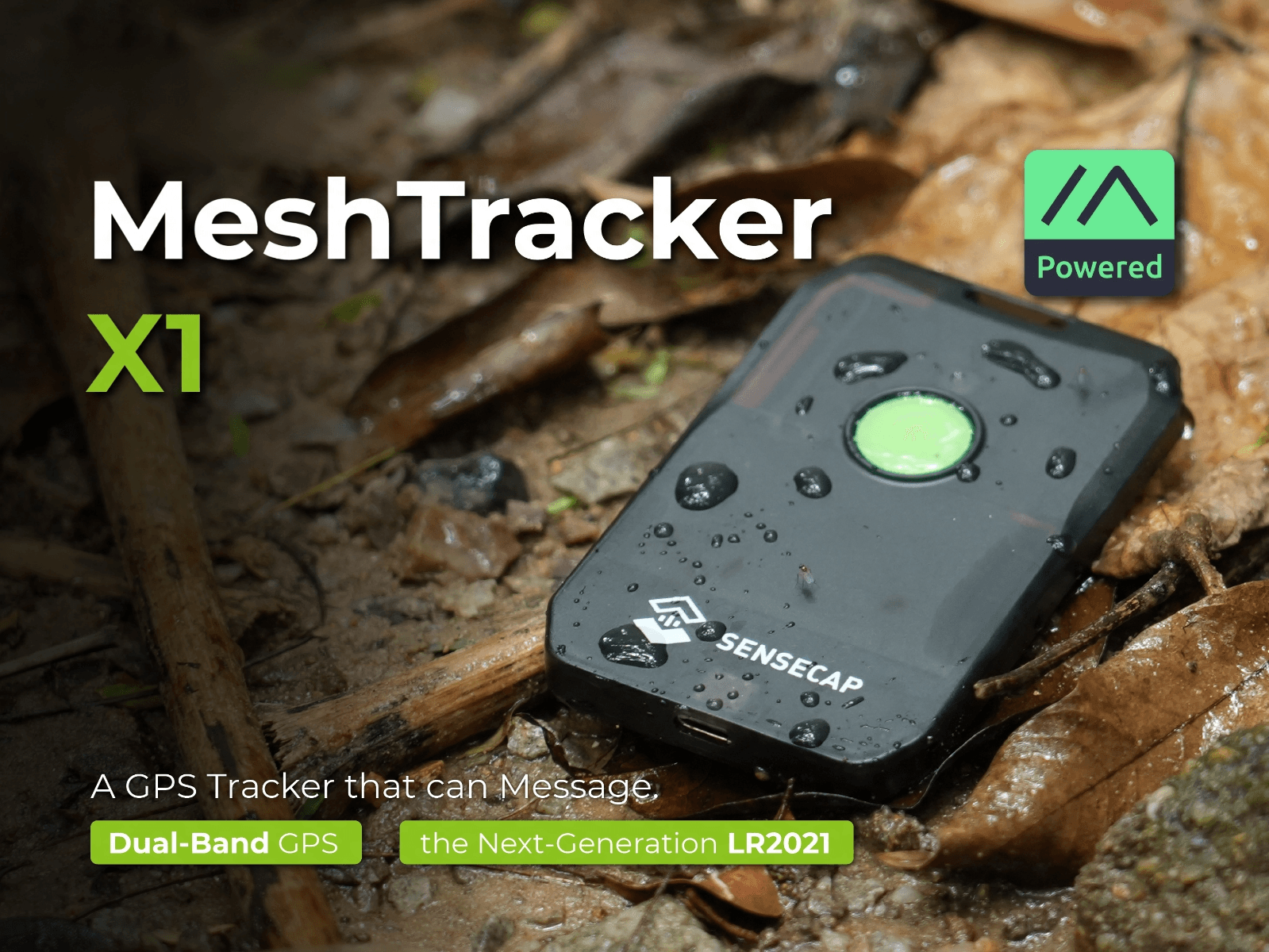
We didn’t stop at the base port. We’ve also opened PR #3122, adding RGB status LED, haptic notifications, and barometer telemetry to the X1 build. That one’s still open, under review upstream, not merged yet.
What’s New: The v2.0.0 Full-Feature Build
While #3122 works through review, we packaged everything into a v2.0.0 release in our own meshcore-meshtracker-x1-firmware repo: the merged core support plus every feature from the pending PR, built from MeshCore dev and verified on real hardware.
On top of stock companion firmware, this build adds:
- Color-coded status blinks. Green heartbeat, blue when the app is connected, amber when messages are waiting, red on low battery, plus a rainbow sweep on boot and on new messages
- Vibration on incoming messages, whether or not the app is connected
- Triple-press alert cycling. Buzz+Vibe, Buzz only, Vibe only, or Silent, with a tone and/or vibration confirming the mode, and it persists across reboots
- SPA06 barometer telemetry. Temperature and pressure show up in the app now, using the barometer that’s been sitting on the X1’s board since our first look
- Charge status on the LED. Amber breathing while charging, dim green when full
All of it is hardware-verified: boot, BLE pairing, two-way messaging with delivery ACKs, GPS fix, battery sensing, notifications, haptics, and charge display, all confirmed on an actual X1.
Which Build to Grab
Same four variants as before, now built with the full feature set:
| File | Use Case |
|---|---|
companion_radio_ble | Most people want this. Pairs with the MeshCore app over Bluetooth (PIN 123456) |
companion_radio_usb | Companion mode over USB serial instead of BLE |
repeater | Standalone repeater (default admin password password) |
room_server | Room/BBS server (default room password hello) |
Flashing hasn’t changed: hold the button, connect USB-C twice to hit DFU mode, drag the .uf2 onto the drive that shows up. Full steps are in the repo’s README, along with the region preset note (EU by default, US meshes want 910.525 MHz / BW 250 / SF 10).
Why Grab the Community Build Instead of Waiting
MeshCore doesn’t have a confirmed date for its next tagged release, and when it lands, it’ll only include what’s merged, meaning the base X1 support from #3112, not the RGB, haptics, and barometer work from #3122 until that also clears review. If you want the full feature set today, the v2.0.0 build is the way to get it. If you’d rather wait for an official release with just the core radio and GPS working, that’s coming too, just without a firm ETA yet.
Grab it from the same repo as before, MIT-licensed same as MeshCore itself. Questions, or running into something after flashing, come find us on Discord.
Don’t have an X1 yet? It’s available on Seeed Studio with code 531CRQY1.
Comments
Related Posts
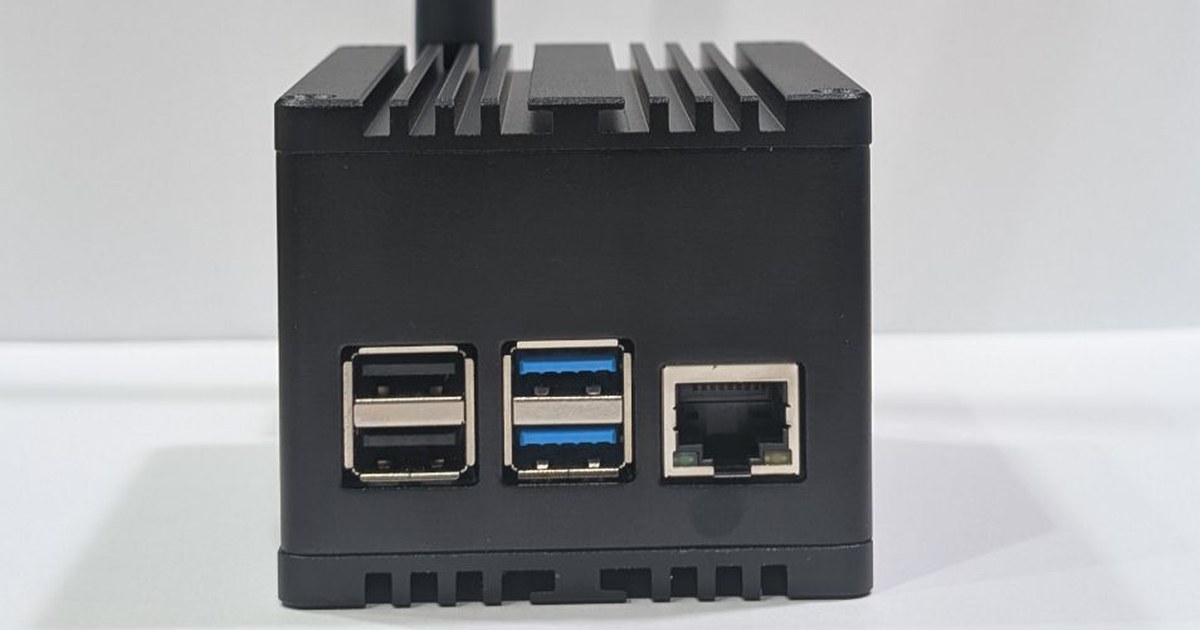
RAK WisMesh Station HP: First Look at a Pi 4 Mesh Node
RAK's WisMesh Station HP puts a Raspberry Pi 4, a WisBlock HAT, and a 1-watt-class SX1262 in a finned aluminum case. Hardware tour and what it runs.
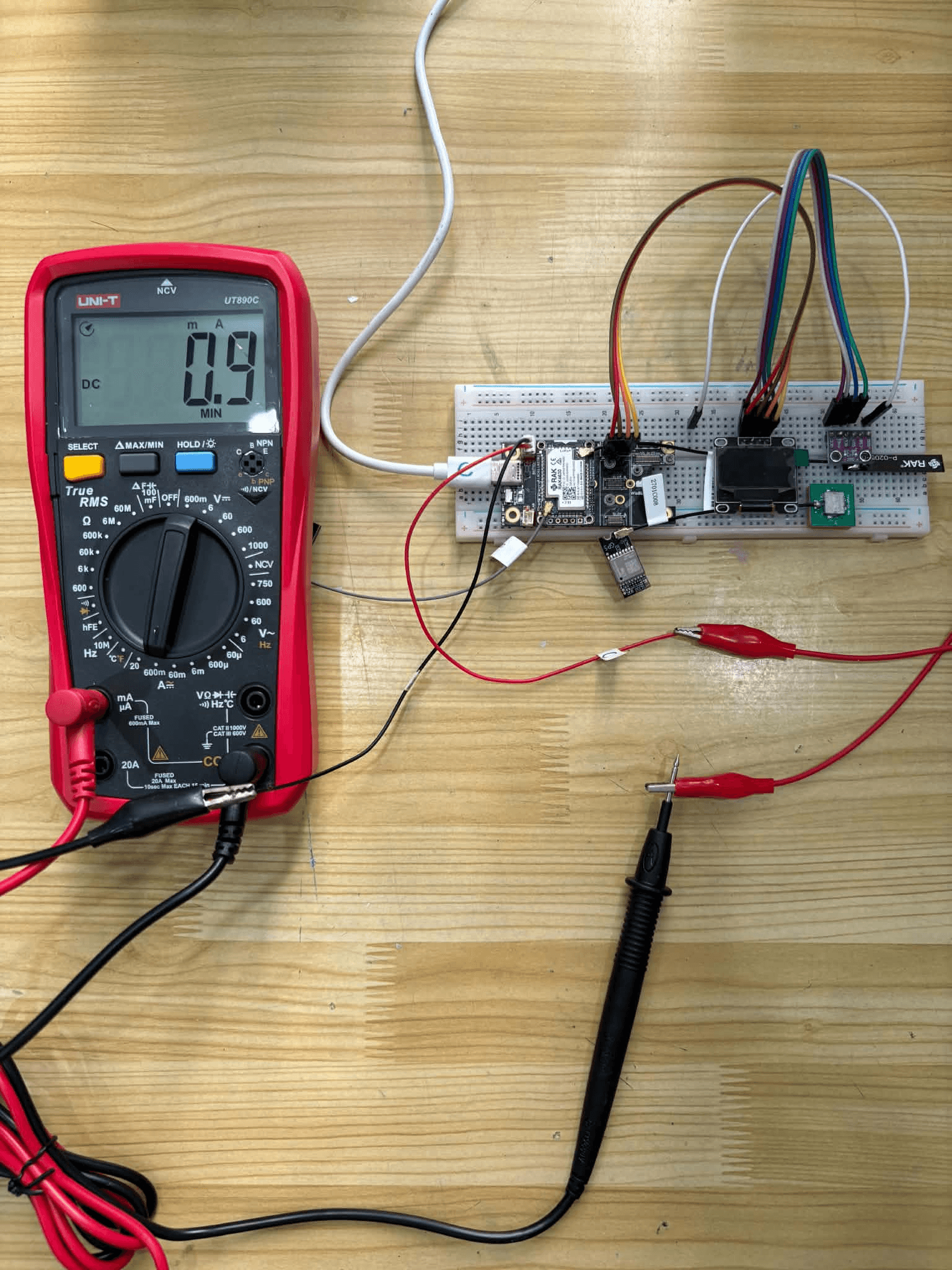
EasySkyMesh PowerSaving 17: RX Sleep Down to 0.9 mA
EasySkyMesh PowerSaving 17 adds RX duty-cycle sleep, pushing RAK4631 repeaters to 0.9 mA. Built on MeshCore 1.16, plus a GPS powersaving catch-up.

MeshCore Firmware v1.17: New Radio Logic and JSON Config
MeshCore 1.17.0 release notes: listen-before-talk rewrite, JSON config migration, new hardware (including our SenseCAP X1 port), and key fixes.