MeshCore Open: Free Companion App for Android, iOS, Desktop
MeshCore Open is a free, open-source companion app for MeshCore LoRa mesh devices across Android, iOS, Linux, Windows, macOS, and web.
There’s a free, open-source companion app for MeshCore that runs on Android, iOS, Linux, Windows, macOS, and in your web browser. It’s called MeshCore Open, and it covers the full feature set. Messaging, maps, repeater management, path tracing. Without charging for any of it.
If you’ve been using MeshCore and want a companion app that lets you manage your nodes, send messages, visualize your network on a map, and configure repeaters without paying for anything, this is it.
We’ve been running MeshCore Open on Android and Linux on our network. The writeup below mixes our own hands-on use with the feature list from the project’s documentation. When a behavior note is from actual deployment vs. documented, we say so.
What MeshCore Open Actually Does
MeshCore Open connects to your MeshCore LoRa devices over BLE, USB, or TCP and gives you a full interface for everything the mesh can do.
Messaging
- Direct messages. Private, encrypted, peer-to-peer conversations.
- Public channels. Broadcast to channel subscribers across the mesh.
- Message reactions. Emoji responses on messages.
- Swipe to reply. Threaded inline replies.
- Message retry. Automatic retry with configurable path clearing when messages fail to deliver.
- Contact sharing. Share contact info with other nodes on the mesh.
- Contact groups. Organize contacts into custom groups.
- Contact search. Filter and sort contacts by name, type, last seen, or unread status.
Map and Location
- Live network map. Every node on your mesh, displayed on an interactive map in real time.
- Node filtering. Show only chat nodes, repeaters, or sensors. Filter by time range.
- Offline maps. Download map tiles for areas with no internet. This is the whole point of off-grid networking.
- MGRS coordinates. Military Grid Reference System support for people who actually operate off-grid.
- Location sharing. Send GPS coordinates to contacts.
- Set location from map. Long-press the map to set your node’s position.
- GPX export. Export map data for use in other tools.
- Line of sight analysis. Visualize line-of-sight to repeaters for placement planning.
Repeater Management: No Charge, No Paywall
This is where MeshCore Open stands out. Managing repeaters and room servers is built in and free.
- Full CLI access. Send any command to your repeaters directly from the app.
- Settings management. Configure repeater power, frequency, bandwidth, spreading factor, network ID, and behavior.
- Telemetry dashboard. Battery voltage, traffic stats, connected clients, uptime, system health.
- Neighbor discovery. See which nodes your repeater can hear and their signal quality.
- Battery monitoring. Real-time battery percentage with configurable chemistry (NMC, LiFePO4, LiPo) so the voltage curve matches your actual battery.
- Remote management. Administer repeaters from anywhere on the mesh, not just when you’re standing next to them.
- Room server management. Same level of control for room servers.
- Repeater adverts. Enable or disable repeater advertisements.
You don’t pay extra for this. It’s in the app because it should be in the app.
Path Tracing and Signal Analysis
MeshCore’s routing is what makes it different from flood-based protocols, and MeshCore Open gives you visibility into how packets move through your network.
- Path visualization. See the route each message takes through the mesh.
- Path history. Success rates and trip times for each path.
- Manual path override. Force a specific route when you know better than the automatic routing.
- Automatic route rotation. Let the app cycle through working paths.
- Signal metrics. Real-time SNR tracking for each contact.
- Path tracing on map. Visualize routes geographically.
- Nearest repeater signal. Signal readout for the closest repeater.
Device Configuration
- Radio settings. Transmit power (10 to 30 dBm), frequency, bandwidth, spreading factor.
- GPS controls. Enable/disable GPS, configure reporting interval.
- Network settings. Mesh network ID, path hash mode.
- Battery chemistry. Set per-device so voltage readings are accurate for your hardware.
- Connection options. BLE, USB, and TCP. Use whichever fits your hardware.
Utilities
- In-app debug logging. Three-level log viewer (info, warning, error) with copy and clear, max 1000 entries with automatic rotation.
- Background BLE connection. Stays connected to your companion device in the background.
- Configurable notifications. Separate notification controls for direct messages, channel messages, and node advertisements.
- Theme support. System default, light, or dark mode.
Runs Everywhere
MeshCore Open is built with Flutter. Android APKs and Linux builds are available as prebuilt downloads. Other platforms can be built from source in a few minutes.
| Platform | BLE | USB | TCP |
|---|---|---|---|
| Android (API 21+) | Yes | Yes | Yes |
| iOS (12+) | Yes | In progress | In progress |
| Linux | Yes | Yes | Yes |
| Windows | Yes | Yes | Yes |
| macOS | Yes | Yes | Yes |
| Web (Chrome) | Yes | Yes | Needs WebSocket bridge |
The web version works in Chrome with Web Bluetooth and Web Serial. You can manage your mesh from a browser tab.
15 Languages
The app ships with localization for 15 languages: English, Chinese, French, Spanish, Portuguese, German, Dutch, Polish, Swedish, Italian, Slovak, Slovenian, Bulgarian, Russian, and Ukrainian. All contributed by the community.
Who’s Building This
MeshCore Open isn’t a one-person side project that might disappear. It has 19 contributors, 334+ pull requests merged, and 362 stars on GitHub. The top contributors (zjs81, just-stuff-tm, wel97459, benallfree, 446564) are actively shipping features and reviewing code. The project has gone through 7 alpha releases since December 2025, each one with a substantial changelog.
Recent additions include USB and TCP connectivity, line-of-sight analysis for repeater placement, ML-based adaptive timeout prediction, contact discovery, and mute channel support.
How to Install
Android
Download the latest APK from the releases page or install via Obtainium for automatic updates.
iOS
Join the TestFlight beta.
Desktop and Web
Build from source:
git clone https://github.com/zjs81/meshcore-open.git
cd meshcore-open
flutter pub get
flutter run
Prebuilt Linux binaries are also available on the releases page. Windows and macOS require building from source for now.
Why Open Source Matters for Mesh Networking
Mesh networking exists because people want communication infrastructure they control. A closed-source companion app works against that premise. If the app decides to charge for repeater management, stops getting updates, or adds telemetry you didn’t ask for, you’re stuck.
MeshCore Open is MIT licensed. The code is on GitHub. You can read it, fork it, modify it, and run it yourself. If the project direction ever changes, the community keeps the code. That’s how infrastructure software should work.
Who This Is For
If you run MeshCore nodes and you want full functionality (messaging, maps, repeater management, path tracing) without a paywall, this is the app. Android and Linux users get it with no assembly required. iOS, Windows, and macOS users can build from source or wait for more prebuilt binaries to land.
If you run a MeshCore repeater or room server, the remote management tools alone are worth installing. Being able to admin a rooftop repeater from your couch beats climbing up there with a laptop.
If you’re already deeply in the official MeshCore app workflow and you don’t need repeater admin or offline maps, there’s no pressure to switch. Run what works for your setup.
Support the Developer
If MeshCore Open is useful to you, consider supporting the project:
- Solana:
F15YanjZj96YTBtKJYgNa8RLQLCZkx5CEwogPWkqXeoQ - Monero:
453TxnpUqjkJtXxzdjMsrgERNkBRXEGamPbpC45ENrvKAk9tH7kZbxWF82Hz66etgDZyXFPEBU2JUEqhLeJyWt9kBvTVy5m - Bitcoin:
bc1qh45x28v8dslcg4v4upmqd9g0mvc3lnyffmyzr5
New to MeshCore? Our getting started guide walks you through setting up your first node in 15 minutes.
MeshCore Open is a community project. NodakMesh isn’t affiliated with MeshCore Open or its developers. We cover ecosystem tools that make MeshCore more accessible. For more on the firmware these apps connect to, see our MeshCore v1.14.1 release post or our walkthrough of how MeshCore works.
Comments
Related Posts
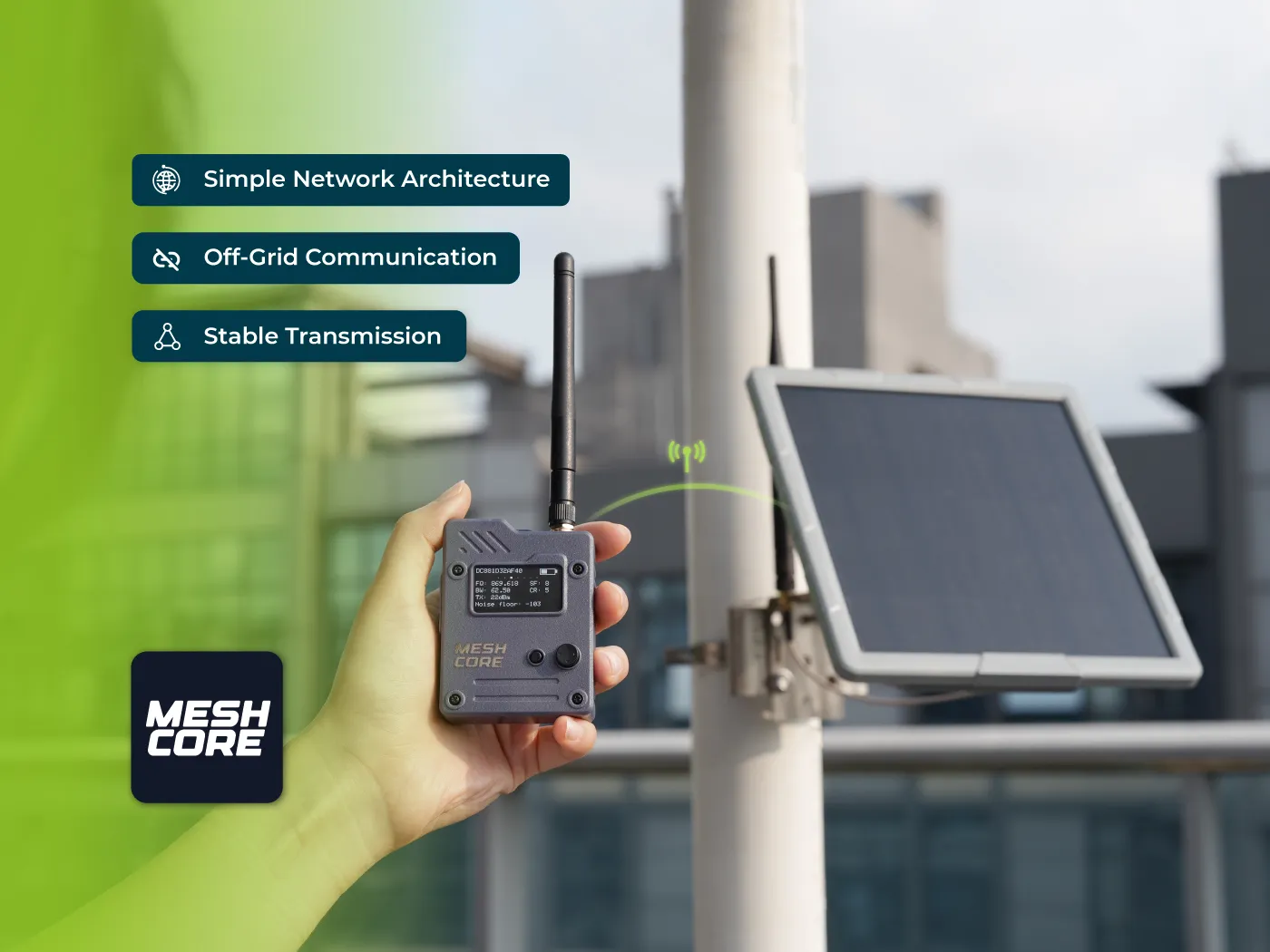
Seeed MeshCore Starter Kit: Solar Repeater + Client Bundle
Seeed's MeshCore Starter Kit bundles a solar repeater and Wio Tracker L1 Pro into one off-grid mesh. Antenna picks, setup tips, and who it's for.

MeshCore Path Hash Modes Explained: 1, 2, and 3 Byte
How MeshCore's 1, 2, and 3 byte path hashes work, why 1-byte collides at scale, and when to switch. Guide to path.hash.mode for growing meshes.

Meshtastic Range Test: Map Your Mesh Coverage
Measure and map Meshtastic coverage with the range test module, trace route, signal metrics, and MeshMapper. Field tips for flat-plains deployments.