MeshCore Now Runs on the SenseCAP MeshTracker X1
We built and upstreamed the first MeshCore port for the Seeed MeshTracker X1's LR2021 radio. Grab prebuilt firmware and flash instructions here.
MeshCore now runs on the Seeed SenseCAP MeshTracker X1, and we’re the ones who built it. The X1 ships as a Meshtastic-only device, and its Semtech LR2021 radio had no MeshCore support at all until now. We wrote the first LR2021 target for MeshCore, added a full board variant for the X1’s nRF52840, dual-band L1+L5 GPS, battery sensing, and button/LED, and submitted it upstream.
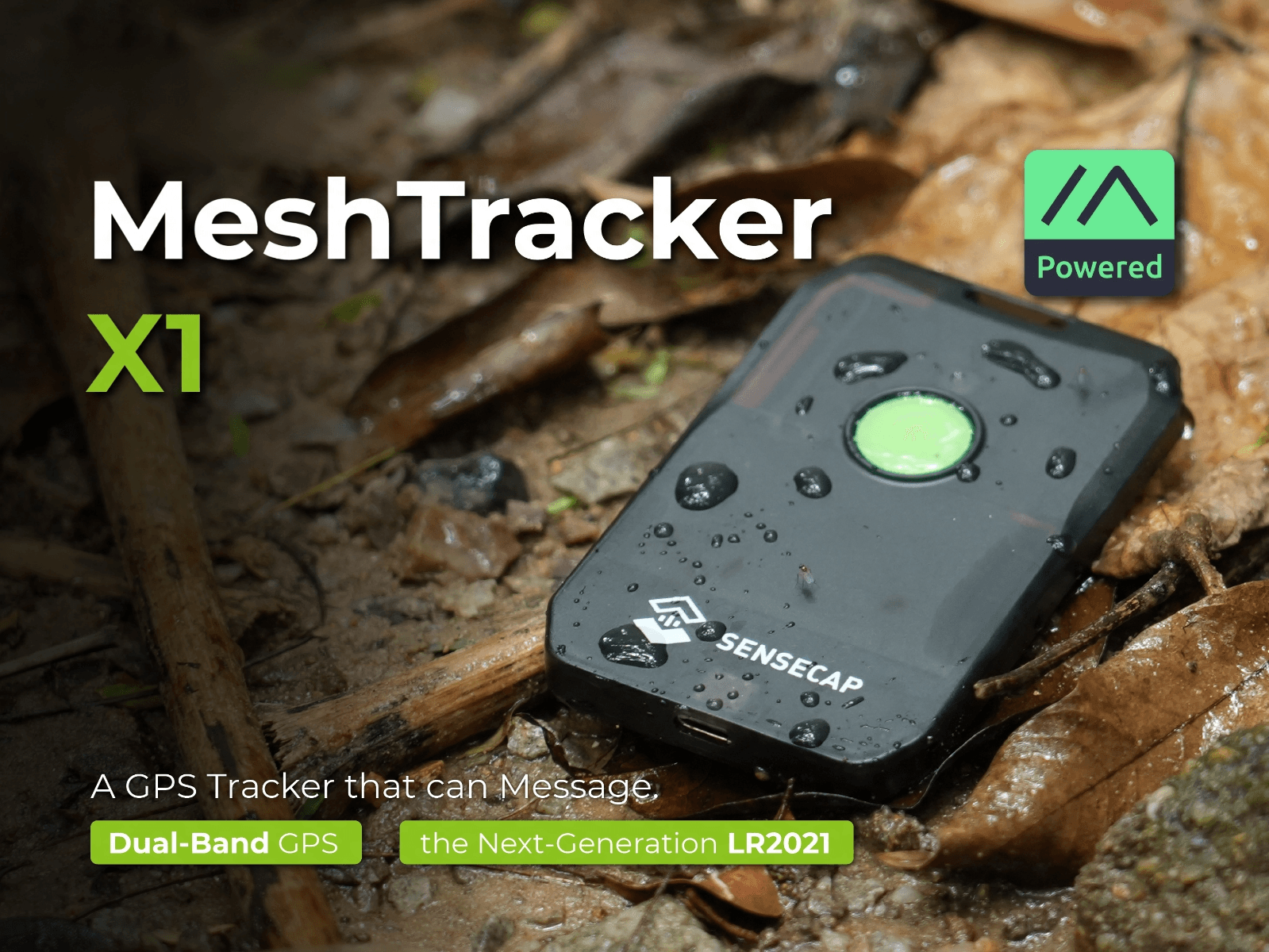
We flagged the MeshCore gap in our first look at the X1 back in July, and Seeed told us directly they were working with the MeshCore team on it. We didn’t want to just wait around, so we built our own port in the meantime. It’s now sitting as an open pull request against the official meshcore-dev/MeshCore repo, PR #3112, built against MeshCore master with RadioLib 7.7.1.
This is a community build, not an official Seeed or MeshCore release, the same disclosure we’d want on any third-party MeshCore firmware. Flash at your own risk.
What’s Verified on Real Hardware
We didn’t just get it to compile. On an actual X1, we’ve confirmed:
- Boots and stays stable
- BLE pairing with the MeshCore phone app
- Two-way over-the-air messaging with other MeshCore nodes, delivery ACKs included
- GPS fix from the onboard dual-band L1+L5 GNSS
- Battery sensing (reads 4.30 V full on the X1’s high-voltage cell)
Which Build Do You Want
| File | Use Case |
|---|---|
companion_radio_ble | Most people want this. Pairs with the MeshCore app over Bluetooth (PIN 123456) |
companion_radio_usb | Companion mode over USB serial instead of BLE |
repeater | Standalone repeater (default admin password password) |
room_server | Room/BBS server (default room password hello) |
Each build ships as both a .uf2 (drag-and-drop) and a -dfu.zip (for adafruit-nrfutil serial flashing, if you’d rather go that route).
Flashing It
- Hold the X1’s button, then quickly connect the USB-C cable twice to enter DFU mode. The LED goes solid and an
X1/X1-BOOTdrive shows up on your computer. - Copy the
.uf2file for the build you want onto that drive. The device reboots into MeshCore on its own. - First boot after switching from Meshtastic takes about 30 seconds while it formats settings storage.
Going back to Meshtastic works the same way: DFU mode, then flash a Meshtastic X1 UF2.
A couple of things to set after flashing. GPS is off by default to save battery, so turn it on in the app under node settings if you want position reporting. And the radio preset defaults to EU (869.618 MHz / BW 62.5 / SF 8), so US meshes will want to switch to 910.525 MHz / BW 250 / SF 10 in the app before joining a network.
Get It
Firmware, source, and full flashing docs are on GitHub, MIT-licensed same as MeshCore itself. If you flash one and run into anything, or if you just want to compare notes on the X1 running MeshCore, come find us on Discord.
Update: PR #3112 merged upstream on August 6. X1 support is now part of official MeshCore and will ship in the next tagged release. We’ve also opened a follow-up PR adding RGB status, haptics, and barometer telemetry. Full details on both in our follow-up post.
Don’t have an X1 yet? It’s available on Seeed Studio’s product page.
Comments
Related Posts
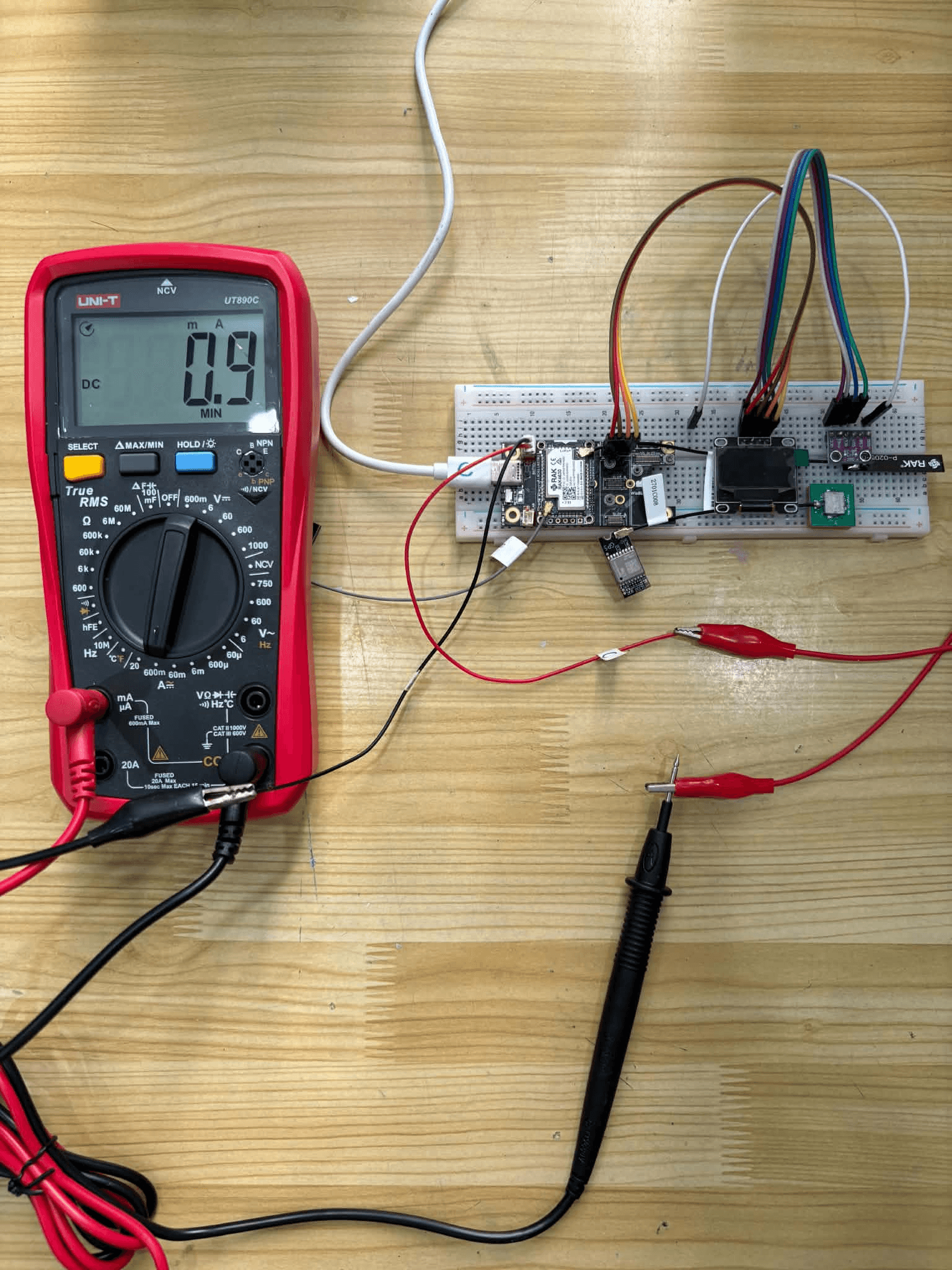
EasySkyMesh PowerSaving 17: RX Sleep Down to 0.9 mA
EasySkyMesh PowerSaving 17 adds RX duty-cycle sleep, pushing RAK4631 repeaters to 0.9 mA. Built on MeshCore 1.16, plus a GPS powersaving catch-up.

MeshCore Firmware v1.17: New Radio Logic and JSON Config
MeshCore 1.17.0 release notes: listen-before-talk rewrite, JSON config migration, new hardware (including our SenseCAP X1 port), and key fixes.
MeshCore's Next Release Will Ship With the SenseCAP X1 Built In
Our MeshCore X1 port merged upstream and will ship in the next release. Grab the full-feature v2.0.0 build with RGB status and haptics now.