EasySkyMesh PowerSaving 18: Beta on MeshCore 1.18
EasySkyMesh PowerSaving 18 is a beta on MeshCore 1.18 that turns power saving on by default for new installs. What changed, which boards, and known issues.
IoTThinks released EasySkyMesh PowerSaving 18 on October 22, and it’s the first PowerSaving build on MeshCore 1.18. The big change isn’t a new power number. It’s the defaults: on a new install, power saving, RX power saving and FEM receive gain are set for low power from the start, where 17.1 left every power saving feature off until you turned it on.
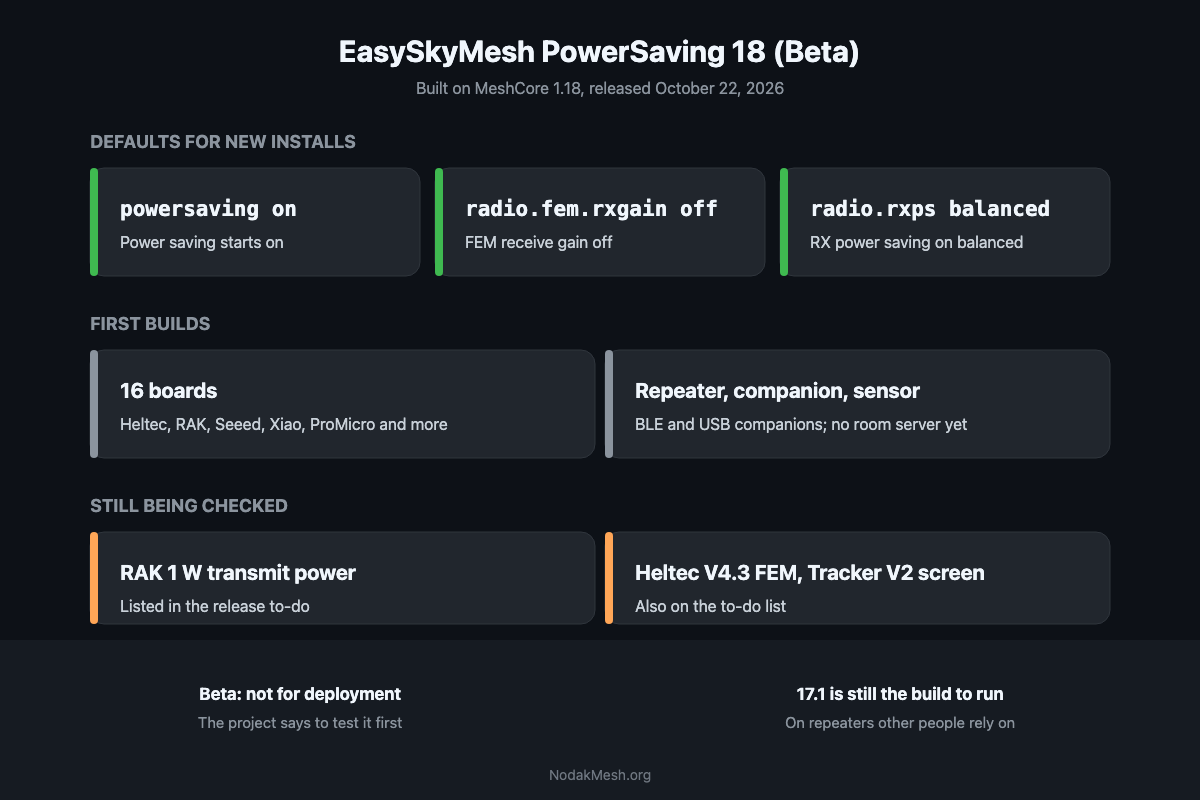
It’s a beta. The release notes open with “This is BETA for TESTING. Please do NOT use it for deployment.” For repeaters other people depend on, PowerSaving 17.1 is still the build to run.
Notes below come from the PowerSaving 18 release notes and the project’s GitHub issues and discussions.
New Defaults for New Installs
On a fresh install of a repeater, room server, companion or sensor, PowerSaving 18 starts with:
| Setting | Default in 18 | What it does |
|---|---|---|
powersaving | on | The main power saving mode for the radio and processor |
radio.fem.rxgain | off | Turns off the front-end module’s receive amplifier on boards that have one |
radio.rxps | balanced | RX power saving: the radio sleeps between listening windows instead of listening nonstop |
In 17.1, all three were off until you set them. RX power saving is the feature behind PowerSaving 17’s 0.9 mA RAK4631 repeater, and the FEM setting matters on boards like the Heltec V4.3, T096 and Tracker V2, where the 17.1 notes say turning it off saves about 10 mA. The trade is receive gain: with the FEM’s amplifier off, the radio hears weaker signals less well.
The notes describe these as defaults for new installs. If you upgrade a node that already has settings, check them after flashing rather than assuming either way.
Commands to Test
The release lists the commands it wants testers to try:
- Power saving:
powersaving on,powersaving off - RX power saving:
set radio.rxps balanced,set radio.rxps off,get radio.rxps - FEM receive gain (T096, V4.3, V4.3 R8, Tracker V2 and others):
set radio.fem.rxgain on,set radio.fem.rxgain off,get radio.fem.rxgain - GPS and GPS power saving:
gps,gps on,gps off,gps sync
MeshCore 1.18 Underneath
Because it’s built on MeshCore 1.18, PowerSaving 18 brings 1.18’s changes with it: a command line on companion firmware (our companion CLI guide covers it), a node discovery screen on companions, telemetry push for sensor nodes, and repeaters that stay hidden when their adverts are turned off. The MeshCore release tracker has the full 1.18 summary.
Which Boards Have Builds
The first builds cover 16 boards. The project says more are built on request through its Discord.
| Board | Builds |
|---|---|
| Heltec V3 | repeater, BLE companion |
| Heltec V4 | repeater, BLE and USB companion |
| Heltec V4 R8 | repeater, BLE and USB companion |
| Heltec T096 | repeater, BLE and USB companion, sensor |
| Heltec T114 | repeater, BLE companion, sensor |
| Heltec Wireless Tracker V2 | repeater, BLE and USB companion |
| RAK4631 | repeater, BLE companion |
| RAK3401 | repeater, BLE companion |
| SenseCAP Solar Node | repeater, BLE companion |
| SenseCAP T1000-E | repeater, BLE companion, sensor |
| SenseCAP MeshTracker X1 | repeater, BLE and USB companion |
| Wio Tracker L1 | repeater, BLE companion |
| Xiao nRF52840 | repeater, BLE companion |
| Xiao ESP32-C3 | repeater, BLE companion |
| Xiao ESP32-C6 | repeater, BLE companion |
| ProMicro nRF52840 | repeater |
There are no room server builds in this release yet, even though the new defaults mention room servers.
nRF52 boards get .uf2 and .zip files. ESP32 boards (the Heltec V3, V4 and Tracker V2 and the two ESP32 Xiaos) get two .bin files: an upgrade file for a node that already runs MeshCore, and a freshInstall-merged file for a new one. The EasySkyMesh flashing instructions walk through both.
Known Issues and Open Questions
The release notes include a to-do list, and several items match reports already open on GitHub:
- RAK 1 W transmit power. The to-do list says to check TX power on RAK 1 W boards, with GPS on and off. In a discussion last week, the maintainer measured a battery-powered RAK3401 1 W drawing only about 150 mA at 4.0 V, and the 5 V version about 250 mA, which the maintainer said is too low for a full 1 W transmit, with plans to check the output with an SDR. If you run a RAK 1 W repeater, hold off on 18 until that’s settled.
- Heltec V4.3 and V4.3 R8 at power-off. The to-do list includes turning the FEM off during power-off on these boards, so power-off draw may not be final.
- Heltec Wireless Tracker V2 screen. An open issue reports that on 17.1 and later, the Tracker V2 BLE companion’s screen shows no text once it times out. The reporter also measured 37.4 mA on 17.1 against 28 mA on 17.0. The maintainer expected 18 to fix it but noted they don’t have a Tracker V2 yet, and checking the screen is still on 18’s to-do list.
- Sensors. GPIO control of sensors from the command line and a check of sensor telemetry are still to come.
Two more reports from the 17.1 cycle are worth knowing about if you’re upgrading:
- A clock stuck in the future. PowerSaving keeps the clock across reboots, and MeshCore won’t move a clock backwards. In an issue on 17.1, a repeater whose clock had drifted ahead couldn’t be synced back to the right time. The fix confirmed there is
clkreboot, which resets the clock and reboots; sync the time after it comes back up. - Serial access while power saving. An open request asks for serial access, or a way to wake it, while a node is in power saving mode.
Should You Install It?
Not on a repeater other people rely on. The project says not to deploy it, and the to-do list includes transmit power on the RAK 1 W boards, which is the kind of thing you want settled before a node goes up a tower.
On a test node you can reach, yes, if you want to help. The new defaults are the part worth trying: check how a fresh install behaves, then report what you find on the PowerSaving 18 discussion or the EasySkyMesh Discord. The project says more features are coming in the next few days.
Every PowerSaving release, with the MeshCore version each is built on, is in our EasySkyMesh release tracker. New to EasySkyMesh? Start with what it is and why it matters for solar repeaters.
This post covers community firmware built on MeshCore. NodakMesh isn’t affiliated with EasySkyMesh or IoTThinks.
Comments
Related Posts
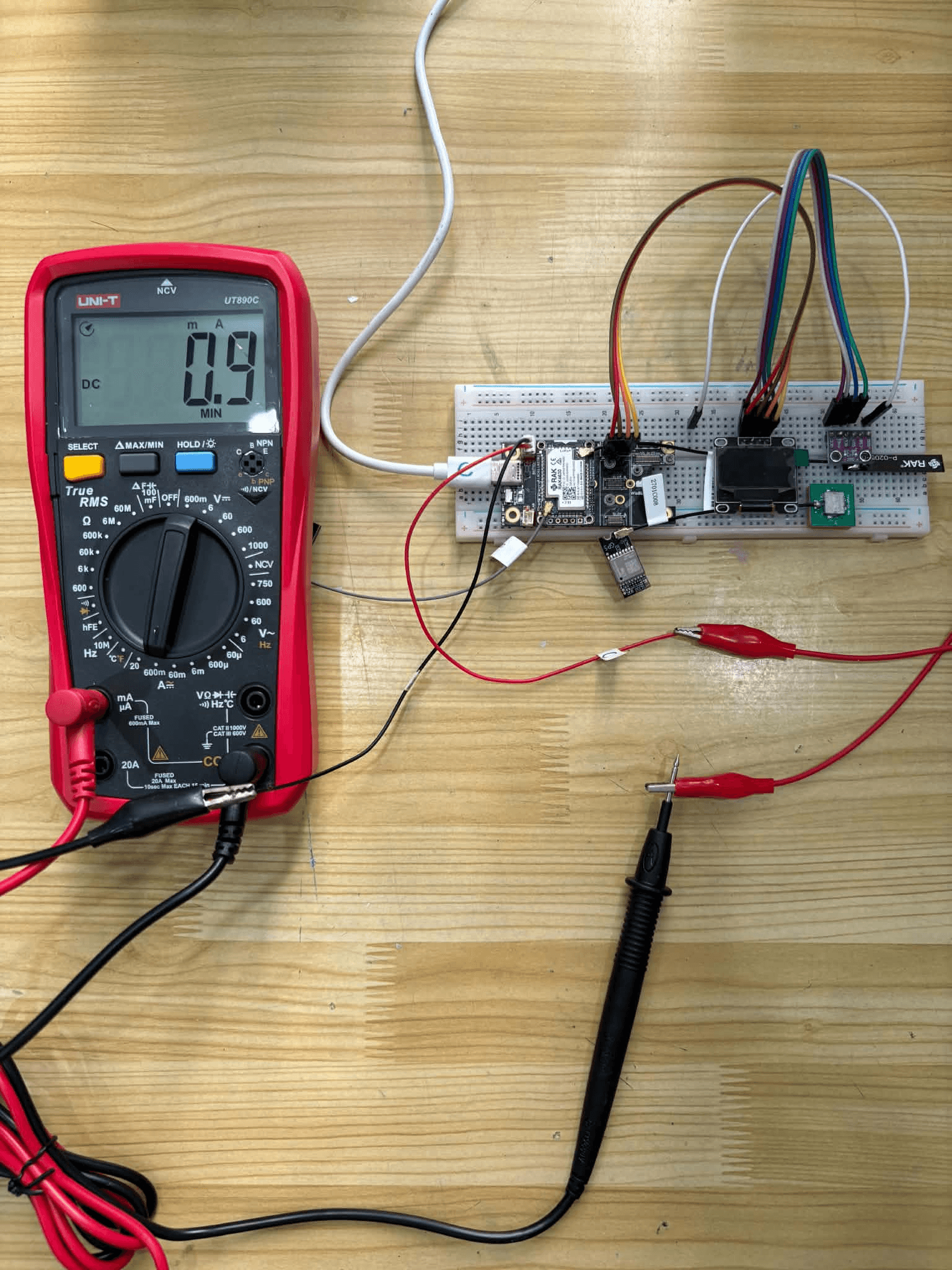
EasySkyMesh PowerSaving 17: RX Sleep Down to 0.9 mA
EasySkyMesh PowerSaving 17 adds RX duty-cycle sleep, pushing RAK4631 repeaters to 0.9 mA. Built on MeshCore 1.16, plus a GPS powersaving catch-up.
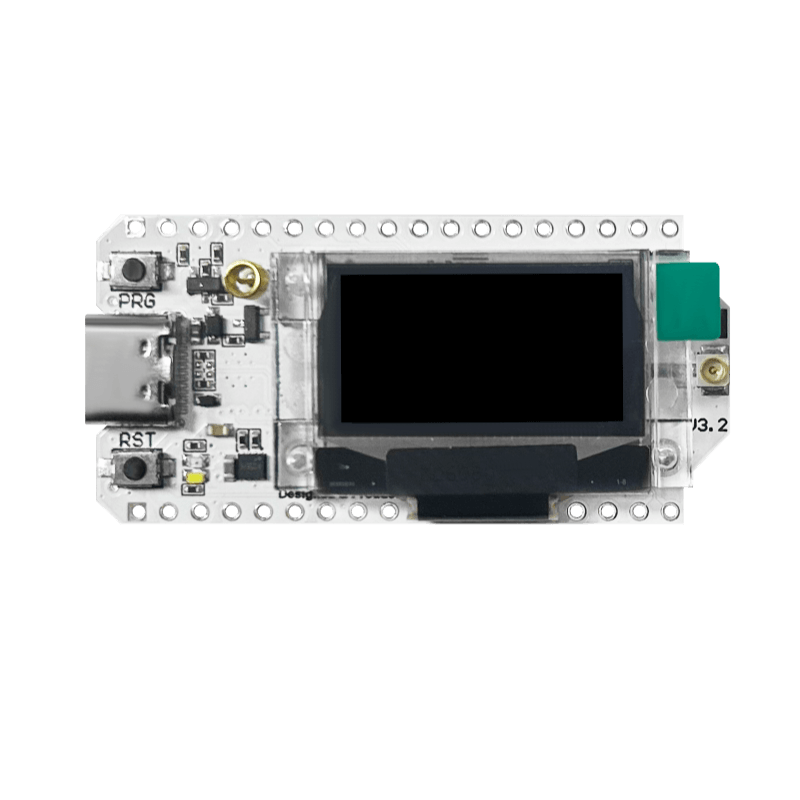
EasySkyMesh PowerSaving 15: ESP32 BLE Companion at 15-20 mA
EasySkyMesh 15 brings ESP32 BLE companion power saving, no-time-drift on repeaters, and a May 4 hotfix. Built on MeshCore v1.15.

EasySkyMesh Power Saving 14.1: Heltec V4.3 at 5.5 mA
EasySkyMesh 14.1 brings Heltec V4.3 support at 5.5 mA idle, FEM LNA toggle for 1W boards, powerlog CLI, and nRF52 companion savings to 5.8 mA.