EasySkyMesh Power Saving 14.1: Heltec V4.3 at 5.5 mA
EasySkyMesh 14.1 brings Heltec V4.3 support at 5.5 mA idle, FEM LNA toggle for 1W boards, powerlog CLI, and nRF52 companion savings to 5.8 mA.
On this page
- Heltec V4.3 Support
- FEM LNA Control: The Big Power Lever
- What this means in practice
- Power Savings Across the Board
- nRF52 companion firmware, available now
- ESP32 companion firmware, pending
- PowerLog: Debug Why Your Node Reset
- Sensor CLI and I2C Improvements
- ESP32 Date Persistence Across Resets
- How to Flash
- Should You Update
- Support the Developer
EasySkyMesh just dropped Power Saving 14.1, and the headline number is worth paying attention to: 5.5 mA idle on the Heltec V4.3. That’s an always-on repeater, actively listening for packets and ready to forward, pulling 5.5 mA.
Built on top of MeshCore v1.14.1, this release adds Heltec V4.3 support, granular control over the Front End Module LNA on 1W boards, a new powerlog CLI for crash debugging, and meaningful power reductions across companion firmware.
Numbers below come from the EasySkyMesh release notes and board-specific testing by Wireless Rocks (credited inline).
Heltec V4.3 Support
The Heltec V4.3 is now fully supported, with automatic detection between V4.2 and V4.3 hardware revisions. No manual configuration needed. The firmware figures out which board it’s running on and adjusts.
What makes the V4.3 interesting is the combination of 1W output power with controllable FEM hardware. That FEM control is what unlocks the power savings below.
FEM LNA Control: The Big Power Lever
This is the most operationally significant addition in the release. On 1W boards like the Heltec V4.3, the Front End Module includes an external Low Noise Amplifier that improves receive sensitivity. At a cost of up to 7.8 mA of additional current draw.
EasySkyMesh 14.1 gives you direct CLI control over this:
set radio.fem.rxgain off    # Disable FEM LNA (saves up to 7.8 mA)
set radio.fem.rxgain on     # Enable FEM LNA (better RX sensitivity)
get radio.fem.rxgain        # Check current state
This is separate from the chip-level LNA inside the SX1262, which you control with:
set radio.rxgain off        # Disable chip LNA (saves ~0.5 mA)
set radio.rxgain on         # Enable chip LNA
What this means in practice
| Configuration | Heltec V4.3 Idle Current |
|---|---|
| FEM on, chip LNA on | ~13 mA |
| FEM off, chip LNA on | ~5.8 mA |
| FEM off, chip LNA off | ~5.5 mA |
That’s a 2.4x reduction just by toggling two settings. The tradeoff is receive sensitivity. You’re giving up range on the RX side. For many repeater deployments, especially dense urban meshes or solar-powered nodes where the power budget matters more than maximum receive range, that tradeoff is well worth it. Credit to Wireless Rocks for V4.3 power testing and validation.
Note: the Heltec V4.2 returns “Not supported” for radio.fem.rxgain because V4.2 hardware doesn’t expose FEM control. The Heltec T090 is also excluded from FEM LNA control in this release.
Power Savings Across the Board
Current idle draw with power saving enabled:
| Board | Repeater / Room Server | Companion |
|---|---|---|
| RAK4631 (nRF52) | 5.0 mA | 5.8 mA |
| Heltec V3 (ESP32) | 10 mA | Not yet released |
| Heltec V4.2 | 13 mA | Not yet released |
| Heltec V4.3 (FEM off) | 5.5 mA | Not yet released |
nRF52 companion firmware, available now
Companion firmware on nRF52 now runs power saving by default. No CLI toggle needed. That’s a drop from 9 mA down to 5.8 mA out of the box. Binaries are available for these boards:
- RAK4631
- RAK3401
- RAK WisMesh Tag
- Heltec T114
- LilyGo T-Echo
- T1000-E
- Seeed WioTracker L1
- Xiao nRF52
ESP32 companion firmware, pending
The release notes originally targeted March 30 for ESP32 companion binaries (Heltec V3 and V4), but as of this writing those binaries haven’t been uploaded yet. Check the release page for updates. They could land any day.
Repeaters and room servers use the CLI to enable power saving:
powersaving on     # Enable power saving mode
powersaving off    # Disable
powersaving        # Check current state
PowerLog: Debug Why Your Node Reset
The new powerlog CLI command shows you:
- Last reset reason. Was it a software fault, watchdog timeout, or brownout?
- Last shutdown reason (nRF52 only). What triggered the shutdown.
- Last boot voltage (nRF52 only). Battery voltage at the moment the node came back up.
When a remote node resets and you don’t know why, powerlog gives you the forensics. A boot voltage of 2.9V tells you the battery sagged. A watchdog reset points to a firmware hang. A brownout tells you your power supply can’t handle transmit current spikes.
Sensor CLI and I2C Improvements
The sensor CLI command now lists I2C and GPS serial pin assignments for your board. Quick sanity check when wiring up BME280, BME680, or BMP280 sensors. No more hunting through datasheets to confirm which pins the firmware expects.
Other sensor improvements:
- Automatic I2C address selection for BME280, BME680, and BMP280. The firmware probes both 0x76 and 0x77 and uses whichever responds.
- I2C probe on startup so only connected sensors are initialized, reducing unnecessary bus traffic and power draw.
- New board support for Xiao S3 (non-Wio) and Wio SX1262 with I2C on D6/D7.
ESP32 Date Persistence Across Resets
Previously, an ESP32 crash, watchdog reset, or brownout would lose the system date. Now the date is preserved across these events. This matters for logging and telemetry. When you’re reviewing sensor data after a node hiccup, timestamps that say “January 1, 1970” are useless. Accurate timestamps after a reset mean your data stays interpretable.
How to Flash
Upgrade existing devices. Download upgrade.bin from the release.
Fresh installs. Download freshInstall-merged.bin.
Detailed flashing instructions: Flash Custom Firmware Guide.
Sensor wiring guide: Add Sensors to Repeaters.
Source code: PowerSaving-v14.1 branch.
Download EasySkyMesh Power Saving 14.1.
Should You Update
If you’re on any previous EasySkyMesh release, yes. The FEM LNA control alone is worth it for anyone on 1W hardware. You now have a real knob for trading RX sensitivity against power draw. Companion power savings enabled by default on nRF52 means less configuration on fresh installs. And powerlog will pay for itself the first time a remote node acts up and you need to know why.
Upgrade your easy-to-access devices first. That’s good advice from the EasySkyMesh team and it applies doubly here. Test the new power saving behavior on nodes you can reach before rolling it out to your rooftop repeaters.
Support the Developer
Power optimization, board-specific tuning, sensor integration, and release packaging. This is the work that makes MeshCore deployable in the field. If EasySkyMesh is running your backbone:
- PayPal: paypal.me/iotthinks
- GitHub Sponsors: github.com/sponsors/IoTThinks
Newer PowerSaving builds, and every earlier one, are listed in our EasySkyMesh release tracker.
This post covers community firmware built on MeshCore. NodakMesh isn’t affiliated with EasySkyMesh or IoTThinks. We highlight ecosystem work that makes mesh networking more practical for everyone. For more on the base firmware this release builds on, see our MeshCore v1.14.1 release post.
Comments
Related Posts
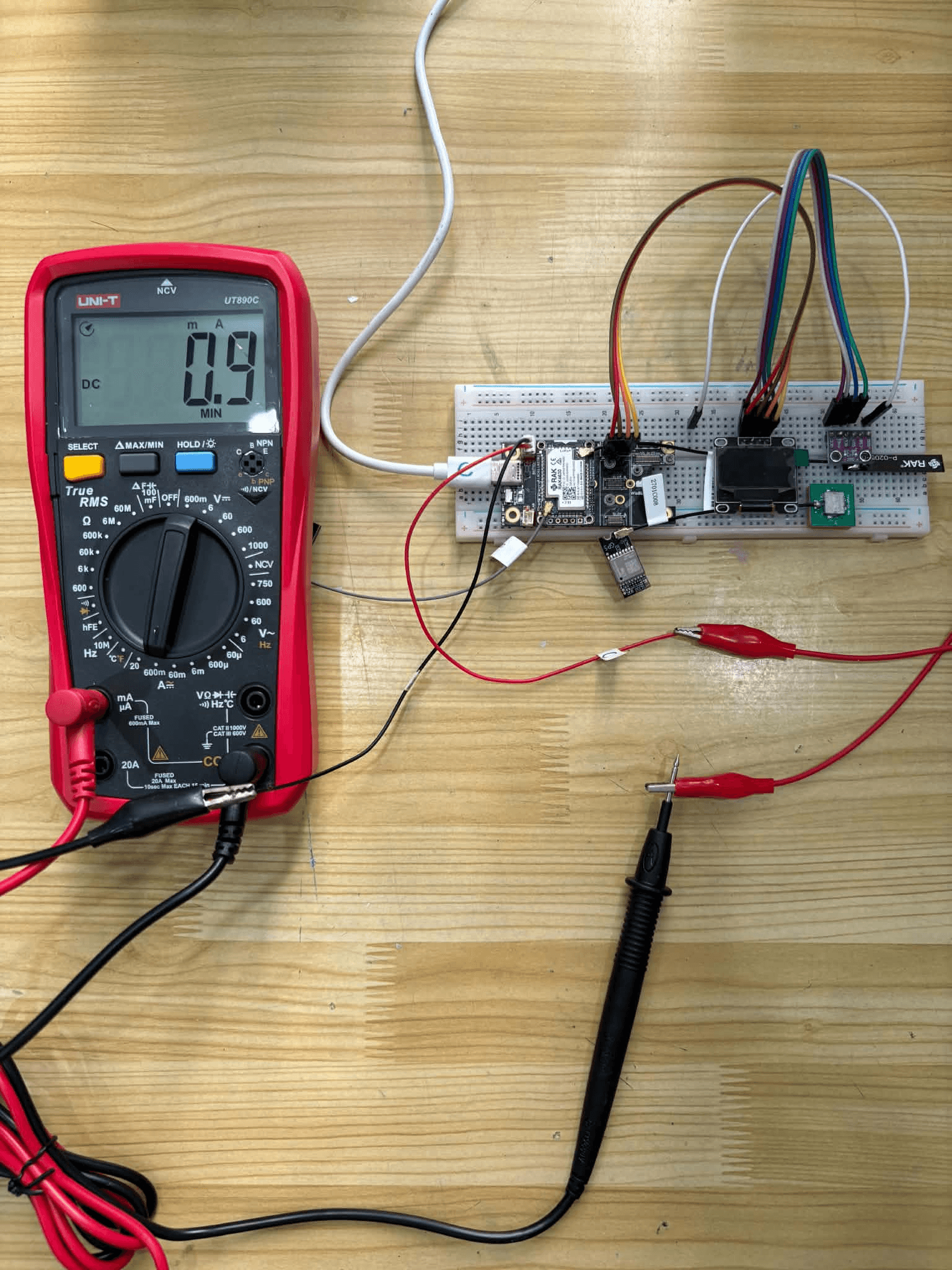
EasySkyMesh PowerSaving 17: RX Sleep Down to 0.9 mA
EasySkyMesh PowerSaving 17 adds RX duty-cycle sleep, pushing RAK4631 repeaters to 0.9 mA. Built on MeshCore 1.16, plus a GPS powersaving catch-up.
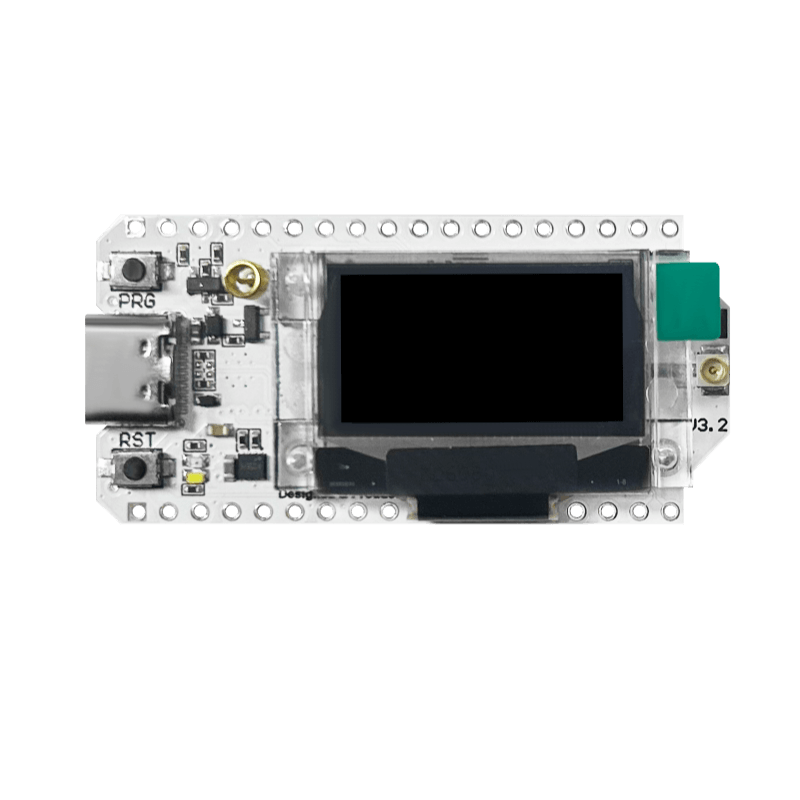
EasySkyMesh PowerSaving 15: ESP32 BLE Companion at 15-20 mA
EasySkyMesh 15 brings ESP32 BLE companion power saving, no-time-drift on repeaters, and a May 4 hotfix. Built on MeshCore v1.15.

MeshCore Firmware v1.14.1: GPS Sync, Duty Cycle, New Devices
MeshCore 1.14.1 adds GPS auto-sync, token-bucket duty cycle, SenseCAP P1 and GAT562 support, LNA toggle CLI, and three packet bug fixes.